
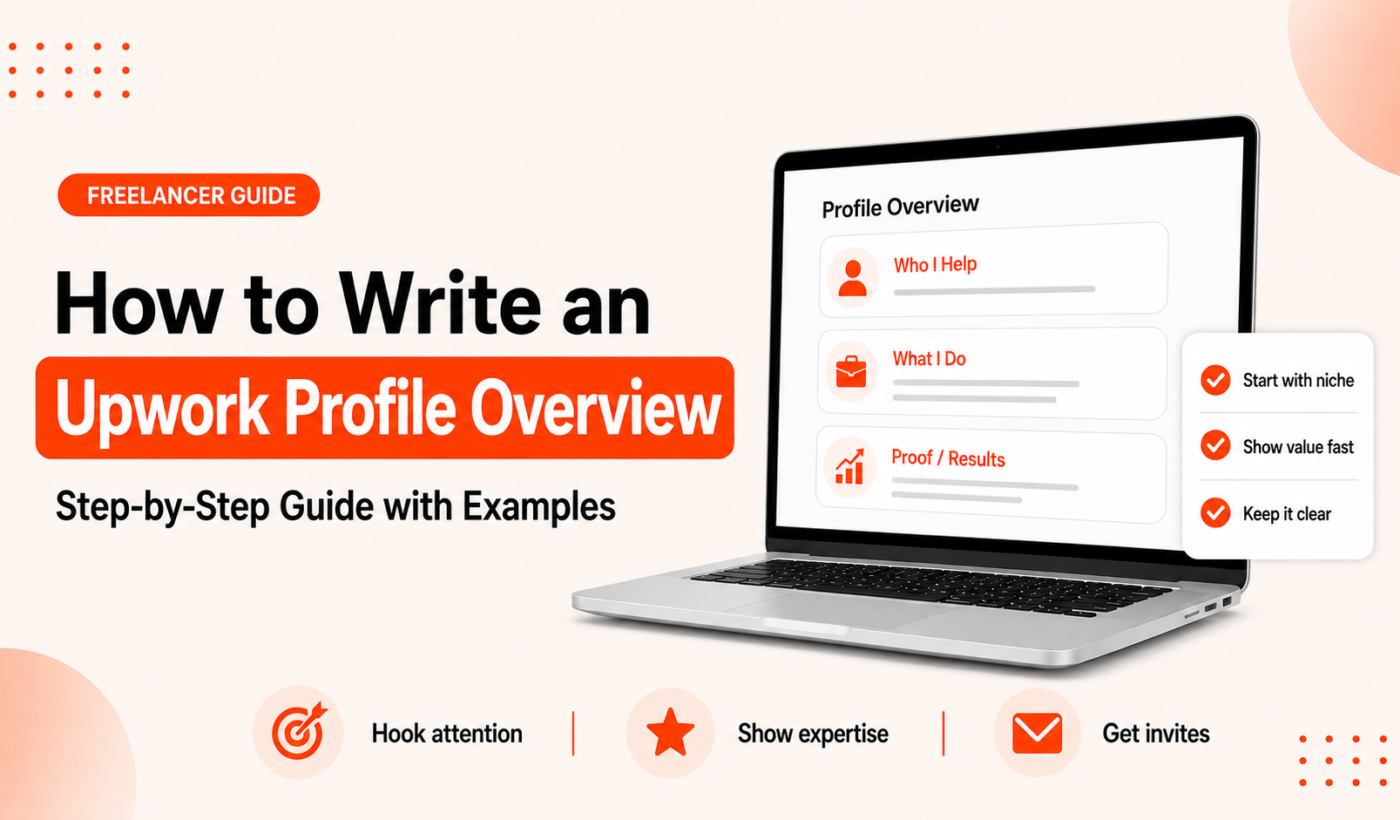
If you’re wondering how to write an Upwork profile overview, this guide will walk you through a practical, repeatable process. A strong overview turns profile views into messages and invites. Read the steps, use the templates, and finish with a ready-to-publish overview that matches your title, skills, and portfolio.
Why your Upwork profile overview matters
What clients read first: testing the reader’s attention span
Most clients skim. They read your title, glance at your overview opening line, then check skills and portfolio. Your overview needs to capture interest in the first one or two sentences.
How the overview interacts with your title, skills and portfolio
The title gets you discovered; the overview converts interest into contact. Use the title for a precise role (for example: “WordPress Developer — Performance & WooCommerce”). Use the overview to explain who you help, what you deliver, and how you prove it. Your portfolio provides the evidence you reference in the overview.
Common outcomes of a weak vs. strong overview
- Weak overview: vague claims, long self-history, no clear next step — fewer invites.
- Strong overview: focused opening, client-centered value, concise proof, clear call-to-action — more messages and relevant invites.
Quick note: Upwork terms and character limits (what to verify before you write)
Where to find official Upwork Help documentation
Before publishing, always confirm current limits and policy details on Upwork Help. Policies and field limits change, so check the official documentation for accuracy.
Typical field limits to confirm (title, overview, specialized profiles)
Common fields to verify include title length, overview (summary) character limits, and special rules for specialized profiles. Confirm these values on Upwork Help before finalizing text to avoid truncation.
Profile overview anatomy: the parts that matter
Opening hook: one sentence that grabs attention
Start with a client-focused sentence that says who you help and the main benefit. Keep it short — one clear idea.
Value proposition: who you help and how
Follow with a concise value sentence: the type of client, the services you offer, and the outcome you help create. Use client-facing language, not internal job titles.
Key skills and evidence: concise proof points
Add 2–3 short proof points: technologies, relevant metrics, notable project types, or a portfolio reference. Avoid specific client names or fabricated results.
Portfolio highlights and outcomes (not guarantees)
Reference portfolio items and the type of results clients saw, in neutral language (for example: “reduced page load times by focusing on core web vitals”), without promising guaranteed outcomes.
Call-to-action: how to invite contact or a first task
End with a friendly CTA that invites a quick next step: a short meeting, a trial task, or a review of the client’s brief.
How to write an Upwork profile overview: step-by-step writing process (with templates)
Step 1 — research: target clients, language and keywords
Scan job listings your ideal clients post. Note the phrases and skills they list. Use those natural terms in your overview to match client language and improve discoverability.
Step 2 — craft a clear opening line (3 examples)
- “I help early-stage SaaS companies fix slow onboarding experiences so more users complete signup.”
- “Freelance copywriter for B2B software teams — I turn features into clear sales copy.”
- “Designer focused on conversion-focused landing pages for fintech startups.”
Step 3 — write a client-focused value sentence
Combine who you help + how you help + main benefit. Example: “I build WordPress stores using WooCommerce and performance-focused themes so customers load faster and convert more.”
Step 4 — add 2–3 evidence bullets or short sentences
- “Skills: WordPress, WooCommerce, PHP, performance optimization.”
- “Recent projects: speed audits, theme customization, payment flow fixes.”
- “Portfolio: see example store links in my portfolio section for before/after snapshots.”
Step 5 — finish with a friendly call-to-action
Examples: “Message me with a brief of your site and I’ll suggest the first steps.” or “If you want faster checkout pages, send your store URL and I’ll review.” Keep it low-friction.
Three full Upwork bio examples (beginner, experienced freelancer, agency/small team)
Beginner
“I help small businesses get clear, customer-focused website copy. I work with short discovery notes and deliver 1–2 page home/about drafts. Message me with your site or a brief and I’ll share a short plan.”
Experienced freelancer
“Conversion-focused UX designer for ecommerce teams. I redesign product pages and checkout funnels to reduce cart abandonment. Skills: Figma, user testing, A/B test-ready designs. See my portfolio for recent ecommerce redesigns. Message me and I’ll outline quick wins for your store.”
Agency / small team
“Small team specializing in B2B product launches: product messaging, landing page design, and email sequences. We pair a strategist with a designer and copywriter. Recent work includes launch pages for three SaaS companies (portfolio links). Contact us for scoped proposals and timelines.”
Templates: 25-, 75- and 150-word versions
Use short templates for quick edits. If you need to shorten longer drafts, use the Summarize text for free tool to refine longer content into focused versions.
- 25 words: “I help [client type] with [service], improving [benefit]. Message me to discuss your project and next steps.”
- 75 words: “I help [client type] solve [problem] using [skills]. Recent work: [project types]. I focus on measurable improvements like [benefit]. Send your brief and I’ll propose the first tasks and timeline.”
- 150 words: Longer version covers your process, 2–3 proof points, and a CTA. Keep paragraphs to one idea each and replace general phrases with specifics from your portfolio.
Keyword and SEO tips for Upwork profiles
Choosing primary and secondary keywords (example keywords)
Pick a primary keyword that reflects the main service clients search for, and 1–2 secondary keywords for specialties. Examples: “WordPress developer” (primary), “WooCommerce” (secondary).
Where to place keywords (title, overview, skills, specialized profiles)
Use the primary keyword in your title and in the first sentence of your overview. Place secondary keywords naturally in evidence bullets and the skills field. If you use specialized profiles, tailor keywords per profile.
Avoiding keyword stuffing while staying discoverable
Write for clients first. Use keywords where they fit naturally. Repeating the same phrase unnaturally hurts readability and client trust.
Formatting, tone and readability checklist
Ideal length and paragraph structure
Aim for a concise overview: typically 75–200 words depending on experience. Use short paragraphs and bullets for readability.
Tone dos and don’ts (client-focused, not braggy)
- Do: speak directly to client needs and outcomes.
- Don’t: list long career histories or irrelevant personal details.
Readability tips: short sentences, bullets, numbers
Use bullets for skills and proof points. Numbers are useful if factual and verifiable (avoid invented stats).
Proofreading checklist
- Read aloud for natural tone.
- Use the Paraphrase text for free tool to test alternate phrasings.
- Run a final check with the Check grammar for free tool before publishing.
Examples and before / after rewrites
Before: a generic overview
“Experienced developer available for web projects. Have worked on many websites and can help with requests.”
After: an optimized overview with explanation of each change
“I build fast, maintainable WordPress sites for small ecommerce brands. I focus on checkout speed and secure payment flows. Skills: WordPress, WooCommerce, PHP, performance tuning. Send your site URL and I’ll suggest two quick improvements.”
Changes explained: opening line specifies who and benefit; proof points list relevant skills; CTA invites a low-friction next step.
Niche examples: writer, developer, designer
For writers, align the overview with the type of copy you produce and link to writing samples. For developers, call out main stacks and portfolio pages. For designers, reference case studies and conversion-focused work; you can adapt proposal language using the Upwork proposal template for writers when matching profile tone to pitches.
Common mistakes and how to fix them
- Too much inside information: Remove long job histories; keep only what proves your fit.
- Vague claims: Replace with specific skills and portfolio references.
- No call-to-action: Add a simple next step request.
- Ignoring the title and skills fields: Align title and skills with your overview keywords.
Final checklist and ready-to-publish workflow
Pre-publish checklist (10 items)
- Confirm Upwork character limits on Upwork Help.
- Title contains your primary keyword and role.
- Opening sentence states who you help and the main benefit.
- Two to three proof points or skills listed.
- Portfolio references included when relevant.
- Friendly, low-friction CTA added.
- Readability: short paragraphs and bullets.
- Proofread with the Check grammar for free tool.
- Test alternate phrasings with Paraphrase text for free if needed.
- Publish and view your profile as a client would.
How to test: view your profile as a client would
Open your profile in an incognito browser or ask a friend to review. Then use the Generate a free personalized Upwork proposal tool to align proposals with your updated profile messaging.
When to iterate: signals your overview needs updating
Update when your niche changes, when you add meaningful portfolio work, or when invites are off-target despite applying for relevant jobs.
Next steps and suggested tools
- Generate a free personalized Upwork proposal — match your profile with targeted proposals after publishing.
- Humanize AI text for free — make sure your overview sounds natural and human.
- Keep messaging consistent across platforms: try Improve your LinkedIn headline and bio and read our article on the Upwork Profile Summary that Attracts Clients for deeper tips.
Frequently asked questions
How long should my Upwork profile overview be?
There’s no single correct length. Aim for clarity: typically 75–200 words depending on experience. Shorter for entry-level freelancers, longer for experienced pros who need to explain their process.
Should I mention specific clients or earnings in my overview?
Do not list client names without permission. Avoid earnings claims. Focus on the type of clients and the results you help create without promising guaranteed outcomes.
How do I include keywords in my Upwork overview without sounding spammy?
Use the keywords naturally in your opening sentence and skill bullets. Match client language from job posts but prioritize clear, client-focused writing over repetitions.
What’s the difference between my title and my overview on Upwork?
The title is a concise label used for search and discovery. The overview is where you explain how you help clients, provide proof, and invite contact.
How often should I update my Upwork profile overview?
Review it every 3–6 months or after major work, new skills, or a change in your target client. Iterate when invites or hiring outcomes change.
If you’re ready to start sending proposals that match your new profile, Generate a free personalized Upwork proposal now. Use the Humanize AI text for free tool to polish any AI draft, and the other Typing Engine tools to proofread and refine your final overview before publishing.