
Popular
LinkedIn Post Generator
Turn ideas, updates and expertise into polished LinkedIn posts.
Social Media
7 focused inputs
Free AI writing tools
Create social posts, proposals, bios, captions and website documents in minutes. The tools are free to use and do not require signup.
Free to use, no account required.
Freelance growth gets easier when your offer is specific, your proof is visible and your next step is simple.
Filter by the job you need done today.
Turn ideas, updates and expertise into polished LinkedIn posts.
Create short, memorable bios for personal brands and businesses.
Draft sharper LinkedIn headlines and About sections for your goals.
Write focused client proposals from job posts, skills and proof points.
Create captions with tone, hashtag and emoji controls.
Create a structured starter privacy policy for websites and apps.
Generate hashtag sets by topic, niche, platform and reach strategy.
Rewrite AI-sounding text so it feels clearer, warmer and more natural.
Rephrase sentences and paragraphs while keeping the original meaning.
Check grammar, spelling, punctuation and clarity before publishing.
Turn long text into concise summaries, bullets or key takeaways.
Improve a paragraph for clarity, flow, tone and readability.
Create concise meta descriptions for pages, posts and product pages.
Generate clickable, search-friendly blog post title ideas.
Write stronger opening lines for posts, videos, emails and articles.
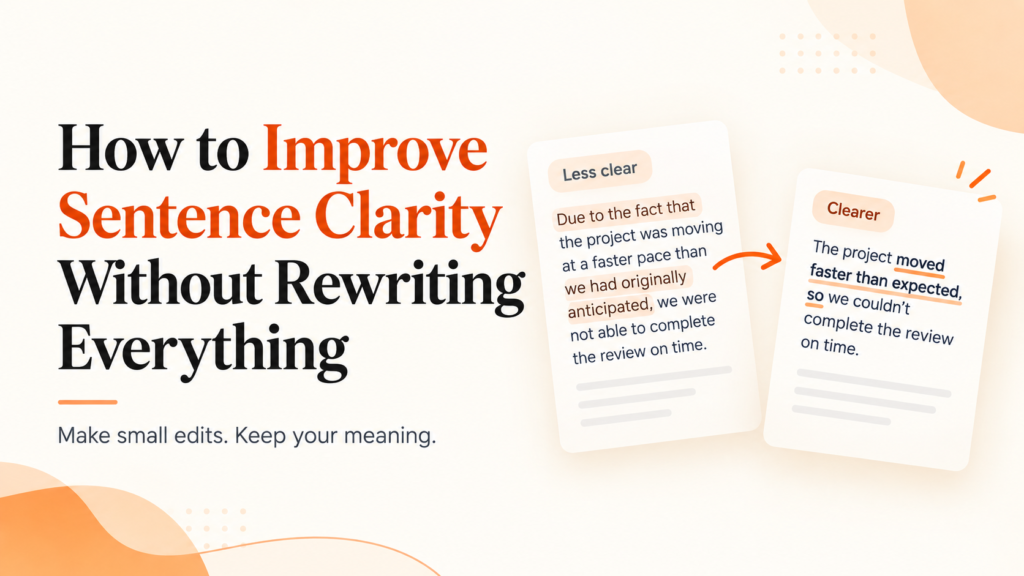
Small edits can make your sentences clearer without a full rewrite. Use these quick fixes, simple tests, and a tool-based workflow to…
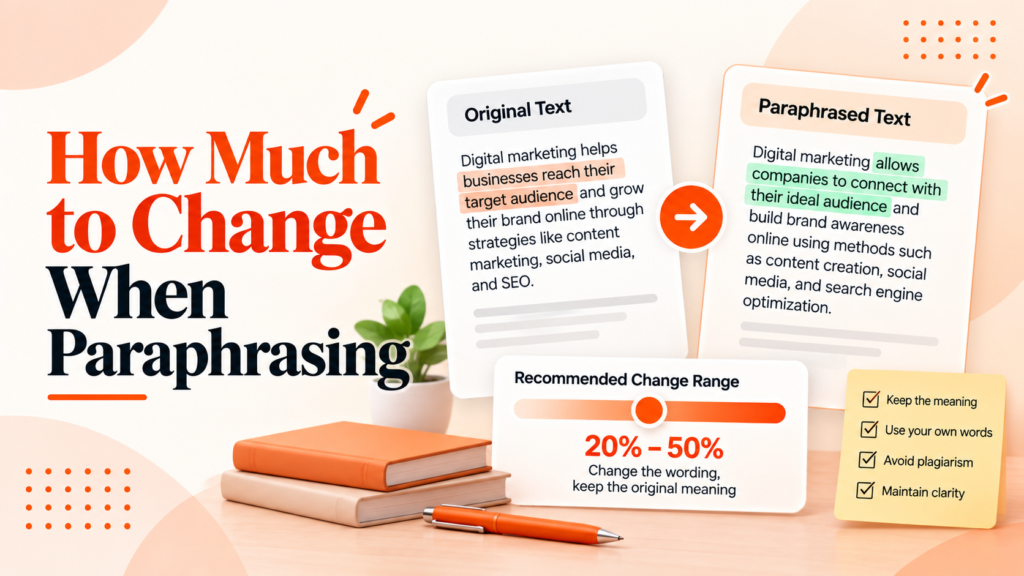
Practical rules and examples that show how much to change when paraphrasing, plus a citation guide and a pre-submission checklist for students…
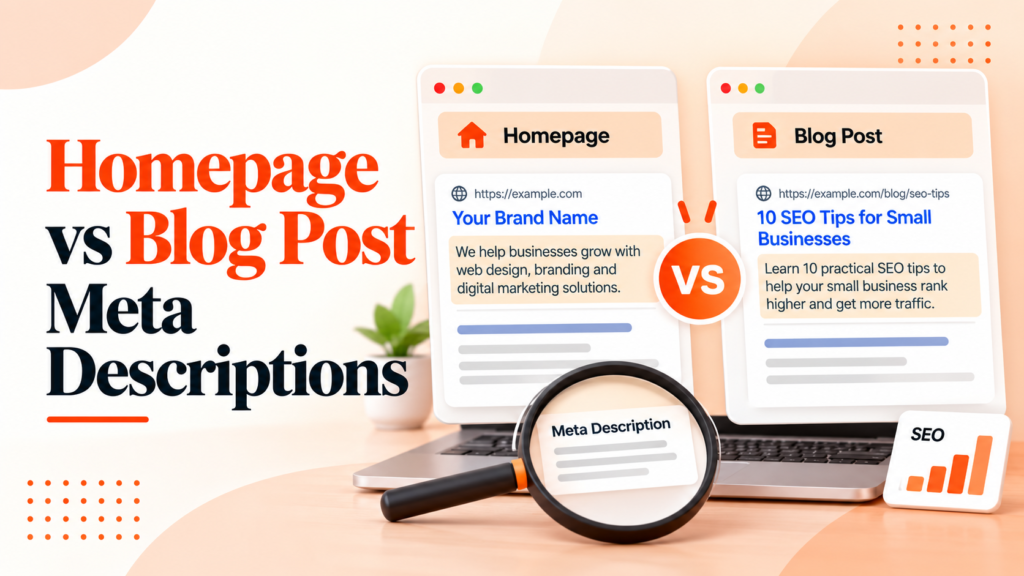
Learn the practical differences between homepage and blog post meta descriptions, with templates, examples, and a 30-minute action plan.
The proposal structure helped me respond faster without sounding generic.
A freelance marketer Upwork Proposal GeneratorIt gives me a useful first draft that I can make my own in a few minutes.
A creator LinkedIn toolsThe bio options were short, clear and much easier to edit than starting blank.
A small business owner Twitter/X Bio GeneratorTyping Engine helps you create first drafts for common online writing tasks, including LinkedIn posts, social bios, Upwork proposals, Instagram captions, hashtag ideas and privacy policy drafts. Each tool has focused fields so you can give the AI the right context instead of starting with a blank prompt.
Yes. The live tools are free to open and use from your browser, with no payment step required before you generate a result. If paid features are ever added later, the free tools should still make it clear what is available before you spend time filling out a form.
No account is required for the public tools. You can choose a generator, add your details, and create a draft without going through a signup form, email confirmation or dashboard setup.
The best results usually come from specific input. Add the audience, goal, tone, platform, important facts and any constraints you care about, then treat the generated result as a draft you can edit into your own voice.
You can use generated drafts as a starting point for business, freelance and client work, but you should review everything before publishing. Check facts, remove anything that sounds generic, follow platform rules and make sure the final version matches your brand or client expectations.
AI results can vary based on your inputs, selected tone and the model response, so two generations may not be identical. Still, you should edit important content, add original examples and avoid publishing sensitive or high-stakes text without human review.
Several tools include language controls so you can request output in the language that fits your audience. For best results, write your source details clearly and review the final text for natural phrasing, regional wording and any industry-specific terms.
The theme is designed to process generator requests without saving sensitive form inputs as public content. You should still avoid entering private passwords, financial details, medical information, legal secrets or client data that should not be sent to an AI service.
Yes. The tool pages, forms and result areas are designed to work in modern mobile browsers, so you can draft a caption, bio or proposal from a phone. Larger screens may still be more comfortable for long edits or reviewing multiple generated options.
Yes. The tools are built for copy-ready drafts that you can edit, shorten, expand or reuse in your own workflow. The smartest approach is to keep the useful structure, then add your own proof, examples, details and final judgment.
Not always. AI can produce useful wording quickly, but it can also miss context, invent details or choose a tone that does not fit your audience, so every important draft should be checked before it goes live.
Start with the tool closest to your immediate task. Use the LinkedIn tools for professional posts and profiles, the Upwork tool for proposals, the Instagram tools for captions and hashtags, and the privacy policy tool when you need a structured website policy draft.
Explore free AI tools for social media, freelancing, career content and website documents.