
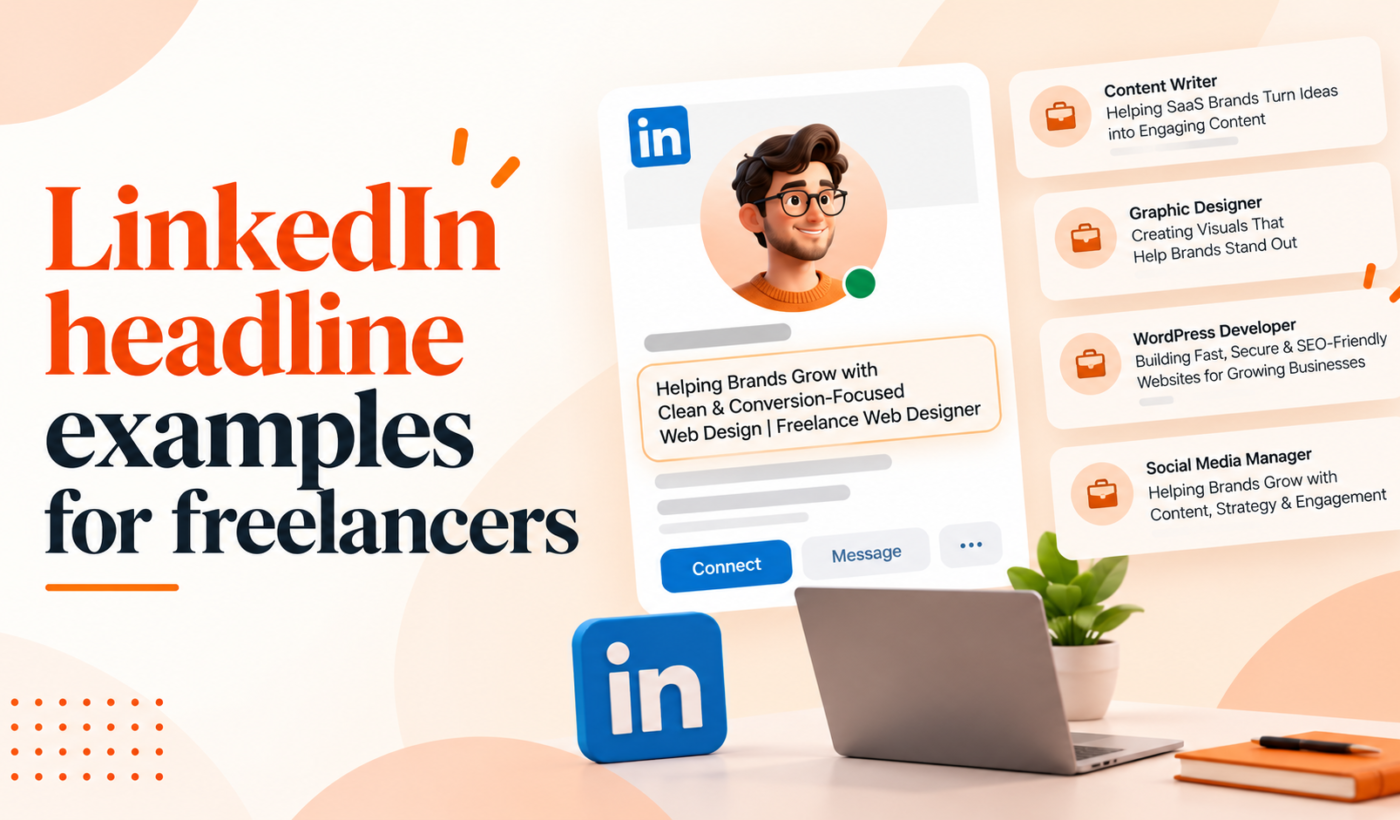
Your LinkedIn headline is one of the fastest ways to show prospective clients what you do and why they should click. This guide gives you LinkedIn headline examples for freelancers, ready-to-use formulas, and a quick checklist so you can update your profile in minutes.
Why your LinkedIn headline matters (and who sees it)
How the headline appears across LinkedIn
Your headline is visible in search results, in profile previews, and beside your name in messages, comments, and connection requests. That small line often determines whether someone clicks through or keeps scrolling.
Headline goals for freelancers
- Help clients find you in search.
- Signal your specialization and the result you deliver.
- Encourage profile clicks and inbound messages.
Quick signals that make a headline effective
Focus on clarity, a specific niche, and an outcome or client type. These signals convert curiosity into clicks.
LinkedIn headline best practices for freelancers
Use client-focused keywords (what clients search for)
Think like a client. Use phrases they type when hiring: “B2B copywriter,” “Shopify developer,” or “product UX designer.” Those words increase discoverability.
Combine role + niche + outcome (simple formula)
Example: “SEO copywriter • SaaS landing pages • +30% trial signups” — role, niche, and outcome in one line.
Keep it scannable: front-load the most important words
Put the role or specialty first so it appears in search results and preview snippets.
When to include a CTA, emoji, or certifications
Use a short CTA (like “Open to projects”) only if you regularly update the headline for outreach. Emojis can help scanability in creative niches but avoid them for conservative B2B clients. Include certifications only if they are decision drivers for your niche.
Common headline mistakes to avoid
- Vague terms like “creative professional” without a clear service.
- Long lists of responsibilities instead of client outcomes.
- Keyword stuffing that makes the headline hard to read.
Headline formulas you can copy (fill-in-the-blank)
Formula A: Role + Niche + Result
Template: “[Role] for [Niche] • [Result]”. Example: “WordPress developer for agencies • Faster deploys & fewer bugs”.
Formula B: Role + Proven Outcome + Credibility signal
Template: “[Role] • [Outcome] • [Years/Clients/Cert]”. Example: “Email marketer • 18–25% open rate lifts • 7+ SaaS brands”.
Formula C: Problem + Solution + Client type
Template: “[Problem] → [Solution] for [Client type]”. Example: “Low trial-to-paid? → UX copy fixes for B2B SaaS”.
How to adapt formulas for senior vs. entry-level freelancers
Senior freelancers can emphasize credibility (years, brands, metrics). Entry-level freelancers should emphasize niche focus and immediate benefits they deliver.
40+ LinkedIn headline examples by freelancer type
Designers & UX: 6 examples
- Product UX designer • SaaS onboarding that reduces churn
- Senior UI designer • Mobile-first interfaces • Figma & Prototyping
- Brand designer for startups • Visual identity + investor decks
- Freelance motion designer • Product explainer videos
- UX researcher • Qual & quant insights for B2B products
- Landing page designer • Conversion-focused layouts
Writers & Content Creators: 6 examples
- SEO copywriter • SaaS blogs that drive demo requests
- Technical writer • API docs & developer guides
- Content strategist • Content plans that increase trial signups
- LinkedIn content creator for founders • consistent lead flow
- Case study writer • ROI-focused customer stories
- Scriptwriter for product videos • Short, conversion-led scripts
Developers & Engineers: 6 examples
- Frontend developer • React & Next.js • performance-first
- Shopify developer • custom themes & app integrations
- Backend engineer • scalable Node.js APIs
- Mobile developer • iOS & Android Flutter apps
- WordPress developer • fast, secure sites for agencies
- DevOps freelance • CI/CD + cloud cost optimizations
Marketers & Growth: 6 examples
- Growth marketer • CAC down, LTV up for B2B startups
- PPC specialist • Google & LinkedIn campaigns • ROAS-focused
- SEO strategist • technical + content SEO for scaleups
- Email marketing consultant • lifecycle automation for SaaS
- Performance marketer • CRO & paid acquisition
- Social ads manager • Meta & LinkedIn ads for B2B
Consultants & Strategy: 4 examples
- Freelance product strategist • roadmap & discovery
- B2B pricing consultant • value-based pricing that converts
- Customer success consultant • reduce churn & scale onboarding
- Go-to-market advisor • early-stage SaaS launches
Virtual assistants & Ops: 4 examples
- Executive VA for founders • calendar, inbox, ops
- Project manager • remote teams & Notion workflows
- Operations specialist • SOPs & process automation
- Customer support lead • helpdesk setup & retention
Data analysts & BI: 4 examples
- Data analyst • dashboards that surface growth opportunities
- BI developer • Looker & Power BI for product teams
- Analytics consultant • GA4 migrations & event tracking
- SQL freelancer • clean data pipelines & fast queries
Photographers & Creatives: 4 examples
- Product photographer • lifestyle shots for e-commerce
- Commercial photographer • brand campaigns & retouching
- Video editor • short-form social & product demos
- Creative director • concept-to-delivery for ad shoots
Quick headline checklist and 60-second test
Headline checklist
- Clear role or specialty present
- One client-focused outcome or niche
- Front-loaded keywords for search
- One credibility signal if space allows
- No unnecessary buzzwords or clutter
The 60-second readability and impact test
- Read your headline aloud. Does it sound like a client benefit?
- Show it to someone who hires for your niche — do they understand it immediately?
- Check the preview in your profile and messages. Is the key phrase visible?
How to A/B test headline copies on your profile
Pick 2–3 variants. Use one for a week, track profile views and inbound messages, then swap. Keep tests short and note any outreach quality differences.
How to optimize headlines for LinkedIn search and client discovery
Find the right keywords (client language vs. industry jargon)
Prioritize the words clients use when describing hires. If clients search “Shopify developer” more than “eCommerce engineer,” lead with the former.
Where to repeat keywords on your profile
Place your main keyword in the headline and again in the About section and job titles. For guidance on aligning titles across platforms, see these Upwork profile title examples for freelancers.
When to prioritize clarity over keyword stuffing
Readable headlines win. A clear, client-focused line that uses one or two keywords is better than a long keyword list.
Polish your headline with Typing Engine tools
Draft headline ideas with the LinkedIn Post Generator
Use the LinkedIn Post Generator to create short, client-focused lines and test hooks that match your headline and outreach tone. Create a free LinkedIn post.
Humanize and tweak tone using the AI Text Humanizer
If you generate multiple variations, use the AI Text Humanizer to make drafts sound natural and human. Humanize AI text for free.
Paraphrase variations with the Paraphrasing Tool
Quickly get alternate phrasings without changing meaning. Paraphrase text for free.
Check clarity and grammar with the Grammar Checker
Run final options through the Grammar Checker to remove errors and tighten phrasing. Check grammar for free.
Summarize long value propositions into a headline-friendly line
If your About section is long, use the Summarizer Tool to turn it into a single, strong headline sentence. Summarize text for free.
When to update your headline (and context-specific examples)
Headline for active client outreach vs. passive discovery
When actively pitching, add a short CTA like “Open to projects” or a campaign hook. For passive discovery, keep the headline evergreen and outcome-focused. If you plan outreach posts that match your headline, try creating one with the LinkedIn Post Generator to test messaging.
Seasonal or campaign-specific headline examples
Examples: “Holiday e-commerce photographer — seasonal hero shots” or “Q4 paid ads specialist — Black Friday campaigns.” Swap back when the campaign ends.
How to keep historical keywords while testing new phrasing
Keep essential keywords in your About section while testing new headline wording so you don’t lose search visibility entirely.
Common headline mistakes freelancers make (and quick fixes)
Too vague or buzzword-heavy — rewrite examples
Before: “Creative freelancer & problem solver.” After: “B2B copywriter • case studies that convert trial users.”
Listing responsibilities instead of outcomes — rewrite examples
Before: “Handles social media, content, ads.” After: “Social ads + content that scales CAC-efficient lead gen.”
Cluttered headlines — how to trim without losing meaning
Remove filler words, keep one outcome, and drop nonessential certifications from the headline; save them for the About or Experience sections.
For deeper profile fixes that improve how your headline converts, see this article on About section mistakes.
Final checklist and next steps
3-step action plan to update and test your headline
- Pick 3 headline options using the formulas above.
- Polish them with Typing Engine tools and run the 60-second test.
- Test each for a week, track profile views and inbound messages, then pick the best-performing version.
How to measure impact
Watch profile views, search appearances, and the quality of inbound messages. Track changes week-by-week while testing variants.
FAQ
How long should a LinkedIn headline be for the best results?
Keep headlines concise and front-load important words. Be sure to check current LinkedIn character limits before finalizing (see research notes).
What are simple headline formulas freelancers can use right now?
Use Role + Niche + Result, Role + Proven Outcome + Credibility, or Problem → Solution + Client type. These are quick to customize and apply.
Should I include keywords or outcomes in my headline?
Both. Keywords help you get found; outcomes help convert clicks into conversations. Prioritize clarity over stuffing keywords.
How often should I update my LinkedIn headline?
Update when your focus changes, when running an outreach campaign, or when testing new messaging. Keep tests to 1–2 weeks to gather signals.
Can a headline help me get found by clients on LinkedIn and Upwork?
Yes. A clear headline with client-focused keywords improves discoverability on LinkedIn and helps align messaging when you apply on platforms like Upwork. For title alignment on Upwork, see these Upwork profile title examples for freelancers.
How do I test which headline attracts more client messages?
Run short A/B tests: swap the headline weekly, monitor profile views and inbound messages, and track the quality of responses.
Next step: generate a proposal that matches your new headline and testing plan. Generate a free personalized Upwork proposal to align profile messaging with client outreach.