
Introduction
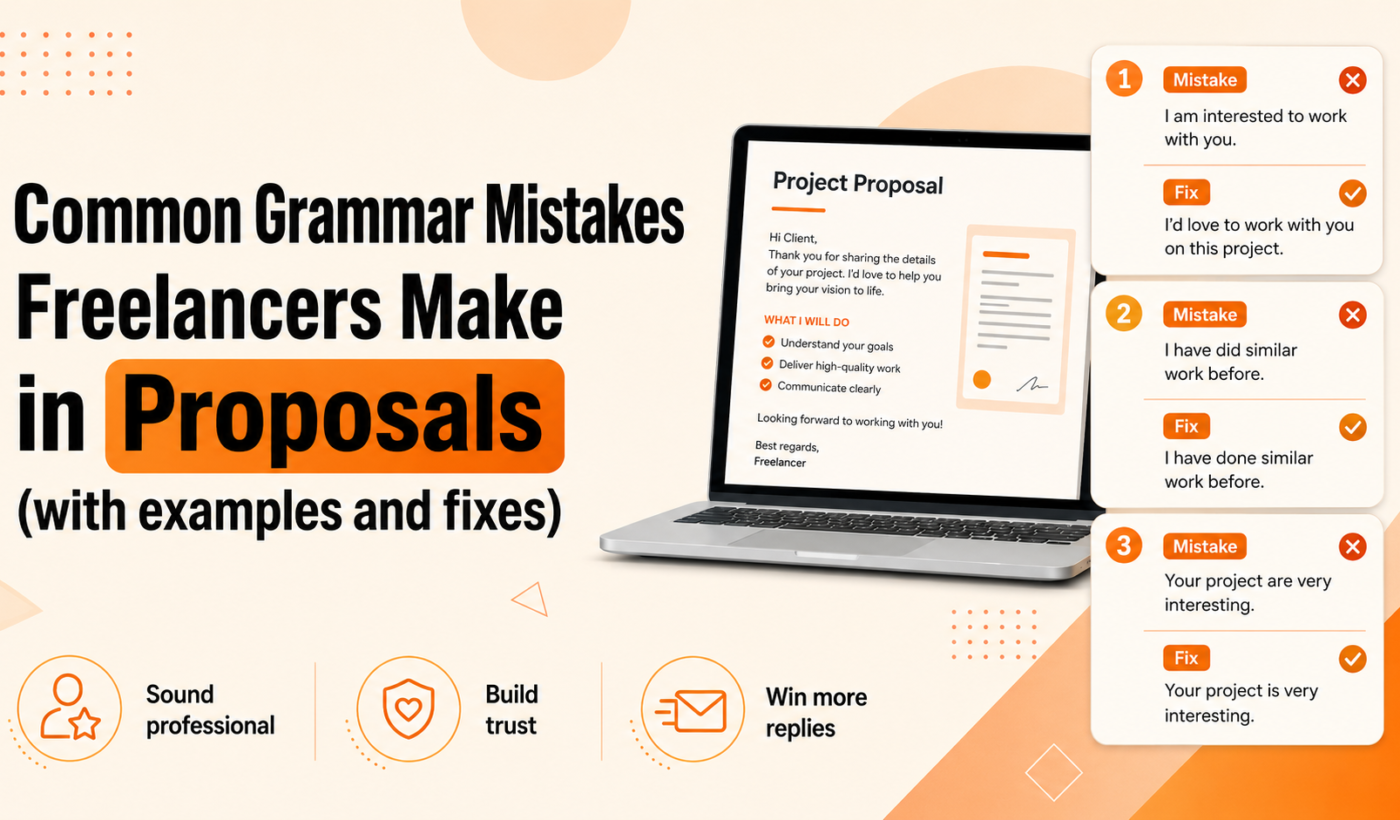
Grammar matters. For busy freelancers writing dozens of pitches, small errors can cost credibility and responses. This guide focuses on the most common grammar mistakes in proposals, gives clear before/after examples you can copy, and provides a fast proofreading workflow you can use before hitting send.
Read this if you write proposals on Upwork, LinkedIn messages, or email pitches and want to look professional without spending hours editing.
Why grammar matters in freelance proposals
First impressions: how clients evaluate short pitches
Many clients skim proposals. A clean, concise opening sentence creates trust; a typo or awkward sentence makes you look rushed or careless. That doesn’t mean you must be perfect, but avoid errors that distract from your experience.
Clarity and scope: avoiding misunderstandings that cost time
Poor grammar can confuse deliverables, timelines, or price. Clear wording reduces follow-up questions and helps set expectations correctly from the start.
When a tiny error can change meaning
A single missing word or wrong tense can change whether you accept responsibility for a task or simply describe an outcome. That matters when a client scans proposals for reliability.
Most common grammar mistakes freelancers make (with before / after examples)
Below are ten frequent errors with a short explanation, a before example, and an edited after version you can reuse.
1. Subject–verb agreement — example and fix
Explanation: Make sure singular subjects use singular verbs and plural subjects use plural verbs.
Before: “The team of developers are ready to start.”
After: “The team of developers is ready to start.”
2. Inconsistent or wrong verb tense — example and fix
Explanation: Keep tense consistent when describing past work versus planned work.
Before: “I designed your homepage last year and can improve it to increase conversions.”
After: “I designed your homepage last year and can improve it to increase conversions.”
(If you’re describing past results, keep past tense: “I improved conversions by 25%.”)
3. Comma errors and run-on sentences — example and fix
Explanation: Use commas to separate clauses and avoid comma splices; split long sentences.
Before: “I can build the new landing page, it will load fast and rank well.”
After: “I can build the new landing page. It will load fast and be optimized for search.”
4. Apostrophe mistakes (its vs. it’s, possessives) — example and fix
Explanation: “it’s” = it is or it has. “its” = belonging to it.
Before: “It’s design needs work to match your brand.”
After: “Its design needs work to match your brand.”
5. Homophones and common spelling slips — example and fix
Explanation: Their/there/they’re and affect/effect are frequent traps; spell-check may not flag them.
Before: “Their looking for a cheaper solution that won’t affect the timeline.”
After: “They’re looking for a cheaper solution that won’t affect the timeline.”
6. Sentence fragments and missing connectors — example and fix
Explanation: Fragments sound abrupt; add the missing subject or connector.
Before: “Can deliver in two weeks. With full testing.”
After: “I can deliver in two weeks with full testing.”
7. Misplaced modifiers that cause ambiguity — example and fix
Explanation: Place descriptive phrases near the words they modify.
Before: “I will optimize the site for the client with fast loading times.”
After: “I will optimize the client’s site for fast loading times.”
8. Wrong pronoun agreement or vague pronouns — example and fix
Explanation: Pronouns should clearly refer to a specific noun and agree in number.
Before: “If a client wants revisions, they should provide clear notes.”
After: “If a client wants revisions, the client should provide clear notes.”
9. Unclear numbers, units and formatting (dates, budgets) — example and fix
Explanation: Always format dates, currency and units clearly to avoid confusion.
Before: “I can finish by 6/8 and budget is 2000.”
After: “I can finish by June 8 and the budget is $2,000.”
10. Tone problems: too casual, too formal, or inconsistent register
Explanation: Match the client’s tone. Avoid slang or overly formal language that sounds stiff.
Before: “Yo, I got this handled; I’ll bang it out ASAP.”
After: “I can complete this task quickly and will deliver a polished version within three days.”
How to proofread a proposal quickly (5-minute workflow)
Step 1: Read the job brief and your opening sentence aloud
Reading aloud helps you catch missing words, awkward phrasing and tone mismatches.
Step 2: One-pass checklist (ten-point quick scan)
- Spell-check and run a quick grammar check.
- Confirm names and client/company spelling.
- Check subject–verb agreement in opening lines.
- Verify tense consistency when describing past results.
- Look for misplaced modifiers or vague pronouns.
- Verify numbers, dates and currency formatting.
- Shorten any run-on sentences.
- Ensure your CTA is clear and personal.
- Confirm portfolio links or attachments are included.
- Quick tone check: match the client’s language level.
Step 3: Use tools to catch spelling and grammar, then humanize
Run a pass with a grammar tool to catch obvious errors. Use Typing Engine’s Check grammar for free to catch spelling and basic grammar issues. Then run the output through a humanizer to keep your voice natural: Humanize AI text for free.
Step 4: Final read for clarity and client-specific tailoring
Skim the final draft to ensure the proposal answers the client’s brief directly and that the first two sentences hook the reader.
Tools and an AI-assisted workflow that preserves your voice
Use a simple tool sequence rather than relying on one tool to do everything. A suggested flow:
- Draft your proposal (or generate a starter using Generate a free personalized Upwork proposal).
- Run a grammar pass with Check grammar for free.
- If the result sounds stiff, use Humanize AI text for free to restore natural phrasing.
- If you need alternative phrasings, try Paraphrase text for free or the Rewrite a paragraph for free tool to restructure longer sentences.
- If you must condense long experience descriptions, use the Summarize text for free tool to create a one-line highlight.
When to use a grammar checker vs. a humanizer
Grammar checkers catch objective errors; humanizers restore natural rhythm, contractions and client-friendly phrasing. Use both in sequence.
Tips to avoid over-editing and losing your voice
- Keep a sample sentence you like as a voice reference.
- Accept only suggestions that preserve meaning and personality.
- Limit rewrites to one short pass so you don’t overwork the tone.
Pre-send checklist (copyable)
- Spell and grammar check completed.
- Client name spelled correctly; role/title verified.
- One-sentence restatement of the project scope included.
- Budget and timeline formatted (e.g., $2,000; June 8).
- Verb tenses consistent.
- Comma and sentence-length check completed.
- Portfolio link added (see guidance on how to include links in a proposal: How to Mention Your Portfolio in an Upwork Proposal).
- Clear CTA (next step) included.
- Tone matches the client.
- Final quick read aloud done.
Sample before-and-after proposal excerpt
Original draft (common mistakes)
“Hi, Im a web dev who build fast sites. I can make your site load faster, increase sales and do SEO. Budget 1500. Let me know if interested.”
Edited proposal (corrected)
“Hi [Client Name], I’m a web developer who builds fast, accessible websites. I can improve your site’s load time and optimize key pages to help increase conversions. Estimated budget: $1,500. If this fits your needs, I can start next week and provide a timeline.”
Line-by-line notes on what’s changed and why
- “Im” → “I’m”: fixed punctuation and tone.
- “web dev” → “web developer”: clearer, more professional wording.
- “build” → “builds”: subject–verb agreement.
- Added possessive “site’s” and clarified outcomes (load time, conversions).
- Formatted budget as “$1,500” and added a clear CTA and timeline.
If you want alternate phrasings for any sentence, use Paraphrase text for free or Rewrite a paragraph for free.
Common proofreading mistakes to avoid
Don’t blindly accept tool suggestions
Tools flag issues, but suggestions can change meaning. Review each change before accepting.
Avoid jargon swaps that change meaning
Automatic suggestions sometimes replace industry terms with generic words. Preserve technical accuracy where needed.
Why human review still matters for scope and tone
Tools won’t know the client’s exact priorities. A quick human skim ensures your proposal answers the brief directly.
For broader proposal mistakes that go beyond grammar, see 15 Upwork Proposal Mistakes Freelancers Should Avoid.
FAQs
How much do grammar mistakes actually affect responses to Upwork proposals?
There’s no universal number to quote. In practice, clean grammar reduces friction and increases perceived professionalism. Treat it as low-effort, high-return work: a quick edit improves clarity and trust.
What are the fastest ways to catch tense and subject–verb errors in a short proposal?
Read the first two sentences aloud and scan for verbs that disagree with subjects. Use a grammar tool like Check grammar for free for a fast pass.
Can I rely on free grammar tools alone, or should I always edit manually?
Use tools for obvious errors, but always do a human pass to preserve tone and check scope. Combine grammar checks with Humanize AI text for free when edits sound too robotic.
How do I keep AI-corrected text from sounding robotic in a proposal?
Keep one or two original phrases that reflect your voice, limit rewrites, and use a humanizer tool. Small contractions and natural phrasing help.
What parts of a proposal should I check first if I only have two minutes?
Check the opening sentence, client name, budget/date formatting, and CTA. Those elements influence first impressions and next steps.
Next steps and CTA
Apply this checklist on your next pitch. If you want to speed up drafting and still submit error-free proposals, start with a generated draft and run the quick workflow: Generate a free personalized Upwork proposal, then Check grammar for free, and if the tone needs adjustment, use Humanize AI text for free. For more on faster proposal writing, read How To Generate Winning Upwork Proposals in Minutes (Not Hours).
Try the tools and the five-minute workflow on your next proposal to keep your voice, fix common errors, and send cleaner, more professional pitches.