
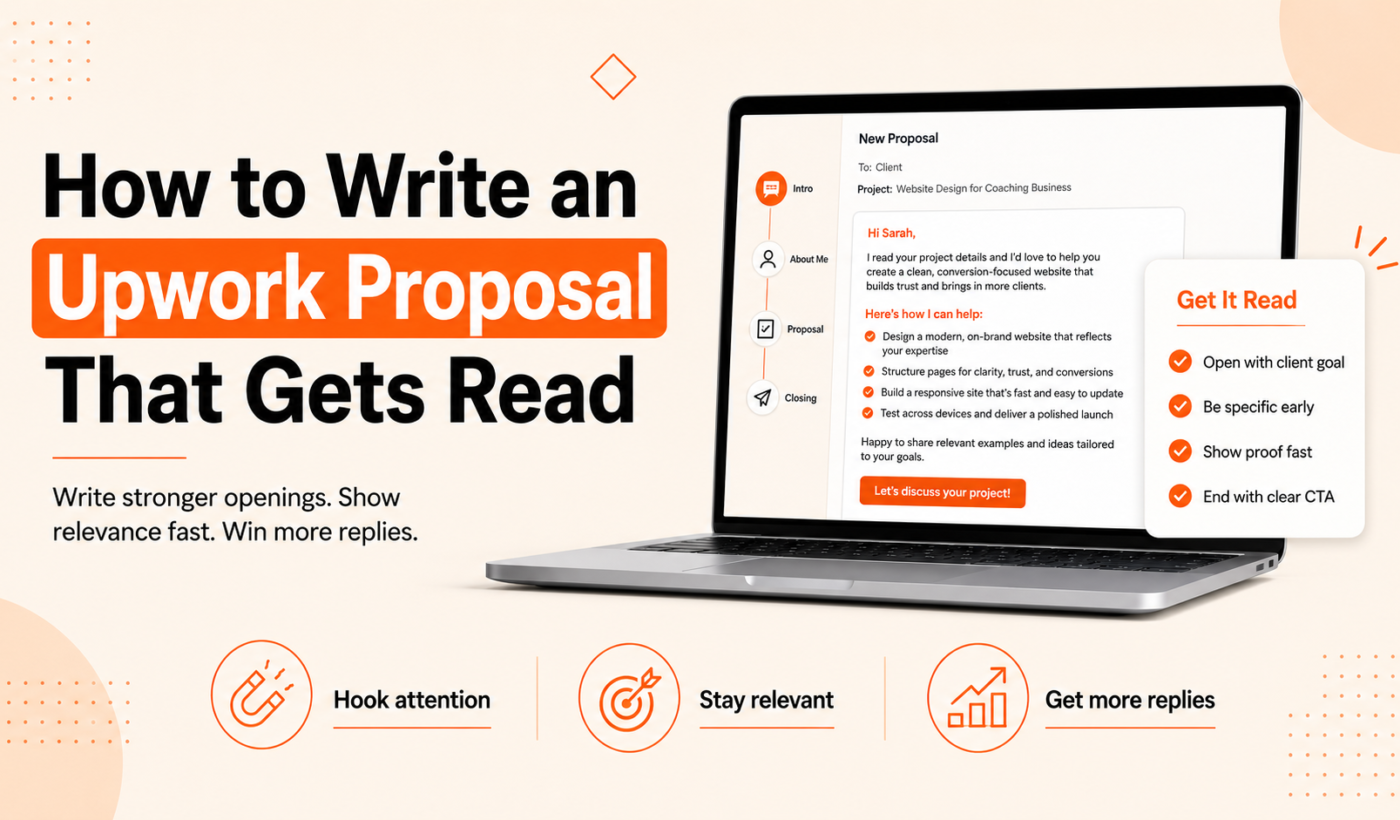
Most Upwork proposals never get read. Clients skim dozens of applications and pick ones that show immediate relevance and clarity. If you want to know how to write an Upwork proposal that gets read, this guide gives a simple, repeatable structure, fast tailoring techniques, short examples you can adapt, and a pre-send checklist. There are also free Typing Engine tools linked throughout to speed drafting and polishing.
Why most Upwork proposals get ignored
What clients scan first (title, first two lines, skills and budget)
Clients usually scan the job title, the freelancer’s headline and the first two lines of the proposal. They also check the skills listed on your profile and whether your rate fits the budget. If your opening doesn’t match what they asked for, your proposal often never gets a full read.
Three fatal proposal habits: generic openings, long unreadable blocks, mismatched scope
- Generic openings: “Hi there” and long self-introductions that don’t reference the job are easy to skip.
- Long unreadable blocks: Big paragraphs without clear value make scanning impossible.
- Mismatched scope: Promising features the post didn’t ask for or ignoring the budget signals wastes the client’s time.
The simple structure every readable proposal follows
Use a four-line structure that fits most Upwork jobs. It’s fast to write and easy to scan.
One-line hook (what you open with and why it matters)
Start with a concise hook that tells the client you understand the specific need. This can be a result, a clear skill match, or a short question.
Two-sentence fit statement (short evidence you can do the job)
Follow the hook with two short sentences: one about relevant experience and one giving a tiny proof point (a past result, metric or brief case example).
One-sentence value statement (what the client gets)
State the outcome the client will receive from hiring you—focus on their benefit, not your process.
Clear next step or question (call to action)
End with a simple next step: a clarifying question, a proposed small first milestone, or an invitation to review a quick sample.
how to write an Upwork proposal: Nail the first two lines
Direct hook example for design, dev, writing and marketing jobs
- Designer: “I can deliver a conversion-focused landing page mockup in 48 hours that increases signups.”
- Developer: “I’ll fix the checkout bug causing cart drops and deploy a tested patch within 24 hours.”
- Writer: “I’ll write a 1,200-word blog post optimized for your target keyword and ready to publish.”
- Marketer: “I’ll launch and A/B test two paid ad creatives to lower CPA in week one.”
How to adapt openings for urgent vs long-term projects
For urgent work, lead with availability and a clear turnaround. For long-term work, emphasize fit and a small next step to start the relationship.
When to start with a question vs a result — quick templates
- Question starter: “Is the priority improving conversion or reducing costs?” — use when the brief is unclear.
- Result starter: “I can reduce page load by 40% in two days.” — use when the brief lists a clear outcome.
For more opening-line examples, see what to write in the first two lines of an Upwork proposal for deeper guidance.
How to tailor proposals fast (research + signals that matter)
3 things to scan in the job post (requirements, red flags, desired outcomes)
- Requirements: note exact skills, tools and deliverables.
- Red flags: unrealistic timelines, vague scope, or requests to work off-platform.
- Desired outcomes: metrics or business goals the client mentions.
Where to add one sentence referencing the client’s brief or company
Add a single sentence that mirrors a phrase from the job post or mentions a company detail. That one line signals you read the brief.
A 5-minute research routine before you send
- Open the client’s description and highlight two outcome words.
- Scan their profile or company site for a product or target audience reference.
- Adjust your hook to include one of those words and add one sentence referencing the brief.
Show value, not features: concrete phrasing that reads better
Before vs after phrasing: convert features into benefits
- Feature: “I use WordPress and Elementor.”
- Benefit: “I’ll deliver a responsive page you can edit in minutes.”
How to use tiny case examples when you don’t have a portfolio item for the exact request
Give a one-line micro-case: “For a previous client I implemented X and they saw Y improvement in two weeks.” If you can’t share specifics, state the category and the outcome in general terms.
When to include metrics or timelines (and when not to)
Include metrics when you can back them up briefly. Use timelines for urgent fixes or clearly scoped tasks. Avoid over-precise promises on open-ended projects.
Pricing, rates and scope: what to write so clients keep reading
Short templates for fixed-price jobs and hourly proposals
- Fixed-price: “I can complete the landing page for $700 with a 2-step review.”
- Hourly: “I estimate 6–8 hours at $45/hr for the initial build; I’ll track time and share daily updates.”
How to ask a clarifying question that opens a conversation
Ask one precise question that helps you set scope: “Do you have brand assets and a style guide I should follow?” This invites a reply and signals you’re ready to start.
When to include a ballpark number vs ask for more info
Include a ballpark when the scope is clear. Ask for more info when the brief is vague—better to start a short conversation than to guess a price.
Short proposal examples you can adapt
Use these 30–80 word snippets as a base. Change the bracketed parts before sending. For more examples, see How to Write an Upwork Proposal That Wins Jobs (With Examples).
Web developer (bug fix / small feature)
“I can fix the checkout bug you described and deploy a tested patch within 24 hours. I’ve fixed similar cart issues for WooCommerce sites and will provide a quick QA checklist. Do you have staging access?”
Designer (landing page / brand asset)
“I’ll design a conversion-focused landing page mockup in 48 hours, using your brand colors and a tested layout for CTAs. If you’d like, I can add a mobile-first prototype for an extra review.”
Content writer (blog post / long-form)
“I’ll write a 1,200-word blog post optimized for [keyword] with one round of edits. I research sources, outline first, then deliver a publish-ready draft—what keyword should I prioritize?”
Marketing specialist (campaign launch)
“I’ll set up two ad variations and run A/B tests for one week to improve CTR. I have experience lowering CPA for similar campaigns—may I see your current ad assets?”
Short adaptation checklist (what to change before sending)
- Insert one sentence that mirrors the job post.
- Swap the generic metric with a relevant example or timeline.
- Include one question to invite a reply.
Generate a proposal in minutes with Typing Engine if you want a tailored draft to adapt quickly.
A pre-send checklist to make sure your proposal gets read
- First two lines are a hook? (yes/no)
- Proposal matches the client’s required skills and scope
- One clear next step included
- Grammar, tone, and length check
Tools and shortcuts to write proposals faster
Use focused tools to draft, tighten and proof proposals without losing your voice.
Generate a first draft with an Upwork-specific proposal generator
Create a starting draft quickly using Typing Engine’s tool: Typing Engine’s Upwork Proposal Generator.
Humanize and clean AI drafts so they sound like you
Run any AI-generated draft through the AI Text Humanizer to remove robotic phrasing and add natural tone.
Paraphrase and tighten long paragraphs
Use the Paraphrasing Tool or Paragraph Rewriter to generate alternate hooks or shorten examples so your proposal is easy to scan.
Quick grammar checks and summarizing long scopes
Run grammar checks with the Grammar Checker and turn long job descriptions into short notes using the Summarizer Tool. For workflow tips on fast proposal generation, read How To Generate Winning Upwork Proposals in Minutes (Not Hours).
Common proposal mistakes and how to fix them
Grammar and clarity issues with quick examples and corrections
Common errors: missing articles, mixed tense, and long run-on sentences. Run a final pass with the Grammar Checker and read the proposal aloud.
Over-sharing vs under-sharing: what to include in first message
Include only what proves fit and invites a reply. Save deep case studies, full portfolios, or lengthy process descriptions for later messages or attachments.
Using links and portfolio items the right way
Link directly to one or two relevant portfolio items and briefly state what each shows. Avoid listing your entire portfolio in the initial message.
How to follow up without being pushy
When to send a first follow-up (timing and tone)
Wait 3–5 business days before the first follow-up. Keep tone short, polite, and add new value (a clarification or small sample).
Two short follow-up templates (gentle nudge, added value)
Gentle nudge: “Hi [Name], just checking if you saw my proposal. I’m available to start this week if you’d like to discuss.”
Added value: “Hi [Name], I sketched a quick idea that would reduce friction on your signup form—can I share it?”
When to stop following up
After two polite follow-ups with no response, move on. Keep a copy of the proposal to reuse with similar clients later.
Next steps and quick wins
A 10-minute proposal workflow to try today
- Read the job post and highlight two outcome words (2 min).
- Open Typing Engine’s Upwork Proposal Generator to create a draft (3 min).
- Customize the first two lines and add one sentence referencing the brief (3 min).
- Run the draft through the AI Text Humanizer and Grammar Checker (2 min).
How to iterate on proposals using client feedback
Save variations that worked or generated interviews. Note which hooks led to replies and reuse successful patterns.
Where to find more templates and examples
For longer examples and templates, review How to Write an Upwork Proposal That Wins Jobs (With Examples) which expands on the snippets above.
FAQ
How long should an Upwork proposal be?
Short: 50–200 words is typical. Use the four-line structure and keep paragraphs scannable.
What should the first sentence of my Upwork proposal say?
Your first sentence should be a hook that matches the client’s stated need or outcome.
Should I include my rate in the first message?
Include a ballpark when the scope is clear. If the brief is vague, ask a clarifying question first.
How should I link to my portfolio in a proposal?
Link to one or two relevant pieces and briefly explain what each example demonstrates.
Is it okay to use AI tools to draft Upwork proposals?
AI tools can speed drafting, but always edit for authenticity and accuracy. Use the AI Text Humanizer to ensure the tone matches your voice.
Try Typing Engine’s free Upwork Proposal Generator to create a tailored draft you can adapt and send quickly: Generate a free personalized Upwork proposal. If you need to reword examples, try the Paragraph Rewriter, and polish grammar with the Grammar Checker.