
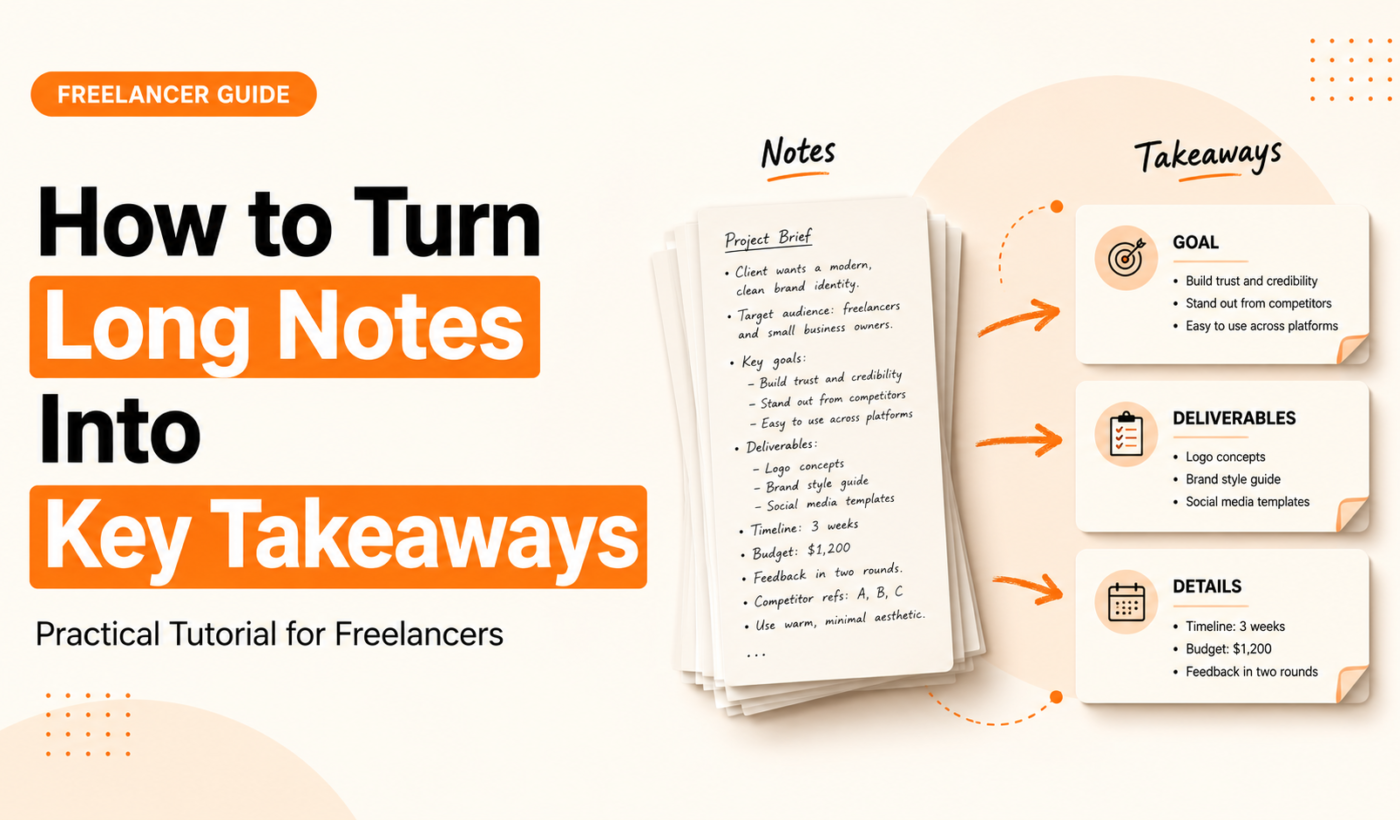
As a freelancer or small-team owner, your time is limited and your clients expect clear next steps. This guide shows you how to turn notes into key takeaways quickly and reliably. You’ll get a repeatable 3-step manual workflow, an AI-assisted process to speed things up, practical templates, and exactly which Typing Engine tools to use.
Why turning long notes into key takeaways matters
Save time and make decisions faster
Long notes are useful for records, but decision-makers need concise highlights. Clear takeaways reduce back-and-forth and keep projects moving.
Improve client communication and follow-ups
Clients value clarity. A short takeaway summary shows ownership, removes ambiguity, and makes follow-ups simple.
What a clear key takeaway includes: action, owner, deadline, context
Every takeaway should answer: What will happen? Who owns it? When is it due? One line of context is fine. Example: “Design mockups — Alex to deliver initial screens by Fri 9/10 — will use client brand guide.”
Before you start: set the goal and audit your notes
Decide audience and format (email, Slack, summary doc)
Choose the format before writing. Executive clients prefer a 1-line summary or 3 bullets in email. Internal teams might want a short doc with links to full notes.
Quick audit: identify useful sections vs noise
Skim for decisions, action items, numbers and questions. Mark anything that looks like an action, a person, or a deadline. Ignore noise like small talk or repeated points.
Determine detail level: single-line vs short paragraph
Pick a level: one-line takeaways for execs, 1–2 sentence bullets for project owners. If you need to preserve more detail, link to the full notes or an appendix.
Manual 3-step extraction method (no tools required)
Step 1 — Skim and mark: look for decisions, action items, and numbers
Spend 3–5 minutes. Highlight verbs (decide, build, approve), names, and dates. Use a simple marker like a star or bold to flag each item.
Step 2 — Reduce to bullets: write 1–2 sentence takeaways per topic
Convert each flagged item into a bullet focused on outcome. Remove background noise. Example structure: “Action — Owner — Deadline — One-line context.”
Step 3 — Add ownership and deadlines: make each takeaway actionable
If a takeaway lacks an owner or date, add a suggested owner and a provisional due date. This reduces ambiguity and forces a decision.
Quick example: turning a 1,200-word meeting note into 6 takeaways
Original note: long discussion about features, pricing, and next steps. After skimming, extract: 1) Product spec task, 2) Pricing proposal, 3) Research task, 4) Marketing draft, 5) Next meeting scheduling, 6) Client approvals. Each becomes a 1–2 sentence bullet with owner and deadline.
Use AI tools to speed up summarizing (recommended workflow)
When to use AI vs manual (trade-offs)
Use manual when nuance or sensitive decisions matter. Use AI for large documents or when you need a fast first-pass summary to edit. Combine both for best results.
Step-by-step AI-assisted workflow: summarize, refine, humanize, check
- Paste the long notes into a summarizer for a 10–20% length summary. For fast results, you can summarize long text quickly with the Summarizer Tool.
- Edit the AI summary: pull out decisions, action items, owners, and dates.
- Humanize tone and client phrasing with an assistant. Try to humanize AI text for free with the AI Text Humanizer so takeaways read like you wrote them.
- Run a final clarity and grammar check before sending.
How to prompt a summarizer for the best takeaways (examples)
Good prompts focus the tool: “Summarize the following notes into 5 actionable bullets. For each bullet include action, owner (if mentioned), and deadline (if mentioned).” Or, “Create a 3-bullet client-ready summary prioritizing decisions and next steps.” These prompts reduce fluff and force structure.
Tool recommendations and where to use each
Best tool to create the initial summary
Use the Summarizer Tool for the first pass to reduce long notes to a manageable size. It gives a structured starting point you can refine.
Tool to refine tone and clarity
After summarizing, use the AI Text Humanizer to make language conversational and client-appropriate: humanize AI text for free with the AI Text Humanizer.
Tool to check grammar and finalize the takeaway summary
Before sending, run the copy through the Grammar Checker: check grammar for free with the Grammar Checker. It’s a quick final quality step.
When to paraphrase vs rewrite a paragraph
Use the Paraphrasing Tool if you want alternate phrasings for different audiences: paraphrase text for free with the Paraphrasing Tool. Use the Paragraph Rewriter to tighten longer explanations into concise takeaway sentences: rewrite a paragraph for free with the Paragraph Rewriter.
Formatting and writing the takeaway summary
Short email-friendly takeaway template (3–5 bullets)
Subject: Notes & Next Steps — [Project Name]
- Summary: 1-line exec summary (what was agreed)
- Next steps:
- Bullet: Action — Owner — Due date — 1-line context
- Open questions: list any items that need client input
Project handoff template (owner, due date, context)
Use a short table or bullets: “Task — Owner — Due — Notes/Links.” Keep detailed notes as a linked appendix or shared doc.
One-line executive summary examples
Examples:
- “Approve price tiers — Client to confirm by Tue — then we finalize promo.”
- “Design homepage mockups — Jess by Fri — will follow brand guide.”
Examples, before-and-after snippets, and templates
Below are condensed examples you can copy and adapt. For larger samples, you can see how an automated summary reads when you summarize long text quickly with the Summarizer Tool.
Example A: client kickoff meeting (1,000 words → 5 takeaways)
Before: long back-and-forth about scope, deliverables, and timelines.
After (5 bullets):
- Scope confirmed: Mobile app MVP features A, B, C — Product team to finalize spec by 9/17 — Alex.
- Pricing proposal: Draft to client by 9/12 — Sarah — includes three pricing tiers.
- Research: Competitor list due 9/14 — Erin — include 3 examples each.
- Design: Brand assets to be shared by client by 9/10 — Mike to start wireframes on 9/11.
- Next meeting: Progress review on 9/18 at 10am — calendar invite to follow.
Example B: sprint retrospective (800 words → 4 takeaways)
After:
- Fix priority bug in checkout — Dev team — deploy by 9/13.
- Improve test coverage for payment flows — QA — complete by next sprint.
- Reduce build times — Ops to research caching options by 9/20.
- Action: share retrospective notes and decisions in project doc — Owner: Jamie — done today.
Copyable templates for common meeting types
Kickoff, retrospective, client review: keep a short header with “Summary, Decisions, Actions, Open Questions, Links.” Use the Paragraph Rewriter to tighten longer notes when needed: rewrite a paragraph for free with the Paragraph Rewriter.
Checklist and repeatable workflow for recurring meetings
Use this 10-minute SOP after every meeting.
- Pre-meeting: Set note goals — decisions expected, owners to assign.
- During meeting: Capture decisions, owners, and deadlines; flag unclear items.
- Post-meeting 10-minute routine:
- Skim notes and highlight actions (3 minutes).
- Use the Summarizer Tool for a first pass if notes are long: summarize long text quickly with the Summarizer Tool.
- Tighten phrasing with the Paraphrasing Tool if you need alternate wording: paraphrase text for free with the Paraphrasing Tool.
- Humanize tone as the final touch: humanize AI text for free with the AI Text Humanizer.
- Final grammar check: check grammar for free with the Grammar Checker.
Troubleshooting and common mistakes
Too vague — add action and owner
If a takeaway reads like a note, add a clear verb and a named owner. Replace “Discuss pricing” with “Prepare pricing draft — Sarah — due 9/12.”
Too detailed — convert details to linked appendix
Keep the takeaway short and link to a full notes doc for background. This keeps the summary scannable while preserving detail for those who need it.
Disagreement or unclear ownership — follow-up script
“I noted two possible owners for this action. Who should we assign? If no decision, I’ll mark it as pending and schedule a 15-minute follow-up.”
FAQ
How long should my key takeaways be for different audiences (client vs internal)?
Clients: 1–3 bullets, each one line. Internal teams: 3–6 bullets with short context (1–2 sentences). Always include owner and deadline.
Can AI summarizers miss important context, and how do I prevent that?
Yes. Prevent it by prompting the summarizer to include actions, owners, and dates. Always review and edit the AI output before sending.
What is the fastest way to turn meeting notes into action items?
Use the 3-step manual method: skim & mark, reduce to bullets, add ownership and deadlines. For long notes, start with the Summarizer Tool to get a focused first draft: summarize long text quickly with the Summarizer Tool.
How do I ensure ownership and deadlines are clearly assigned in takeaways?
Always include a named owner and a due date in the same line as the action. If a decision is unclear, assign a provisional owner and ask for confirmation in the same message.
Which Typing Engine tool should I try first to speed up summarizing notes?
Start with the Summarizer Tool for a fast first pass, then humanize and finalize with the AI Text Humanizer and Grammar Checker.
Conclusion and next steps
Turning long notes into key takeaways is a small habit that saves hours. Use the manual 3-step method for sensitive work and the AI-assisted workflow to speed up routine summaries. Try the Summarizer Tool first, then humanize and polish before sending.
Ready to test this on your next meeting? Generate a free personalized Upwork proposal with the Upwork Proposal Generator — or explore Typing Engine’s tools like the Summarizer Tool to turn your notes into clear takeaways.