
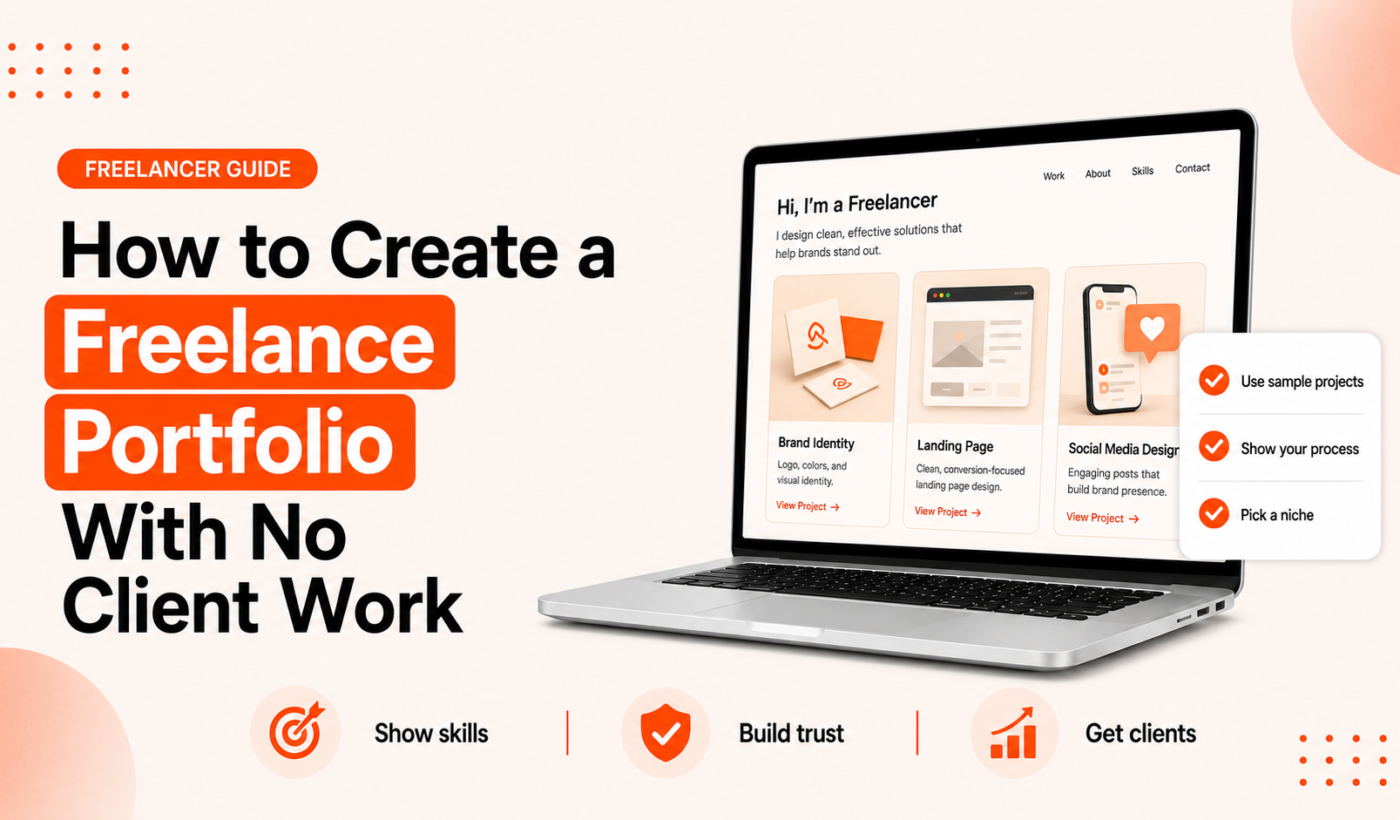
Starting a freelance portfolio with no experience can feel like a catch-22: clients want work to hire you, but you need clients to get work. This guide walks through a step-by-step plan to launch a professional portfolio using mock projects, coursework, volunteer pieces and clear case studies. Expect to spend 7–14 days building a basic, job-ready portfolio you can share on Upwork, LinkedIn, and in proposals.
Why a freelance portfolio with no experience matters
Clients evaluate more than previous client names. A portfolio shows your skills, approach and whether you communicate clearly. When you have no client work, well-structured mock projects and case studies are the next best thing because they demonstrate how you solve real problems.
What clients evaluate besides past clients (skills, process, clarity)
Hiring clients look for three things: specific skills applied to a problem, a repeatable process, and concise explanations of results. Good mock projects answer those questions quickly.
How a strong mock project can reduce hiring risk
A mock project that includes a problem statement, constraints and deliverables shows you understand scoping and outcomes. That reduces perceived risk for a client who might otherwise worry about onboarding a beginner.
Quick wins you can add to your portfolio in one week
- Create 2–3 mock projects (short briefs and deliverables).
- Write one concise case study for your best mock project.
- Host samples on a simple Notion page, PDF, or free site and add a short bio and contact method.
Pick the right portfolio format for your services
Choose a format that matches your role, tech comfort and budget. The right host makes you look more professional and easier to hire.
Simple website vs Notion vs PDF (pros and cons)
- Simple website (Wix, Webflow, GitHub Pages): best if you want control and a branded presence. Slightly slower to set up than Notion.
- Notion: fast, clean, and mobile-friendly. Great for non-developers who want a scannable project list.
- PDF: compact and safe to attach to proposals or emails. Use when clients explicitly request files.
When to use GitHub, Behance or Dribbble
Use GitHub Pages for developer portfolios and code samples. Designers should prefer Behance or Dribbble for visual work. These platforms target recruiters who expect that format.
Free options that look professional fast
Notion, GitHub Pages, Behance and a one-page PDF are reliable free starting points. They let you publish quickly while you refine copy and visuals.
Design convincing mock projects (project ideas and briefs)
Mock projects are only useful if they mirror real client needs. Use a short brief template to keep each project focused and comparable.
Project brief template (goal, audience, constraints, deliverables)
Project title: [Short descriptive name]
Goal: What the project must achieve in one sentence
Audience: Who benefits or who uses it
Constraints: Budget/time/brand rules or technical limits
Deliverables: List of files, pages or assets you produce
Success metrics: What success looks like (qualitative or measurable, clearly labeled hypothetical)
5 mock project examples: designer, copywriter, developer, marketer, virtual assistant
- Designer: Redesign a local coffee shop’s mobile menu and create a 2-screen prototype and brand color palette.
- Copywriter: Write a landing page and two email variations for a course sign-up with clear CTAs.
- Developer: Build a one-page portfolio site using GitHub Pages with a contact form (link code repository).
- Marketer: Create a 4-week content calendar and two sample social posts with performance assumptions.
- Virtual assistant: Create an onboarding checklist, a calendar template, and a client-facing process doc.
How to make mock work feel real: client persona, goals and measurable outcomes
Add a short client persona and realistic constraints. When you present outcomes, label them as hypothetical or estimated instead of fabricated.
Write case studies that show your process (step-by-step)
Case studies turn a sample into proof. Structure them so a client can scan the problem, your approach, and the deliverables quickly.
Case study structure: problem → approach → deliverables → outcomes
- Problem: One-paragraph context and business goal.
- Approach: Your steps, decisions and any research.
- Deliverables: What you produced (files, links, visuals).
- Outcomes: Real results if available, or clearly labeled hypothetical results.
What screenshots, code snippets and before/after visuals to include
Include concise captions and highlight what changed. For code, link to GitHub; for visuals, show a before and after image. Keep images optimized for web so pages load quickly.
How to present hypothetical results ethically (no fabricated stats)
If you don’t have real metrics, state assumptions and explain why those outcomes are likely. Example: “Estimated 10–15% conversion lift based on similar landing page updates; estimate explained by clearer CTAs and reduced friction.”
Use real signals to boost trust (projects, volunteering, coursework)
Early credibility can come from course projects, volunteering, and short paid tests. These count if you present them honestly and show what you delivered.
Where to find volunteer or low-risk project opportunities
- Local nonprofits, community groups, or small businesses (offer a scope-limited trial).
- Student clubs or open-source projects for developers.
- Micro-task platforms for short paid tests that yield deliverables you can show.
Turning coursework or exercises into portfolio pieces
Polish class assignments the same way you would a client piece: add context, constraints and a case study format so reviewers see your process.
How to request short testimonials and what to ask for
Ask for a 1–2 sentence testimonial that focuses on the outcome and working with you. For templates and wording, see our guide on How to Ask a Freelance Client for a Testimonial (with Templates).
Organize and present your portfolio (structure and copy)
Good structure helps clients find the most relevant work fast.
Homepage headline and elevator summary
Use a short headline that states who you help and what you do, then one sentence that explains your approach. Keep it scannable.
Project pages: what to show first
Start with the problem and the key deliverable. Clients decide within seconds whether to read more—put the valuable information up front.
Resume vs portfolio: what belongs where
Keep your resume focused on skills, roles, and dates. Your portfolio should show selected work and the process. For a deeper comparison, see Freelancer Resume VS Portfolio What Clients Actually Want.
Where to put your portfolio when applying for work
Placement matters: make it easy for clients to find and evaluate your best project within one click.
Best place to link your portfolio in an Upwork proposal (with short example)
Include a short, one-line mention in the first 2–3 sentences of your proposal and add the full portfolio link after your signature. For more on placement and examples, refer to Where to Place Your Portfolio Link in Upwork Proposals (with Examples). Example one-line: “You can view a recent landing page case study here: [portfolio link].”
How to add portfolio links on LinkedIn and in your headline
Add your portfolio link to the Featured section and include a short line in your headline or About that highlights your top skill. Use our tool to Improve your LinkedIn headline and bio quickly.
Email and DM tips for sharing a project link
Send a brief one-line description with the link and a note about why it’s relevant to the recipient. Keep messages focused and include a clear next step (e.g., a 15-minute review call).
Mini templates and examples (copyable snippets)
Use these short templates to speed up publishing and proposals.
Project brief template (copy/paste)
Title: [Project name]
Goal: [One-sentence business goal]
Deliverables: [List of deliverables]
Short case study template (copy/paste)
Problem: [One-sentence summary]
Approach: [3 short steps]
Deliverables: [Files/links]
Outcome: [Real metric or clearly labeled estimate]
If you need to reword templates to match your voice, try the Paraphrase text for free tool.
One-line portfolio link examples for proposals and LinkedIn
“See a recent landing page case study: [portfolio link]”
“Portfolio — 3 UX case studies: [portfolio link]”
Use the Summarize text for free tool to condense a longer case study into a single compelling line.
Portfolio checklist before you publish
Run this quick checklist to avoid common mistakes and improve credibility.
Content checklist (projects, process, contact)
- At least 2–3 projects with brief case studies.
- Contact method and short bio.
- Clear labels when results are hypothetical.
Technical checklist (links, mobile, load speed)
- Test on mobile and desktop.
- Check all links and repository access.
- Optimize image sizes for fast loading.
Proofreading and tone checks
Run final copy through our Check grammar for free tool and review for clear, confident tone. For proposal copy, avoid common grammar mistakes with our guide on Common Grammar Mistakes Freelancers Make in Proposals (with examples and fixes).
Next steps and free tools to speed the process
After publishing, use these tools to convert views into applications and interviews.
Generate proposal text quickly for your first job
Turn your one-line portfolio mention into a personalized proposal using Typing Engine. Generate a free personalized Upwork proposal to apply faster and consistently.
Polish headlines, bios and case study copy
Use the LinkedIn headline tool referenced above to tighten your profile and make your portfolio link more visible.
Edit and humanize AI drafts before publishing
If you used AI to draft case studies or proposals, run them through the Humanize AI text for free tool so your voice reads naturally.
Conclusion: publish, iterate, and use your portfolio to win first clients
Set a 7–14 day launch plan: pick a host, create 2–3 mock projects, write one strong case study, and publish. Share the portfolio in proposals and on LinkedIn, gather feedback, then iterate.
How to collect feedback and iterate
Ask peers and prospects for quick feedback and request short testimonials after small paid tests. For templates on asking for testimonials, see How to Ask a Freelance Client for a Testimonial (with Templates).
Low-effort ways to get your first paid test or review
- Offer a short paid trial (fixed-price, limited deliverables).
- Apply to small jobs that request a quick sample.
- Leverage local or community projects with a narrow scope.
Frequently asked questions
Can I include mock projects in my portfolio if they weren’t paid?
Yes. Label them clearly as mock projects and focus on the problem, your approach, and the deliverables. Honest labeling maintains trust.
How many projects should a beginner freelancer show?
Aim for 2–5 quality pieces. Two strong case studies plus one supporting sample are better than many shallow examples.
Is it okay to use course or volunteer work in a portfolio?
Yes. Treat coursework or volunteer pieces like client work: add a brief case study and explain constraints and outcomes.
What’s the best place to host a beginner portfolio for free?
Notion, GitHub Pages (for developers), Behance (for designers) and a PDF are solid free options. Choose based on your role and how clients expect to review your work.
How do I mention my portfolio link in an Upwork proposal?
Include a one-line mention early in the proposal and add the link again at the end. For placement examples, see Where to Place Your Portfolio Link in Upwork Proposals (with Examples) and our guide on How to Write an Upwork Profile Overview: Step-by-Step Guide with Examples for profile copy tips.
How do I present hypothetical results without fabricating numbers?
Label results as estimates and explain the assumptions behind them. Use qualitative improvements when you can’t provide numbers.
Ready to turn your portfolio into applications? Try Typing Engine’s free Upwork Proposal Generator to create a personalized proposal and start applying with confidence: Generate a free personalized Upwork proposal.