
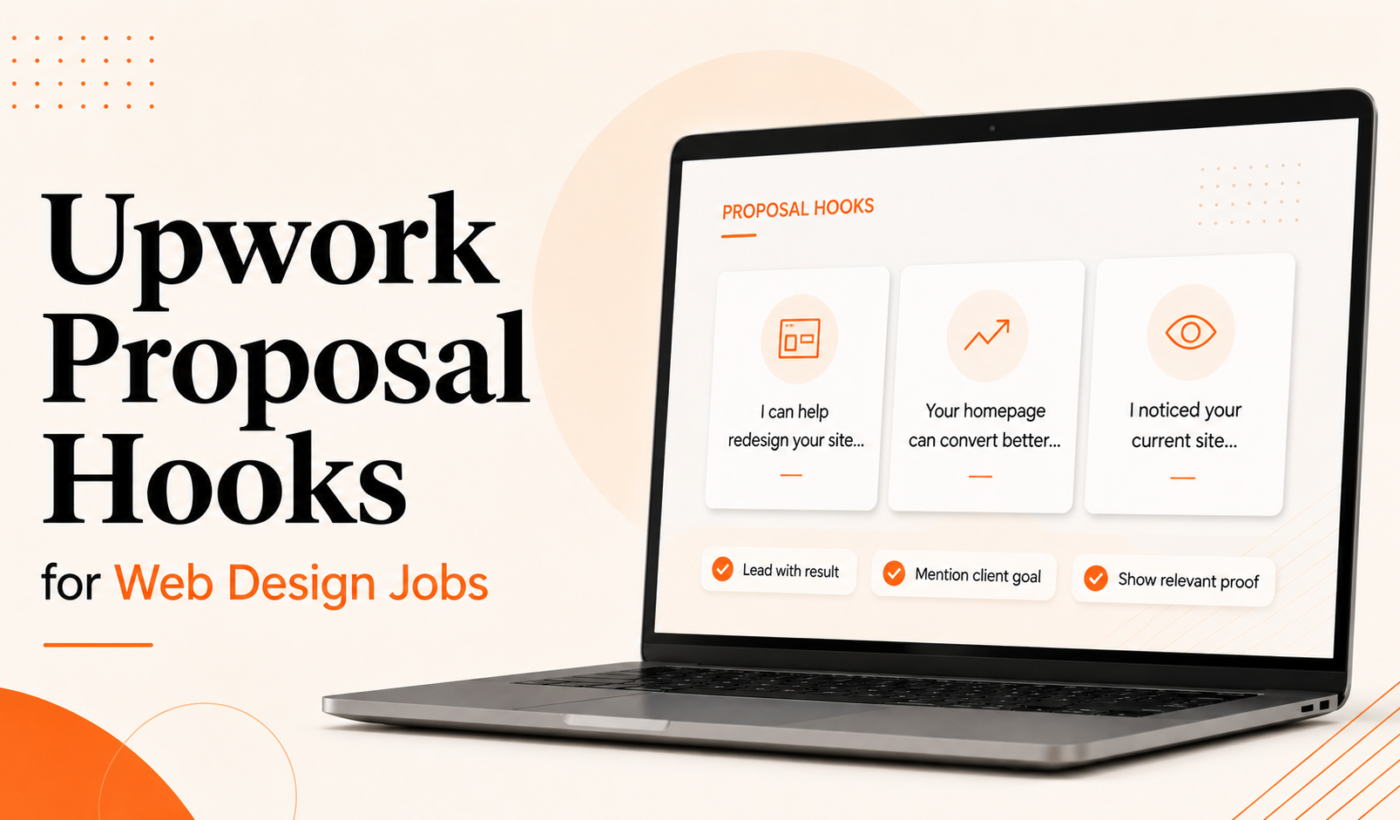
Introduction
If you want more replies on Upwork, your first sentence matters. This guide gives practical Upwork proposal hook web design examples you can copy, customize, and send. It’s written for US-based web designers and WordPress developers who need short, targeted opening lines that grab attention.
Below you’ll find 12+ hooks grouped by common web design job types, quick customization tips, a placement guide for your portfolio link, common mistakes to avoid, and a copy-ready pre-send checklist. When you’re ready to turn a hook into a full proposal, try Typing Engine’s Upwork Proposal Generator to generate a personalized draft fast.
Upwork proposal hook web design: Why the first sentence matters
Clients skim dozens of proposals. The opening line is your one chance to show relevance before they skip to the next applicant.
What clients notice in the first 10 seconds: a clear outcome, a signal you read the brief, and evidence you understand the priority (speed, conversions, redesign, etc.). Match your hook to the job type and you’ll raise the chance of a reply.
Measure success by whether the client replies or asks for samples—small behavioral signals matter more than broad claims.
Quick rules for writing Upwork proposal hooks that convert
- Be specific about the outcome or problem you’ll solve: Don’t say “I can help” — say “I’ll cut homepage load time to under 2.5s.”
- Lead with value, not credentials: Clients care first about results, then about experience.
- Use timeframes, numbers or relevant metrics: “48-hour fix” or “+15% conversions” reads stronger than vague promises.
- Keep it short and scannable: One sentence or a short phrase is ideal.
- Personalize using the client’s job details or niche: Mention the CMS, industry, or a page they referenced in the brief.
12+ Upwork proposal hooks for web design jobs (examples by job type)
Copy these hooks and tweak one or two words to match the client’s brief. To turn a chosen hook into a full proposal quickly, Generate a personalized hook with the Upwork Proposal Generator.
WordPress redesign — 3 example hooks
- “I’ll rebuild your WordPress homepage to load under 2.5s and keep your current content—48-hour turnaround.”
- “I reviewed your site—I can modernize the template, preserve your brand, and make the layout mobile-first.”
- “WordPress redesign focused on clearer CTAs: I’ll increase demo requests by simplifying the header and form flow.”
New website design (small business) — 2 example hooks
- “I’ll design a 5-page small business site on WordPress with clear service pages and an easy booking CTA within 2 weeks.”
- “Custom small-business site built for local SEO and mobile conversions—ready to launch in three milestones.”
Landing page / conversion-focused design — 2 example hooks
- “Landing page redesign to improve conversions: I’ll test two headline variations and one lightweight A/B layout.”
- “I’ll design a single high-converting landing page with a checkout-ready CTA and tracking ready for Google/FB.”
Ecommerce / Shopify — 2 example hooks
- “I’ll optimize your Shopify product pages to reduce cart abandonment and speed up image loading by 30%.”
- “Shopify UX cleanup: reorganize product filters and checkout microcopy to lower friction and increase checkout completions.”
Bug fixes, urgent issues & speed improvements — 2 example hooks
- “I’ll diagnose and fix the 500 errors within 24 hours and provide a short post-fix report.”
- “Speed audit and fixes: I’ll reduce CLS and TTFB issues and send before/after Lighthouse snapshots.”
Ongoing maintenance or retainer work — 2 example hooks
- “I handle weekly security updates, backups, and minor updates—available for a predictable monthly retainer.”
- “Ongoing WordPress support: I’ll triage tickets within 24 hours and keep a changelog for your team.”
Accessibility, SEO or migration projects — 2 example hooks
- “Accessibility audit + fixes: I’ll bring your site up to WCAG AA basics and provide a prioritized task list.”li>
- “Full site migration to WordPress with 301 mapping and no SEO drop—I’ll prepare a launch checklist and run tests.”li>
How to customize hooks quickly (templates, prompts and tools)
Use short templates and Typing Engine tools to produce multiple variations fast.
- Simple hook templates (fill-in-the-blank):
- “I’ll [action] your [platform/page] to [measurable outcome] in [timeframe].”
- “Fix [problem] on your [page/platform] and deliver [output] by [date].”
- Use the Upwork Proposal Generator to turn a hook into a full proposal with tailored proof points and a clear CTA: Typing Engine’s Upwork Proposal Generator.
- Generate variations with the Paraphrasing Tool to test different tones or phrasing.
- Adjust tone and flow using the Paragraph Rewriter to keep the same hook but change formality.
- Humanize AI output with the AI Text Humanizer so your proposal reads natural and client-focused.
- Summarize long job posts with the Summarizer Tool so you can pull the exact pain point to reference in your hook.
- For a fast workflow that pairs hooks with full proposals, see How To Generate Winning Upwork Proposals in Minutes.
Where to place your hook and portfolio link on Upwork
Placement matters. Use the opening line as the first sentence, then deliver one short supporting sentence and a single portfolio link.
- Opening line + first paragraph: Start with your hook, then follow with a one-line value statement and a direct question or CTA.
- Portfolio link in short proposals: Include one relevant sample link after your one-line proof sentence—don’t paste a long list of links.
- Attach vs. link: Attach screenshots for urgent fixes or critical examples; link to a portfolio for full-case studies. For a deeper guide, read Where to place your portfolio link in an Upwork proposal.
For web-design-specific proposal templates and WordPress examples, check the Upwork proposal template for web designers.
Common mistakes that kill response rates
- Generic openers that sound copy-pasted: Avoid “Hi, I can do this” without mentioning a detail from the brief.
- Leading with your rates or availability first: Clients care about outcomes before hourly numbers.
- Too long or unfocused opening paragraphs: Keep the first two lines tightly focused on value.
- Overpromising or vague outcomes: Offer realistic, measurable improvements or clear next steps.
Pre-send checklist (copy-ready)
- Personalized hook that references the job or company.
- One-line value statement tied to the hook.
- Relevant portfolio link or attached sample included.
- Grammar and clarity check with the Grammar Checker.
- Clear call-to-action (question or next step).
- Set a 48–72 hour follow-up reminder if you don’t hear back.
FAQ
How long should my Upwork proposal hook be?
One sentence or a very short phrase is ideal. The goal is to signal relevance immediately and invite the reader to keep going.
Can I reuse the same hook for multiple web design jobs?
You can reuse templates, but always tweak one detail to show you read the brief (platform, page, metric, or timeline).
Where should I place my portfolio link in a short Upwork proposal?
Include one strong link immediately after your one-line proof statement. If the client asks for attachments, add a PDF or screenshots as requested. See Where to place your portfolio link in an Upwork proposal for more examples.
Should I mention my hourly rate or timeline in the opening?
No. Lead with the outcome. Mention rates or timeline after you’ve shown relevance and proof—unless the job asks explicitly for a budget in the first line.
How do I tailor a hook specifically for WordPress or Shopify projects?
Mention the platform and a clear deliverable: theme update, plugin conflict fix, speed improvement, or migration steps. For WordPress redesigns, reference responsive layouts, load time, or a specific plugin if the job mentions one.
Conclusion & next steps
Pick a tailored hook, tie it to one clear outcome, add a relevant portfolio sample, and send. If you want to move faster, try Typing Engine’s Upwork Proposal Generator to turn any hook into a complete, client-focused proposal in minutes. When you finish a draft, Polish your final draft with the AI Text Humanizer so the language sounds natural.
Use this checklist before you send and follow up within 48–72 hours if you don’t hear back. Small, specific openings win more conversations than long biographies—start there.