
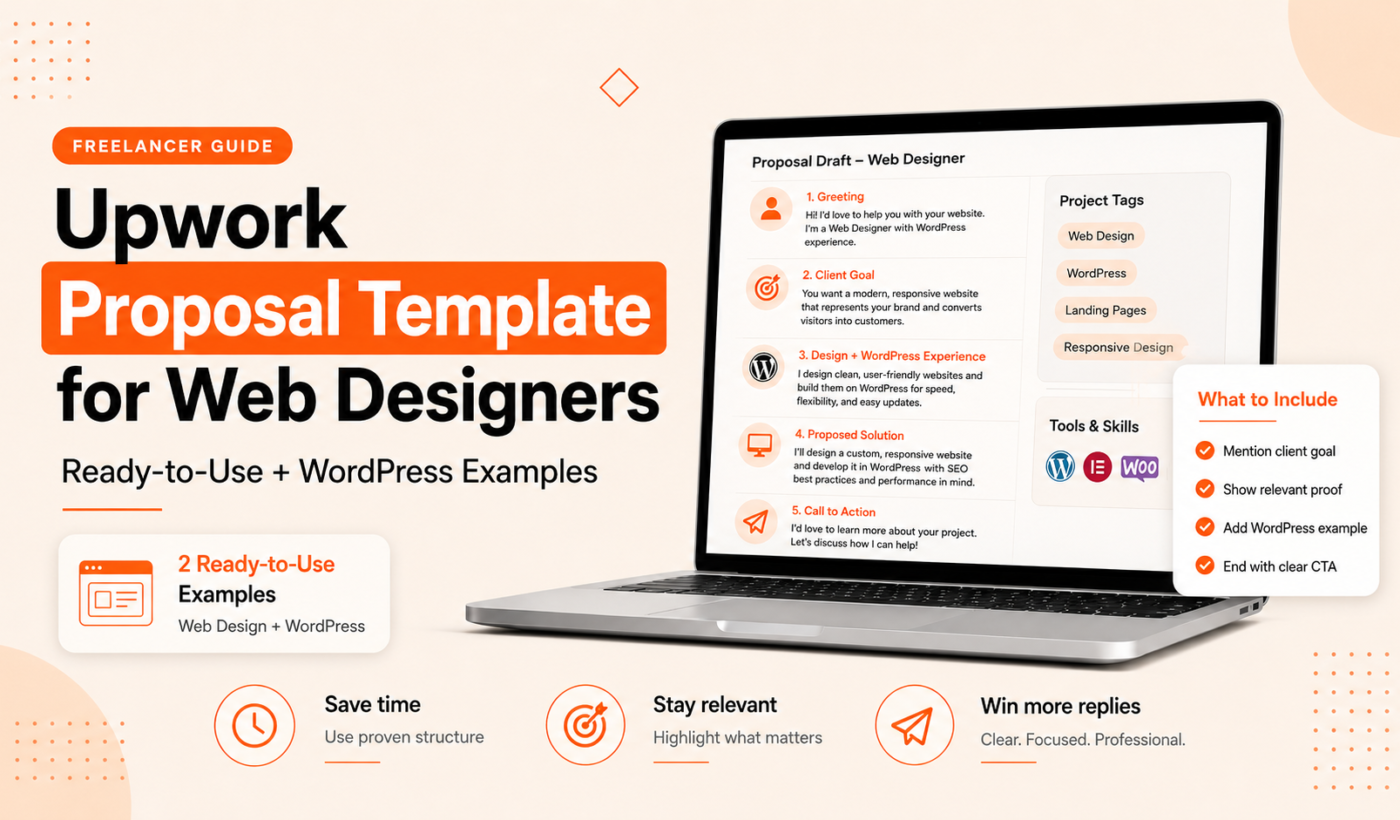
If you want to save time and win more interviews, a tailored Upwork proposal template for web designers makes your applications consistent and client-focused. This guide gives you copy-ready short and detailed templates, a WordPress-specific example, proven opening lines, a step-by-step customization checklist, and a quick workflow using free Typing Engine tools to generate and polish proposals.
Ready-to-use Upwork proposal template for web designers (short)
When to use this short template
Use the short template for lower-budget jobs, quick fixes, or when the client asks for a short message. It’s best for clients who want a fast reply and clear next steps.
Template: 3–5 sentence opener + 2–3 sentence skills match + call to action
Hi {Client Name}, I’m {Your Name}, a web designer with {X} years building {type of sites, e.g., small business WordPress sites or conversion-focused landing pages}. I reviewed your post and can deliver {specific deliverable, e.g., a mobile-first, SEO-friendly redesign} in {timeline}. My recent project for {brief result or client type} used {relevant tools or theme/plugin} — I’ll include the portfolio link below. If that sounds good, I can start with a 15-minute call to confirm scope and timeline.
Fields to customize before sending
- Client name
- Specific deliverable and timeline
- Relevant tool or theme (e.g., Elementor, Gutenberg, WooCommerce)
- Portfolio link and one relevant example
- Clear next step (call, short audit, or milestone)
WordPress proposal example (detailed)
When to use a WordPress-specific proposal
Use a WordPress proposal when the job mentions themes, plugins, WooCommerce, page builders, migrations, or performance optimization. A WordPress-specific pitch shows you understand common platform issues and can list deliverables like plugin configuration, theme child setup, and security measures.
Full WordPress proposal example (200–350 words)
Hi {Client Name}, I’m {Your Name}. I specialize in WordPress redesigns and performance improvements for small businesses. I reviewed your brief and can deliver a refreshed site that improves load time, makes content easier to update, and converts visitors into leads.
Scope & deliverables (example):
- Discovery: 1-hour call and a short audit of current site (pages, plugins, hosting)
- Design & build: Child theme or custom theme adjustments, responsive layout, and page templates for home, services, blog, and contact
- Plugins & features: Set up SEO plugin, contact form, caching, and security hardening
- Performance: Image optimization, critical CSS, and caching configuration (target: measurable speed improvements)
- Testing & launch: Cross-browser checks, staging push, and one week of post-launch support
Timeline: 4–6 weeks depending on content readiness. Milestones: audit & kickoff (week 1), design & review (week 2–3), build & testing (week 4), launch & support (week 5–6). Estimated cost: {fixed total or hourly estimate} — I can provide a milestone breakdown after the kickoff call.
Portfolio: I’ll share a short list of similar WordPress projects on request; here’s one example: {portfolio link}. If you want, I can start with a 30-minute review of your current site and a short list of changes I’d prioritize.
Thanks for considering this — I’m available to start on {date} and happy to answer questions.
How to adapt this proposal for plugins, themes or performance work
- Plugin-only work: Narrow scope to configuration, compatibility testing, and backup plan.
- Theme work: Specify child theme use, customization limits, and reusable templates.
- Performance: Include measurable targets (e.g., load time, Lighthouse score) but confirm metrics during audit.
Write an attention-grabbing first two lines
Why the first two lines matter on Upwork
The first two lines appear above the fold in many Upwork views. A clear, client-centered opener increases the chance they expand and read the rest.
5 hook examples for web design jobs
- “I can reduce your homepage load time by 30% and keep your current design.”
- “Experienced WordPress designer — I’ll deliver a responsive site ready for leads in 4 weeks.”
- “I fixed a similar WooCommerce checkout slowdown last week; here’s how I’d approach yours.”
- “If you want a faster site without changing your theme, I can start with a 20-minute audit.”
- “Want a landing page that converts? I’ll build and A/B test the hero section first.”
Subject-line and first-line examples for WordPress jobs
Subject: “WordPress redesign + performance — audit in 24 hours”
First line: “I’m {Name}, a WordPress designer — I’ll run a free 15-minute audit and send 3 quick wins you can implement immediately.”
For more opener ideas, see additional examples in our guide on Upwork proposal first two lines: what to write.
Customize proposals to match the job (research + structure)
Quick job-post checklist: what to look for
- Platform and tech: WordPress, Shopify, Wix, page builders.
- Must-have features: e.g., WooCommerce, multilingual, contact forms.
- Client goals: speed, conversions, better content management.
- Budget and timeline clues: immediate, 1–3 months, hourly, fixed.
- Example sites or design references the client lists.
How to match your experience to the client’s exact needs
Pick 2–3 items from your experience that directly match the job and show a quick, relevant example. For instance, if the job mentions WooCommerce, mention a recent WooCommerce project and what you improved (performance, checkout flow, or integrations).
Where and how to place portfolio links in your proposal
Put one clean, clickable portfolio link inside the proposal body and offer a short list of relevant pages. For details on formatting and exact placement, see our article on How to Mention Your Portfolio in an Upwork Proposal, which shows where clients expect links and how to call attention to the right examples.
Present scope, timeline and pricing clearly
Sample scope breakdown and milestone table
Keep scope bullets short. Example:
- Milestone 1 — Audit & kickoff: 1 week — $X
- Milestone 2 — Design & approval: 2 weeks — $Y
- Milestone 3 — Build & test: 2 weeks — $Z
- Milestone 4 — Launch & 1-week support — $W
How to state hourly vs fixed-price proposals
Offer a fixed price for clearly scoped work. If the scope is open, recommend hourly with an estimate and a cap. Always explain what’s included and what will be billed separately (content, premium plugins, licensing).
Red flags to avoid when listing deliverables
- Vague terms like “make it look better” without specifics.
- Unstated assumptions about content or logins.
- Not listing post-launch support or testing details.
Common mistakes, grammar checklist and final polish
Top 7 proposal mistakes web designers make
- Sending the same generic pitch to every job.
- Not addressing the client’s stated goals.
- Including too many unrelated portfolio links.
- Overpromising on timelines or tech unless confirmed.
- Ignoring mobile or performance mentions in the brief.
- Using unclear pricing or no milestones.
- Poor grammar or long, dense paragraphs.
Grammar and clarity checklist
- Short sentences and 1 idea per paragraph.
- Active voice and client-focused language.
- Correct spelling, punctuation, and capitalization.
- One portfolio link and one clear CTA.
Run your proposal through the Grammar Checker and consult Common Grammar Mistakes Freelancers Make in Proposals for before-and-after examples.
How to humanize an AI draft without losing accuracy
Keep specifics: remove vague filler, add a quick personal line referencing the client’s job, and replace robotic phrases with simple, direct language. Use the AI Text Humanizer to adjust tone while preserving facts.
How to use Typing Engine’s free tools to write faster
Step 1: Generate a baseline draft with the Upwork Proposal Generator
Start by creating a draft tailored to the job using the Upwork Proposal Generator. It saves time and produces a structured draft you can personalize.
Step 2: Humanize and adjust tone with the AI Text Humanizer
Take the generated draft and run it through the AI Text Humanizer to remove stiff phrasing and add a natural, professional voice that fits your style.
Step 3: Reword sections with the Paraphrasing Tool and check grammar
If a paragraph needs clearer wording, use the Paraphrasing Tool or the Paragraph Rewriter. Finish by running the proposal through the Grammar Checker for a final pass.
For a fast workflow on converting a long audit into short scope bullets, try the Summarizer Tool.
Final pre-send checklist
10-item pre-send checklist (hooks, relevancy, portfolio, pricing, attachments, grammar)
- Hook: first two lines show value or next step.
- Relevancy: mention a matching past project or tool.
- Scope: short bullet list of deliverables.
- Timeline: clear start date and duration.
- Pricing: milestone or hourly estimate and what’s excluded.
- Portfolio: one relevant link with page examples.
- Attachments: sample screenshots or mockups if requested.
- Grammar: run the Grammar Checker.
- Tone: humanize any AI text with the AI Text Humanizer.
- CTA: clear next step (call, audit, or start date).
Quick copy-paste prompts to personalize in 60 seconds
- “I noticed you mentioned {feature} — I’ve implemented that with {plugin/tool} on a recent site.”
- “I can start with a 15-minute audit and send 3 quick wins within 24 hours.”
- “If you prefer a fixed price, I’ll draft a milestone proposal after the kickoff.”
Three short sample proposals (quick library)
Sample 1: Short pitch for a small website build
Hi {Client}, I’m {Name}. I build 3–5 page WordPress sites for small businesses and can deliver your site in 10 days. I’ll include responsive templates, basic SEO setup, and a contact form. Portfolio: {link}. Available for a 15-minute call to confirm requirements.
Sample 2: WordPress redesign proposal (medium length)
Hi {Client}, I’m a WordPress designer with experience in redesigns that improve conversion. I’ll start with a 1-hour audit, provide a design mockup, then build a responsive site using a child theme and optimized assets. Timeline: 4–6 weeks. Example: {link}. Ready to start next week.
Sample 3: Landing page / conversion-focused project pitch
Hi {Client}, I specialize in landing pages that increase leads. I’ll design a fast, mobile-first landing page, implement conversion tracking, and run a quick A/B test on the hero section. Deliverable: publish-ready landing page in 7 days. Portfolio: {link}.
FAQ
What should be in the first two lines of an Upwork proposal for a web design job?
Lead with a clear benefit or next step. Example: “I can reduce your homepage load time by 30% — I’ll start with a 15-minute audit.” Keep it short and specific.
How long should an Upwork proposal be for WordPress work?
Keep short proposals to 3–6 sentences for quick jobs. For WordPress redesigns, 200–350 words are appropriate when you include scope, timeline, and milestones.
Should I include my portfolio link in the proposal body or cover letter?
Include one clean portfolio link in the body with 1–2 relevant page examples. For guidance on placement and formatting, see our article on How to Mention Your Portfolio in an Upwork Proposal.
How do I present pricing and milestones in an Upwork web design proposal?
Use a short milestone table showing deliverable, timeframe, and price. Offer fixed pricing for scoped work and hourly with an estimated cap for open-ended work.
Can I use AI to draft my Upwork proposals and still sound personal?
Yes. Use AI to generate a draft, then personalize specifics, add a client-focused opening, and humanize the tone with the AI Text Humanizer. Finish with a grammar check.
Next steps
Pick a template above, personalize the fields, and run it through the Upwork Proposal Generator to get a tailored draft. Then humanize, reword, and grammar-check with Typing Engine tools before you hit send.
Generate a personalized proposal now and polish it using our AI Text Humanizer, Paraphrasing Tool, and Grammar Checker.