
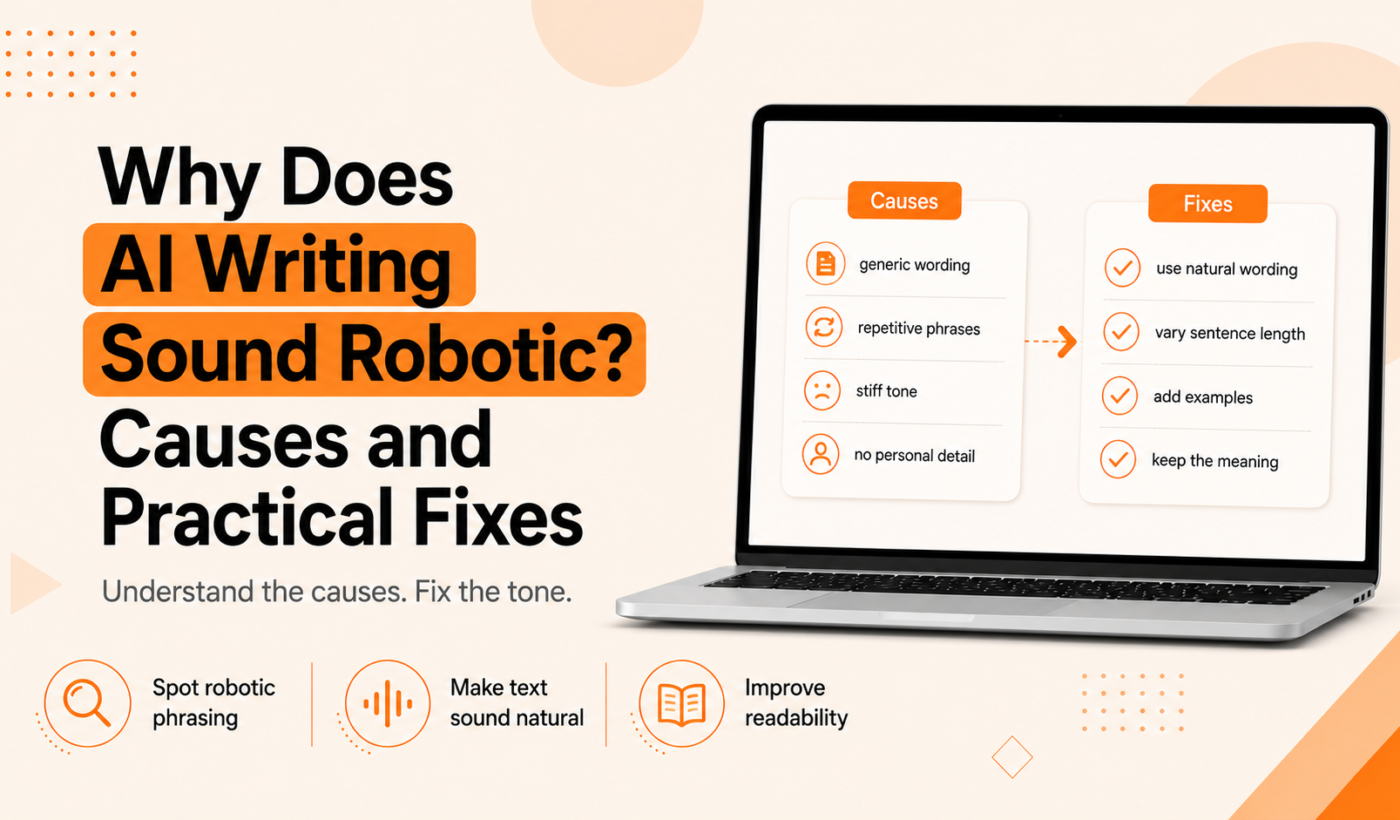
Many writers ask: why does AI writing sound robotic even when sentences are grammatically correct? The answer is a mix of how models generate text and the stylistic shortcuts that follow. This article explains the root causes, how to spot robotic AI text, clear editing tactics you can use immediately, and a practical tool workflow to humanize drafts without wasting time.
Why does AI writing sound robotic
How prediction-based generation creates generic phrasing
Large language models generate the most likely next words based on patterns in training data. That prediction process favors safe, common phrasing. The result: text that reads polished but predictable, with few surprises or distinctive opinions.
Training data and recycled clichés
Models are trained on huge amounts of published text. That makes them good at repeating common turns of phrase — the same clichés and stock sentences you see across many web pages. Overused phrasing flattens voice and removes the little errors or unique metaphors that signal a real writer.
Overuse of neutral or overly formal tone
To avoid mistakes, models often default to a neutral, formal tone. That tone is useful for clarity but can feel distant or bland when a personal voice is appropriate.
Repetition, predictable sentence length and rhythm
AI drafts often repeat words, mirror sentence length, or follow a steady rhythm. Human writing usually has more variation: short sentences for emphasis, longer ones for detail, and irregular cadence that matches natural thought.
Lack of specificity, sensory detail and real experience
AI doesn’t have lived experience. It substitutes generalities for concrete details. Passages with no names, dates, or sensory cues feel abstract — and when everything is abstract, the text feels robotic.
How to recognize robotic AI text
robotic AI text examples (short annotated samples)
Below are short examples that show common robotic patterns. Each one includes a quick note on what makes it read as machine-generated.
Example A — Generic product intro
“Our product is designed to help businesses achieve their goals by providing innovative solutions and exceptional support.”
Why it sounds robotic: vague claims, no specifics, and marketing clichés.
Example B — Flat social post
“Excited to announce a new service that will improve your workflow and increase productivity for teams of all sizes.”
Why it sounds robotic: overused upbeat phrasing, no concrete benefit or example.
Example C — Stiff proposal opener
“I am writing to express my interest in your project and believe my skills align with your requirements.”
Why it sounds robotic: formal wording, no personal detail, generic confidence claim.
Quick checklist: 8 signs your text sounds robotic
- Too many clichés and buzzwords
- Repeated words or phrases across sentences
- Even sentence length and rhythm
- Lack of names, dates, or concrete examples
- Neutral or overly formal tone where a human would be casual
- Generic claims with no evidence or specifics
- Few contractions or colloquial turns of phrase
- Over-polished phrasing that removes personality
When robotic-sounding text actually works (and when it doesn’t)
A formal, neutral tone is fine for instructions, legal summaries, or technical documentation. It fails for personal proposals, social posts, and storytelling where readers expect distinct opinion, specificity, or emotion.
Practical edits to make AI writing sound human
Vary sentence length and rhythm
Look for long runs of same-length sentences. Break one into a short sentence for emphasis, or combine two short ones with a dependent clause. Read the paragraph aloud — if it sounds monotone, change the rhythm.
Replace clichés and generic phrases with specifics
Swap “innovative solutions” for what you actually do. Instead of “improve workflow and increase productivity,” try “cut reporting time by two days” or “reduce monthly invoice errors.” When you need alternate wording, run a short passage through the Paraphrase text for free using the Paraphrasing Tool to generate variations you can choose from.
Add small sensory or contextual details
Include a quick detail: a client industry, a timeframe, a metric, or how a process felt. Those tiny specifics anchor copy to reality and signal real expertise.
Use contractions, colloquialisms and natural phrasing appropriately
Contractions make prose feel conversational. Add one or two colloquial turns where appropriate, but keep it professional for formal audiences.
Tweak voice: active verbs, personal pronouns, and opinion
Prefer active constructions: “I led the audit” instead of “The audit was led by me.” Use first person when writing proposals or personal posts — it shows ownership of ideas.
Avoid over-polishing: keep imperfections that reveal human judgment
Small deviations, an acknowledged limitation, or a brief anecdote makes text feel lived-in. Try leaving one sentence that shows a judgment call or trade-off rather than smoothing every line to perfection.
Tools and workflows to humanize AI drafts
Suggested two-pass workflow: rough prompt → edit for voice → polish for grammar
- Generate a rough draft with your AI tool, focusing on content completeness, not voice.
- Edit for voice and specifics: replace clichés, add examples, vary rhythm.
- Run a polish pass for clarity and grammar.
For the voice pass, try Humanize AI text for free with Typing Engine’s AI Text Humanizer to remove stiff phrasing and add natural alternatives.
When to use a paraphraser vs. a humanizer vs. a grammar checker
- Paraphraser: use when a whole sentence or paragraph feels canned; it gives alternate wording. Try Paraphrase text for free using the Paraphrasing Tool for options.
- Humanizer: use when tone and personality are wrong but ideas are sound; the AI Text Humanizer is built for that pass.
- Grammar checker: use at the end to catch leftover errors and awkward phrasing; Check grammar for free with our Grammar Checker.
How to build a repeatable checklist for Upwork proposals, LinkedIn posts and emails
- Read aloud: mark sentences that sound flat.
- Add one concrete detail (name, number, timeframe).
- Use a contraction or personal pronoun where suitable.
- Run a paraphrase or humanize pass for alternate phrasings.
- Final grammar check.
Before-and-after examples: quick rewrites
Upwork proposal opening (before and after)
Before: “I am writing to express my interest in your project and believe my skills align with your requirements.”
After: “Hi Jenna — I’ve built three Shopify stores for indie brands in the last year. I can get your store checkout working with Klarna in two weeks and handle testing myself.”
This version adds a name, a specific result, and a timeframe. If you want a starting point for proposals, Generate a free personalized Upwork proposal that includes a human-friendly opening.
Social post example (before and after)
Before: “Excited to announce a new service that will improve your workflow and increase productivity for teams of all sizes.”
After: “I just launched a checklist that saved my client three hours a week on onboarding — and you can use it tomorrow. Link in comments.”
Short, specific, and actionable beats generic enthusiasm. If a paragraph needs restructuring for flow, use the Rewrite a paragraph for free with the Paragraph Rewriter.
Cold email pitch (before and after)
Before: “Our service helps companies reduce costs and improve efficiency through innovative solutions.”
After: “Hi Alex — we cut one retailer’s fulfillment errors by 18% in 90 days by automating two manual checks. Curious if we can do the same for your team?”
Checklist: final pass to humanize an AI draft
Copy this 7-item checklist and run it before you publish or send:
- Does the opening sound like a person? (Add a name or specific detail.)
- Remove at least one cliché or generic claim; replace with a specific example or number.
- Vary sentence length: add one short sentence for emphasis.
- Use contractions where appropriate and a personal pronoun if the piece is personal.
- Include one quick sensory or contextual detail if possible.
- Run a final polish: Check grammar for free with our Grammar Checker.
- Optionally run a final humanize pass: Humanize AI text for free with Typing Engine’s AI Text Humanizer.
Timeboxed editing tips: 5-, 10- and 20-minute passes
- 5 minutes: add a name, one specific detail, and one contraction.
- 10 minutes: vary sentence rhythm and remove generic phrases; paraphrase a weak sentence.
- 20 minutes: restructure paragraphs for flow, add a short anecdote, and run final grammar check.
When not to rely on AI
High-stakes or legally sensitive messaging
Don’t use AI drafts as final text for legal notices, contracts, or anything requiring certified accuracy. Always consult a professional.
Personal-brand storytelling that needs lived experience
AI can help structure a story, but it can’t replace true lived detail. Use AI for outlines, then write the personal parts yourself.
Client-facing first drafts that must reflect unique expertise
When a client expects domain-specific language or proprietary methods, have an expert write or heavily edit the draft so it matches real practice.
Further reading and tools
Tools to try for quick humanizing and rewriting: Humanize AI text for free with Typing Engine’s AI Text Humanizer, Paraphrase text for free using the Paraphrasing Tool, Rewrite a paragraph for free with the Paragraph Rewriter, and Summarize text quickly with the Summarizer Tool when you need to shorten verbose AI output.
For a deeper look at proposal openers, see this guide on Upwork proposal first two lines: what to write (with examples).
FAQ
Why does AI writing sound robotic even when it looks grammatically correct?
Because models optimize for statistically likely phrasing. That produces correct grammar but predictable wording, which feels impersonal or flat.
What are the fastest edits to make AI text sound more human?
Add one concrete detail, use a contraction, and vary sentence length. Those three quick changes usually make the biggest difference.
Are there automated tools that can humanize AI writing reliably?
Tools can help. Use a humanizer pass to adjust tone, a paraphraser for alternate phrasings, and a grammar checker for final polish. Each has strengths at different stages of editing.
When should I avoid using AI-generated text?
Avoid it for legal or regulated messaging, for personal stories that require lived detail, and for first drafts that must reflect a unique professional voice without heavy editing.
How do I keep a consistent personal voice when editing AI drafts?
Create a short voice guide for yourself: preferred pronouns, formality level, 3-5 phrases you use, and two phrases you avoid. Use that guide when editing or when prompting the AI.
Try this now: If you want to test a humanize pass on an AI draft, Humanize AI text for free with Typing Engine’s AI Text Humanizer. Or generate a tailored, human-friendly proposal using Generate a free personalized Upwork proposal.