
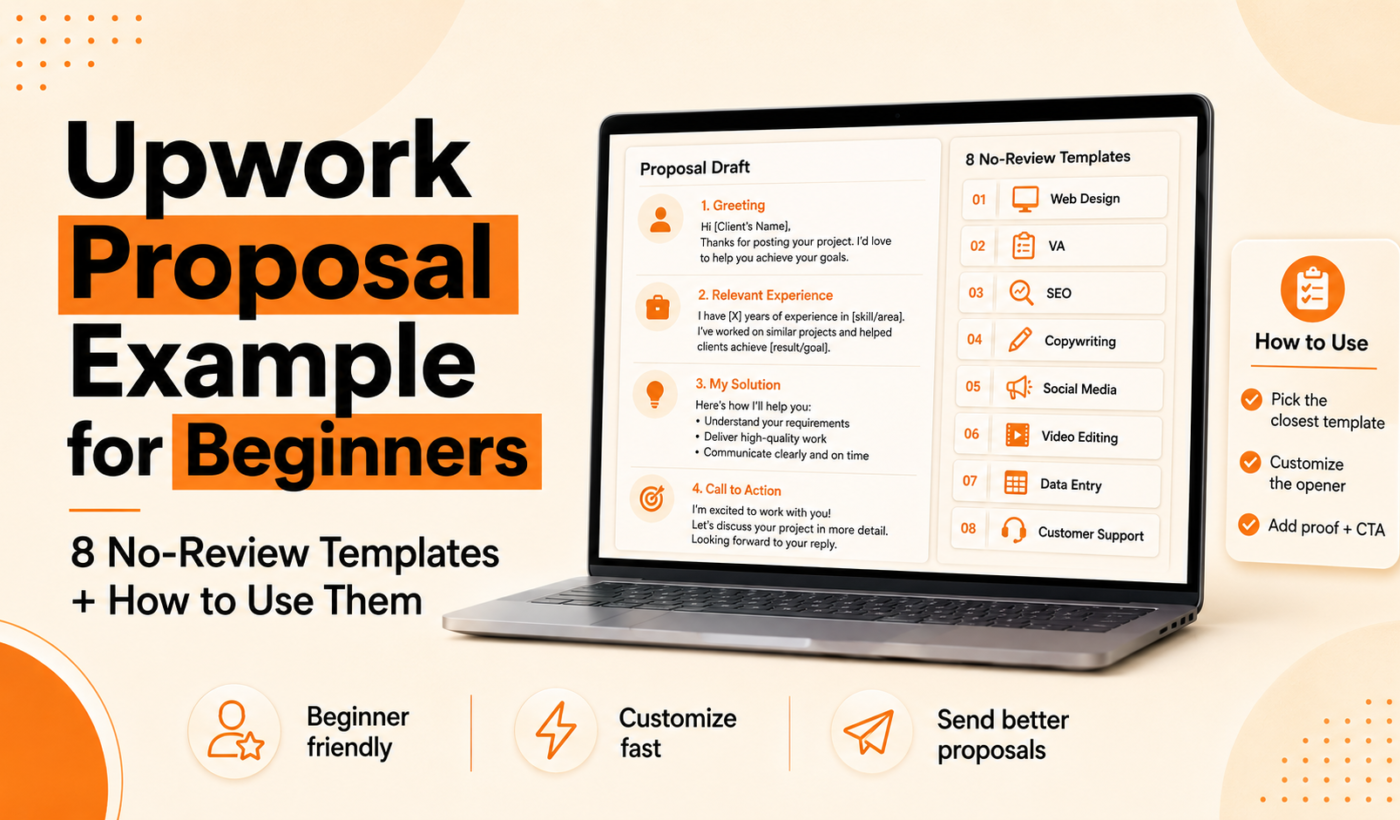
Upwork proposal example for beginners
If you’re new on Upwork and have no reviews, the right proposal can still get you interviews. This guide gives focused steps, a short sending checklist, and eight copy-and-paste templates so you can apply with confidence. When you’re ready, Generate a free personalized Upwork proposal to speed customization.
Who this guide is for and what you’ll get
This is for U.S.-based freelancers applying to their first Upwork jobs: writers, designers, developers, VAs and creatives with few or no reviews. You’ll get:
- Why short, tailored proposals work when you have no reviews
- A quick pre-proposal checklist to increase replies
- One repeatable proposal structure
- Eight no-review templates and how to customize each
Why your first Upwork proposals matter (even without reviews)
How clients screen applicants when they see zero reviews
Clients look for signals that lower hiring risk: a clear match to the job, relevant samples, realistic timelines and a professional tone. If you can’t show past Upwork reviews, you can still reduce perceived risk with specific examples and a small, low-cost first deliverable.
Top signals to optimize
- Relevance: reference one sentence from the job post to show understanding.
- Portfolio samples: attach or link to 1–2 highly relevant examples.
- Clarity: concise plan, timeline and price.
- Availability and quick response: state when you can start and your timezone.
Realistic goals for your first 3–10 proposals
Expect low reply rates at first. A realistic goal is to get one positive response in your first 10 targeted proposals if you apply thoughtfully. Focus on relevance and follow-up rather than applying widely with generic text.
Quick checklist before you write
- Profile essentials: short title, one-paragraph overview that mentions your top skill and desired client outcome, and an hourly rate that matches your experience level.
- Portfolio and samples: prepare 1–2 job-specific files to attach or link. Keep file names clear (e.g., homepage-redesign-sample.pdf).
- Availability and pricing: state how many hours per week or a fixed timeline for the task.
- Read the job post: identify the client’s required deliverable, tech stack, and any lines like “apply with the word X” and follow instructions exactly.
How to structure a first Upwork proposal (step-by-step)
Start strong: the subject and first two lines
Use the first two lines to show immediate relevance. For more focused examples, see our detailed advice in Upwork proposal first two lines: what to write (with examples).
Open with one-sentence relevance
Briefly state why you’re a fit. Mention the client’s desired result and one relevant skill or outcome.
Show 1–2 quick examples or a portfolio link
Either attach a single, highly relevant sample or add a clear portfolio link. Guidance on where to place your portfolio link is in Where to place your portfolio link in Upwork proposals.
Propose a tiny first deliverable or next step
Offer a low-risk first task: a short sample, a 30-minute discovery call, or a one-page mock. This reduces client hesitation.
Close with a specific call to action and availability
End with a single next step: confirm availability window and invite the client to schedule a quick call or ask for permission to send a sample.
Tools that help this step
- Summarize text for free to turn long job posts into a short checklist you can address in the proposal.
- Rewrite a paragraph for free to tighten proposal sections and improve tone.
8 no-review proposal templates (copy-and-paste ready)
Each template below includes when to use it and two quick edits to make it yours. Replace bracketed text and keep the first two lines strong.
Template 1: Short cold-start (low-budget/fixed microtask)
Use when the job is a small, well-defined task and the client posted a budget.
Hi [Client name], I can complete [task] in [timeframe] for [price]. I’ve attached a similar sample: [file name]. Ready to start today—available [days/times]. Would you like a 10-minute test sample first?
- Change: attach one exact sample with matching scope.
- Change: set a modest price and a 1–2 day turnaround.
Template 2: Portfolio-first (design & creative jobs)
Use for design or creative posts that request examples.
Hi [Client name], I specialize in [design type]. Please see two relevant samples: [file name] and [file name] or my portfolio here: [link]. For this job I’d start with [small deliverable] and deliver within [days]. Can I share a quick mockup?
- Change: attach the most relevant design and include a short caption describing the result.
- Change: offer a 1–2 hour mockup to reduce perceived risk.
Template 3: Problem-solver (web development / bug fixes)
Best when a client describes a bug or a feature request.
Hi [Client name], I can fix [specific issue]—I’ve solved similar problems using [tech]. Estimated time: [hours/days]. I can start with a quick review and share a one-page plan. Do you have staging access?
- Change: mention the exact tech stack they listed.
- Change: offer a free quick audit (15–30 minutes) as the first step.
Template 4: Mini-proposal with clear deliverables (fixed-scope jobs)
Good for jobs that list clear deliverables and timelines.
Hello [Client name], I will deliver [item 1], [item 2], and [item 3] within [timeframe] for [price]. I’ve attached one similar example: [file name]. If that works I’ll start on [start date] and share first deliverable by [date].
- Change: list exact deliverables in order of completion.
- Change: keep the scope tight to avoid scope creep.
Template 5: Hourly availability (ongoing support / retainer)
For ongoing roles or support contracts.
Hi [Client name], I’m available [hours/day or week] to handle [tasks]. My hourly rate is [rate]. I recommend starting with a 1-week trial at [hours], then adjusting. I can begin [start date]. Interested in a 15-minute intro?
Template 6: Voice/creative gig (audio, narration, scripts)
Use for auditions and creative recordings.
Hi [Client name], I can deliver a warm, clear voice in [style]. Attached is a 30-second sample: [file name]. For a full script I’ll deliver [length] in [timeframe] and include one free revision. Want to hear a custom 30-second sample for your project?
Template 7: Administrative / virtual assistant template
For VAs and admin tasks where reliability matters.
Hi [Client name], I have experience with [tool] and can handle [tasks]. I’m available [hours/day] and can start immediately. I suggest a 1-week trial to confirm fit—shall we schedule a short call?
Template 8: Invitation follow-up (when a client invites you)
When a client invites you, be concise and direct.
Thanks for the invite, [Client name]. I can start on [start date] and deliver [deliverable] in [timeframe]. I’ve attached a relevant sample: [file name]. Ready to begin—would you like to schedule a 10-minute chat?
How to customize each template (what to change and why)
- Replace placeholders with one specific example from your work.
- Match language from the job post so clients hear their own words.
- Adjust timeline and price to be realistic and avoid overpromising.
- Shorten for simple tasks, lengthen for complex projects.
- Proofread and humanize the tone—don’t sound like a bot. If you use AI, run drafts through the Paraphrase text for free tool to reword sections naturally.
First two lines: quick examples for five job types
- Copywriter: “I’ll write a 500-word landing page that improves conversions—see a similar page I wrote attached.”
- Web developer: “Experienced in React and Node—can fix this bug and deliver a tested patch within 24 hours.”
- Graphic designer: “Brand designer with 4 sample logo concepts—attached is one in your style.”
- Virtual assistant: “Available 15–20 hrs/week for scheduling and email triage—I use G Suite and Trello.”
- Social media manager: “I’ll increase engagement with a week-long content test and A/B captions—see the case sample attached.”
For more examples and a deeper look at crafting those opening lines, see Upwork proposal first two lines: what to write (with examples).
Common mistakes beginners make (and how to avoid them)
- Generic openings: avoid long bios—lead with relevance.
- Overpromising: don’t guarantee results you can’t control.
- Wrong samples or too many attachments: attach only the single most relevant sample.
- Ignoring instructions: if the job asks for a keyword or answer to a question, include it exactly.
Before you hit send: final checklist
- Proofread and run a grammar check with Check grammar for free.
- Attach the most relevant sample and place portfolio links as recommended in Where to place your portfolio link in Upwork proposals.
- Confirm timeline, price and the specific next step (call, sample task, or delivery).
- If you used AI to draft, Humanize AI text for free so the proposal sounds authentic.
- When you want a fast, tailored draft right before sending, Generate a free personalized Upwork proposal.
How to turn a first gig into your first review
- Deliver early and communicate frequently to reduce client anxiety.
- Ask for feedback at milestones and act on it quickly.
- Offer a small complimentary tweak that improves the final deliverable if appropriate.
- If the job allows, politely ask the client for a short review once they confirm satisfaction.
Typing Engine tools that make this faster
- Generate a free personalized Upwork proposal to create a tailored draft in seconds.
- Humanize AI text for free before sending so it reads personal and natural.
- Paraphrase text for free to reword template lines quickly.
- Check grammar for free to remove errors that reduce trust.
- Summarize text for free to convert long job posts into a short checklist.
- For workflows that speed proposal creation, see How To Generate Winning Upwork Proposals in Minutes (Not Hours).
FAQ
How do I write an Upwork proposal when I have no reviews?
Focus on relevance: match the job post language, attach one highly relevant sample, offer a small first deliverable, and be specific about timeline and availability.
What should the first two lines of my Upwork proposal say to get attention?
State the client’s need and your specific solution in one sentence, then mention a relevant sample or outcome. See more examples at Upwork proposal first two lines: what to write (with examples).
How long should my first Upwork proposal be if I have no reviews?
Keep it short—4–6 sentences for most jobs. Use clear deliverables, timeline and a single call to action.
Can I land work on Upwork with no reviews, and what helps the most?
Yes. The most helpful factors are relevance, one perfect sample, a low-risk first deliverable, and fast, clear communication.
Is it OK to use AI tools to draft my first proposals?
Yes, if you edit and humanize the text. Use tools like Humanize AI text for free and run a grammar check before sending.
Conclusion and next steps
Pick one template above and adapt it for three job posts this week. Customize the first two lines, attach one strong sample, run the final checklist, and send. When you need a fast, personalized draft, Generate a free personalized Upwork proposal or use Typing Engine’s other tools to tune tone and clarity. Track replies, iterate on your opening lines, and keep the proposals focused.
Try Typing Engine’s free Upwork Proposal Generator to create a tailored proposal in seconds and get more interviews.