
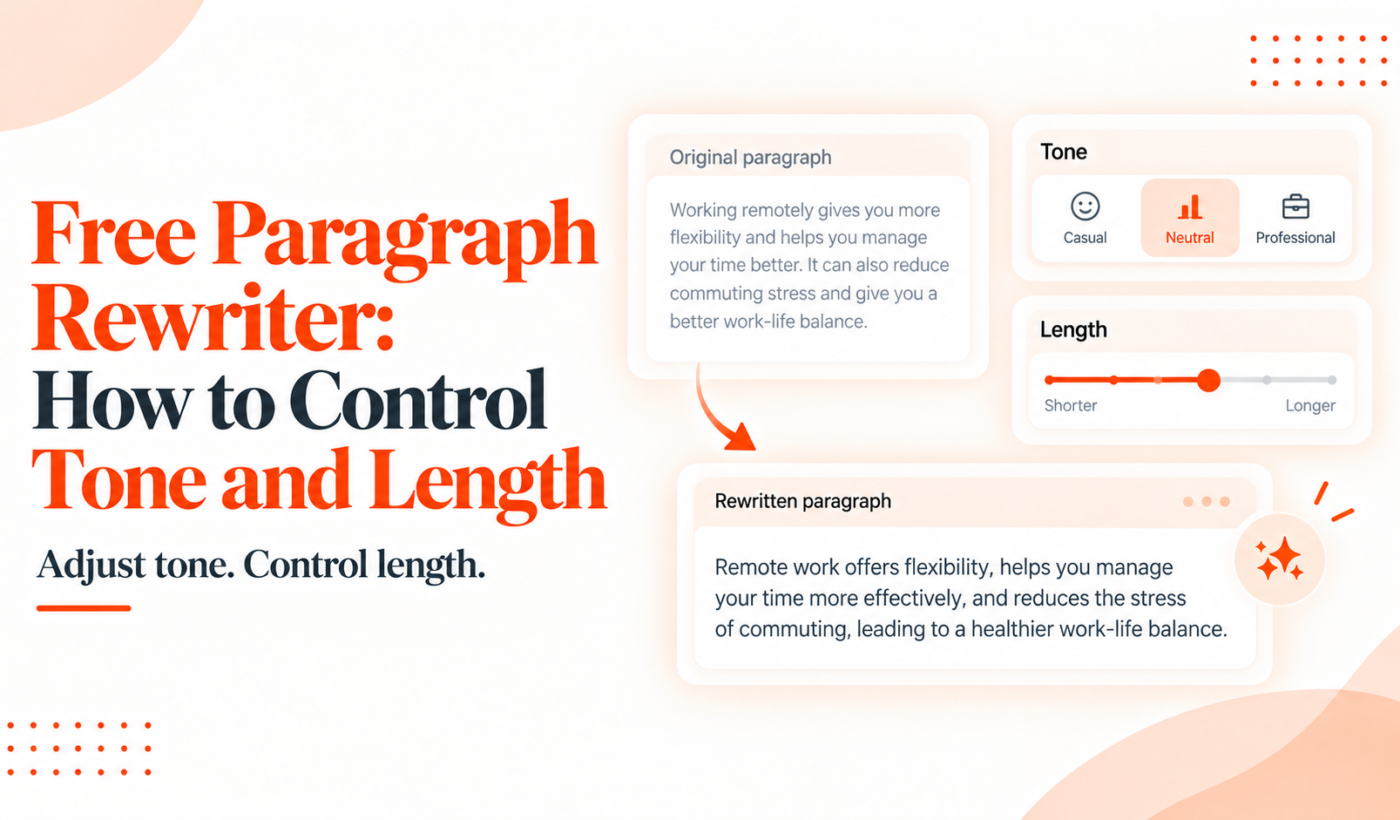
Freelancers and creators often need a quick, reliable way to reword a paragraph for a different audience or space. A free paragraph rewriter does that: it changes phrasing, tone, and length while aiming to preserve meaning. This guide walks you through why controlling tone and length matters, how the controls work, step-by-step examples, and a proven Typing Engine workflow you can follow right now.
What is a free paragraph rewriter and when to use it
Definition: paragraph rewriter vs. paraphrasing tool
A paragraph rewriter focuses on improving a specific paragraph’s clarity, tone and flow while keeping the original idea intact. A paraphrasing tool often creates multiple alternate phrasings or rewrites whole sentences for variety. Both overlap, but a paragraph rewriter is usually tuned for one-block edits and tone control.
When freelancers should use a paragraph rewriter (proposals, LinkedIn, email, blog edits)
- Proposal paragraphs where you need a client-focused, concise pitch.
- Email replies that should sound professional but not robotic.
- LinkedIn summary lines that must be friendly and confident.
- Blog edits when a paragraph reads awkward or mismatched to the rest of the post.
What it won’t do: meaning preservation and ethical limits
Tools help rewrite wording, but they can’t verify facts or invent accurate details. Don’t rely on automated edits for legal, financial, or technical claims without checking sources. If accuracy matters, keep a human review step.
Quick primer: how paragraph rewriters control tone and length
Tone controls (formal, casual, friendly, confident) — what they change
Tone controls adjust word choice, sentence rhythm and level of directness. For example, a formal tone uses full words, passive constructions less often, and polite qualifiers. A casual tone swaps in contractions, simpler words, and friendlier phrasing. Setting the tone helps match audience expectations—clients, hiring managers, or peers.
Length controls (shorten, expand, same length) — common strategies
Length controls work by prioritizing information (shorten) or adding details and transitions (expand). Shortening removes filler, redundant phrases, and weak modifiers. Expanding adds clarifying examples, numbers, or a short explanation to improve context.
Why the same input yields different outputs (models, prompts, temperature)
Outputs vary because tools use different models and prompt instructions. Small prompt changes like “make it friendlier” or “keep it under 30 words” guide the tool’s choices. If you want repeatable results, save prompt templates and test the output once, then tweak.
Step-by-step: rewrite a paragraph with controlled tone
Step 1 — pick the target tone and audience
Decide who will read this paragraph and what reaction you want: reassure, persuade, or inform. That determines tone and formality.
Step 2 — provide guidance in the prompt (keywords and constraints)
Give the tool short constraints: tone, length limit, and must-keep facts. Example: “Make this paragraph friendly, no more than 40 words, and keep the 15% discount mentioned.”
Example: professional proposal → friendly pitch (before and after)
Before (professional): I have eight years of experience building WordPress sites for small businesses. I can deliver a responsive site with payment integration within three weeks for $2,400.
After (friendly): I’ve spent eight years building WordPress sites for small businesses and would love to help you. I can create a responsive site with payment setup in about three weeks for $2,400.
The meaning didn’t change, but the wording became warmer and slightly more conversational.
Quick prompt templates to copy for common tones
- Formal: “Rewrite formally. Keep facts and avoid contractions.”
- Friendly: “Rewrite in a friendly, conversational tone. Use contractions and one-sentence calls to action.”
- Confident: “Rewrite to sound confident and concise; use active verbs and avoid hedging.”
Step-by-step: adjust paragraph length without losing clarity
How to shorten: prioritize, remove filler, use strong verbs
- Identify the sentence’s core message (one line).
- Remove adjectives and adverbs that don’t add information.
- Replace weak verbs and phrases with stronger verbs (“make improvements” → “improve”).
- Limit clauses and split if needed for readability.
How to expand: add specifics, examples, transitions
- Add a short example or metric that clarifies the claim.
- Use a transition to connect the idea to context or benefits.
- Keep sentences varied—mix short and medium length for flow.
Example: expand a one-sentence idea into a 3-line paragraph
One line: I improve conversion rates for ecommerce sites.
Expanded: I improve conversion rates for ecommerce sites by optimizing product pages, simplifying checkout flows, and A/B testing headlines. For one client, these changes increased sales by improving the checkout completion rate and lowering abandoned carts.
Shortening checklist to use after any rewrite
- Does the paragraph keep the essential fact or call to action?
- Are there redundant phrases to remove?
- Can any clause be combined into a single strong sentence?
- Is the final length appropriate for the medium (email, LinkedIn, proposal)?
Tool workflow: combining Typing Engine tools for best results
Using multiple tools in a short sequence gives a clean, publish-ready paragraph. Here’s a practical workflow you can follow:
Step A — rewrite paragraph with Paragraph Rewriter
Start by rewriting the paragraph to set the desired tone and length using Typing Engine’s Paragraph Rewriter. Enter the original paragraph and add a short instruction: tone, word limit, and facts to preserve.
Step B — humanize tone with AI Text Humanizer
Run the result through the AI Text Humanizer to remove any robotic phrasing and add natural rhythm. This step makes emails and LinkedIn copy feel more human.
Step C — check clarity and grammar with Grammar Checker
Finish with the Grammar Checker to fix punctuation, agreement, and clarity. This final pass catches small mistakes automated rewrites sometimes introduce.
Optional — use Summarizer Tool to shorten or Paraphrasing Tool for alternate variants
If you need a shorter summary, try the Summarizer Tool. If you want several alternate phrasings to test A/B language, use the Paraphrasing Tool.
Use case: polish an Upwork proposal quickly
Generate the initial proposal with the Upwork Proposal Generator, then copy a key paragraph into the paragraph rewriter to set tone and length. Humanize and run a grammar check before pasting into the job application.
Examples and templates: copyable prompts and before/after pairs
Email reply: make it concise and professional (before/after)
Before: Thanks for reaching out. I’d be happy to help you with that project. I have availability next month and could get started as early as the first week. Let me know if that works for you.
After (concise professional): Thanks—I’d be glad to help. I’m available to start the first week of next month. Please confirm if that timing works.
LinkedIn summary: make it friendly and confident (before/after)
Before: I am a product designer with experience in UX and UI. I work with teams to deliver thoughtful design solutions.
After (friendly/confident): Product designer focused on UX and UI. I partner with teams to deliver thoughtful design solutions that delight users and meet business goals.
Proposal paragraph: make it concise and client-focused (before/after)
Before: I can develop the website and I will ensure it is responsive and looks good on phones. I will also set up analytics and basic SEO.
After (concise, client-focused): I’ll build a responsive website optimized for mobile, set up analytics, and implement basic SEO so your site starts driving tracked traffic quickly.
Prompt templates (formal, casual, concise)
- Formal: “Rewrite formally. Keep facts. No contractions.”
- Casual: “Rewrite casually and warmly. Use contractions and short sentences.”
- Concise: “Rewrite under 35 words. Keep the main offer and deadline.”
When to prefer a paraphrasing tool or other Typing Engine tools
Paragraph Rewriter vs Paraphrasing Tool: quick comparison
Use the paragraph rewriter when you need targeted tone and length adjustments for a single block of text. Use the Paraphrasing Tool when you want multiple alternative phrasings or broader sentence-level variety.
When to use Summarizer Tool instead
Choose the Summarizer Tool when the goal is to condense long content into a shorter version without rewriting tone.
When to run the result through AI Text Humanizer
Always run client-facing copy through the AI Text Humanizer if it sounds stiff or too formal—this reduces robotic phrasing and improves readability.
Practical checklist before you hit publish
- Preserve meaning: Fact-check names, dates, prices and claims.
- Tone check: Read aloud to confirm the intended voice.
- Length check: Ensure it fits the medium—emails and proposals have different ideal lengths.
- Final pass: Run grammar and humanize tools before sending.
Limitations, best practices and ethical considerations
- Don’t change factual details—tools can rephrase but not verify facts.
- Avoid adding claims or metrics the original author didn’t provide.
- Keep a human in the loop—machine edits need human judgment for nuance.
- If the text comes from someone else, consult them before publishing substantial rewrites.
FAQ
What does a free paragraph rewriter do and how is it different from a paraphrasing tool?
A paragraph rewriter focuses on one paragraph at a time, with controls for tone and length. A paraphrasing tool often offers multiple rewording variants and broader sentence changes. Use the paragraph rewriter for targeted edits and the paraphrasing tool for alternative wording options.
How can I make a rewritten paragraph sound more formal or more casual?
Specify the target tone in the prompt: “formal” or “casual.” For formal copy, avoid contractions and use precise wording. For casual copy, ask for contractions, simple sentences, and friendlier phrases.
Will using a free paragraph rewriter change the factual meaning of my text?
Proper prompts aim to preserve meaning, but automated edits can inadvertently alter specifics. Always fact-check names, numbers and claims after rewriting.
How do I shorten a paragraph without removing essential details?
Identify the core message, cut filler, replace weak phrases with strong verbs, and remove redundant clauses. Use a summary tool for tight limits and then refine manually.
Can I use Typing Engine’s paragraph rewriter for Upwork proposals?
Yes. A common workflow is to generate a proposal with the Upwork Proposal Generator and then polish key paragraphs with the Paragraph Rewriter and humanize + grammar checks before submitting.
Conclusion and next steps
Here’s a simple action plan: rewrite the paragraph for target tone and length, run it through the AI Text Humanizer, then finish with the Grammar Checker. If you want alternate phrasing or a shorter summary, try the Paraphrasing Tool or Summarizer Tool.
Start by testing one paragraph you use frequently—an email opening, LinkedIn summary line, or a proposal pitch. Try the Paragraph Rewriter now, then humanize and proofread before you send.
Try Typing Engine’s free Upwork Proposal Generator to generate a proposal and pair it with the other free tools for a polished submission.
Further reading: check Paragraph Rewriter examples for emails, blogs, and proposals for more before/after pairs, and this article on How to Rewrite a Paragraph Without Changing the Meaning if preserving facts is critical. If flow is the issue, see How to Rewrite an Awkward Paragraph So It Flows. For a broader toolset, read Best AI Tools for Freelancers in 2026.