
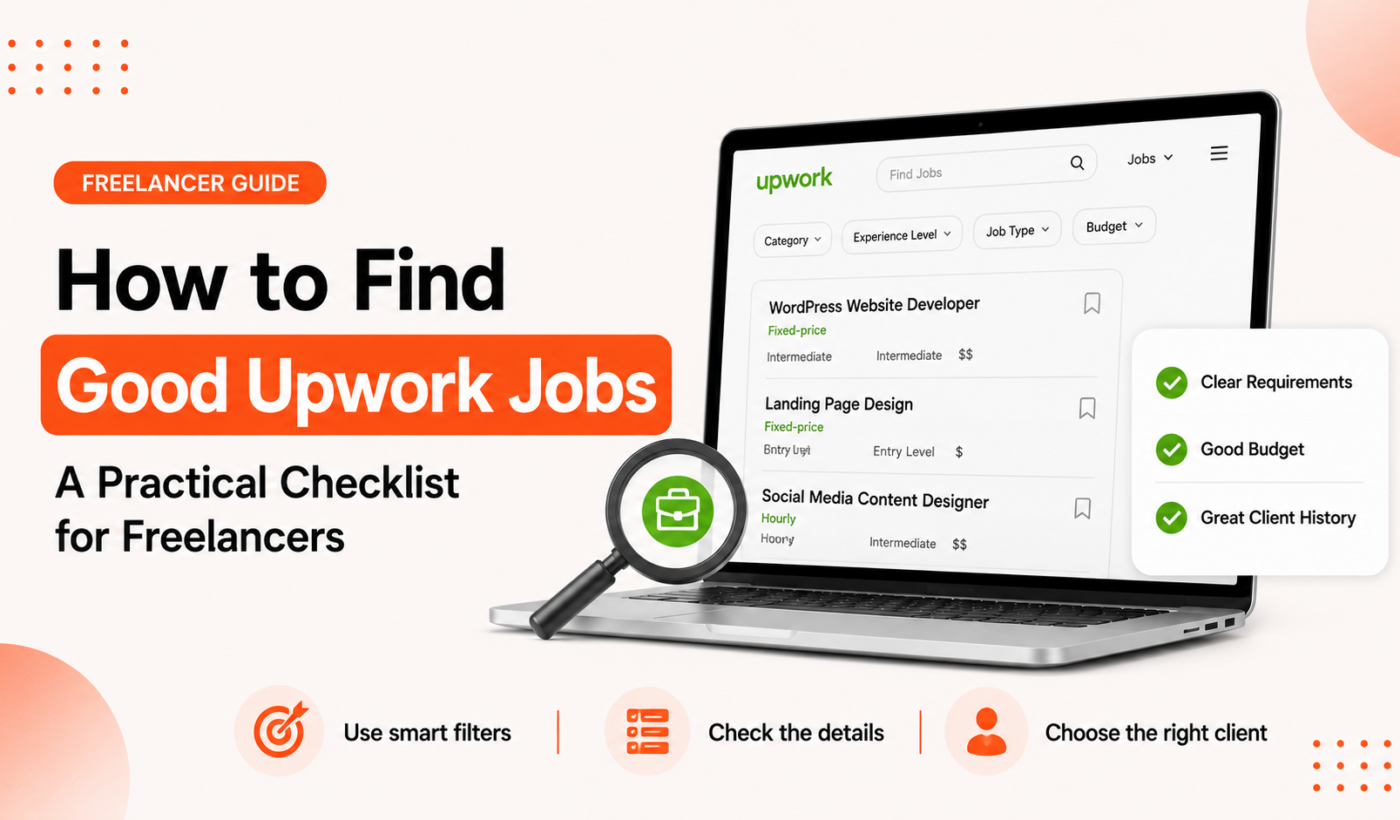
Applying selectively matters. If you want to save connects and get hired faster, you need a repeatable method for identifying the right opportunities. This checklist explains how to find good Upwork jobs by defining what “good” means (fit, budget, clarity, client reliability), creating smart searches, scoring posts in 60 seconds, and sending tailored proposals that actually get responses.
how to find good Upwork jobs: Checklist overview
Who this checklist is for
This guide is written for US-based freelancers, creators, and small agencies who use Upwork and want to spend connects and time only on opportunities with a clear chance of return.
Core criteria: what a “good” Upwork job looks like
- Fit: Your skills match the brief and required deliverables.
- Budget: The listed budget or hourly range meets your minimum rate or is negotiable.
- Clarity: The brief defines scope, deliverables, timeline, and success criteria.
- Client reliability: Payment methods verified, realistic hiring history, and useful reviews if present.
- Timeline: The deadline fits your availability or the project is ongoing.
Quick scoring: 0–10 fit metric
Use a quick internal score while scanning jobs. Start at 10 and subtract points for issues: unclear scope (-3), low budget (-3), red flags (-5). Apply if score ≥7. Consider for strategic reasons if 5–6.
Define your target work before you search
Pick 1–3 service offers to promote
Narrowing your focus improves search signal and proposal relevance. Examples: technical B2B copywriting, Shopify theme customization, podcast editing. Choose services with clear deliverables you can show in a portfolio.
Set minimum acceptable rate and project length
Decide a lowest hourly or project rate and minimum project duration. This prevents low-value one-offs draining your connects.
Decide what client histories you’ll accept
New clients can be fine for small paid tests. For larger work, prefer clients with verified payment methods and positive hiring history.
Example target profile
Freelance copywriter targeting: short-form ad copy, landing pages, and email sequences. Minimum project: $500. Accepts new clients for paid tests under $200; prefers clients with at least one past hire.
Align your Upwork profile to these targets — this helps matches and response rates. For more profile tips, see Upwork Profile Tips: How to Stand Out and Get Hired.
Set up smart Upwork searches and alerts
Keyword and boolean tips for tighter results
Use specific keywords and short phrases that match your service. Combine terms with quotes for exact matches and use minus signs to exclude junk. For example: “landing page” “conversion copy” -design -wordpress (then adjust for your niche).
Use filters effectively
Apply filters for category, experience level, client history, budget, and location when relevant. Filtering reduces noise and surfaces higher-quality posts. Save combinations that work.
Save searches and enable notifications
Save 2–4 search configurations and enable alerts so you catch good posts quickly. Early applicants often get better attention.
Example saved search for a freelance copywriter
- Keywords: “landing page” OR “sales page”
- Category: Writing & Translation
- Experience level: Intermediate +
- Budget: $500+
- Client history: Payment verified preferred
Quick job-post evaluation checklist (scan in 60 seconds)
Top client signals to look for
- Verified payment method or Upwork payment confirmation.
- Client profile with hires and clear feedback.
- Specific deliverables, milestones, or clear hourly expectations.
How to evaluate scope and clarity
- Is the deliverable described precisely? (e.g., “5 landing pages with copy and wireframes”)
- Are deadlines and milestones listed?
- Does the client say how they’ll measure success?
Red flags to reject immediately
- Vague briefs like “need help, message me” with no details.
- Unrealistic deadlines or budgets far below market rate.
- Requests for unpaid work, free trials, or portfolio pieces without pay.
- Mass-posted, identical-sounding offers or poor grammar indicating spam.
Example: scoring three job-post snippets
- Clear brief, $1,200 fixed price, verified client: score 9 — apply.
- Short brief, $50 budget, no details: score 3 — pass.
- New client, good brief, small pilot $150 but potential long-term: score 6 — consider strategic apply.
Which jobs to apply for: decision rules
Apply when
- High fit + clear scope + reasonable budget. Tailor a short proposal and send within the first 24 hours.
Consider applying when
- Lower fit but strategic: portfolio-building, potential long-term client, or entry to a new niche. Use a short, risk-aware proposal that offers a small paid pilot.
Pass when
- Clear red flags, low ROI, or a mismatch with your target offers.
Record your reason
Note why you applied or passed. Over time you’ll see patterns that improve your hit rate.
Manage application volume and tracking
How many tailored proposals per week is realistic?
For most freelancers, 10–20 tailored proposals per week is a good target. Quality over quantity: fewer, better-matched proposals beat many generic ones.
Prioritization: quick wins vs. long shots
Assign each opportunity: quick win (high fit, fast turnaround) or long shot (portfolio or strategic). Spend more time on quick wins.
Simple tracking sheet
- Columns: Job title, date, score (0–10), reason applied/passed, proposal version, follow-up date, outcome.
Write a tailored proposal fast (checklist + tool workflow)
Proposal structure: 3–4 short parts
- 30-second opener that references the brief and your fit.
- 1–2 lines of relevant proof (specific example or metric).
- Clear next step: proposed timeline, deliverable, or ask for a brief call.
- Optional: brief pricing or pilot offer.
When parsing long or messy briefs, use the Summarize long client messages tool to turn them into concise bullet points you can reference.
To speed drafting while keeping personalization, Generate a personalized Upwork proposal and then personalize the top 2–3 lines so your message reads human and specific.
When to attach samples
Attach a one-page sample only if it’s directly relevant. Otherwise link to a portfolio item and label it clearly (e.g., “Landing page copy sample — conversion case study”).
For more detailed proposal examples and structure, see How to Write an Upwork Proposal That Wins Jobs (With Examples).
Polish proposals and attachments before sending
Humanize and paraphrase
Run AI-generated drafts through the Humanize AI text for free tool to restore natural phrasing. Use the Paraphrase text for free tool to avoid repeated or canned lines across proposals.
Quick grammar and clarity check
Before you hit send, run the proposal through Check grammar for free. Small errors reduce trust and response rates.
Optimize attachments
- Use descriptive filenames.
- Include a one-page sample or a link to the exact portfolio item.
- Keep attachments small and mobile-friendly.
Examples, templates and a printable checklist
Three scored examples
- Apply: “Need Shopify landing page with custom copy. Budget $1,200. Deliverable in 3 weeks.” Score 9.
- Pass: “Looking for content help, message me.” Budget $50. Score 2.
- Strategic apply: “Launch campaign; small paid pilot, long-term potential.” Score 6 — apply with pilot offer.
Micro-templates
- Short job opener: “Hi [Name], I can deliver [deliverable] by [date]. I recently did [similar work] with [result].”
- Large project opener: “I can manage the full project and propose a phased plan: pilot → full scope → optimization. Estimated cost: [range].”
- Hourly job opener: “I’m available [hours/week], experience in [tool/skill]. Suggested next step: 30-minute scoping call.”
Adjust templates so each proposal references a specific line from the job post. Use the Paraphrase text for free tool to adapt and avoid identical phrasing across proposals.
For more templates and longer examples, see How to Write an Upwork Proposal That Wins Jobs (With Templates). To explore other freelancer guides, Read more freelancer guides.
Next steps and daily routine
7-day routine to improve hit rate
- Day 1: Define 1–3 service offers and update profile snippets.
- Day 2: Create 2–3 saved searches and enable alerts.
- Day 3–7: Scan jobs for 30–60 minutes each weekday, score posts, send 2–4 tailored proposals/day, and track results.
Recommended Typing Engine tools
Use Generate a personalized Upwork proposal as part of your workflow to draft proposals quickly, then finalize with the Humanizer, Paraphraser, and Grammar Checker for a polished result.
FAQ
How do I decide which Upwork jobs are worth spending a connect on?
Use the 0–10 score: apply when ≥7. Prioritize clear scope, verified client signals, and budgets at or above your minimum. Record the reason for each apply to refine choices.
What are the quickest red flags that mean I should skip a job post?
Vague briefs, unrealistic budgets or deadlines, requests for unpaid work, and poor grammar indicating spam. Those are quick passes.
Is it better to apply for many jobs or focus on fewer tailored proposals?
Fewer tailored proposals are better. Aim for 10–20 high-quality proposals per week rather than many generic ones.
How can I use tools to write proposals faster without sounding generic?
Use a proposal generator to draft structure, then personalize the opener and reference the client’s brief. Humanize AI output and paraphrase repeating lines to keep voice authentic.
When is it worth applying to a low-fit job for strategic reasons?
Apply strategically when a small paid pilot, portfolio opportunity, or potential long-term client exists. Keep these applications limited and clearly labeled in your tracking sheet.
Try Typing Engine’s free Upwork Proposal Generator to draft tailored proposals faster and use the Humanizer, Paraphraser, Summarizer, and Grammar Checker to polish them before sending. Good luck — apply selectively and keep a short tracking habit to improve results each week.