
Landing that first contract feels hard, but an Upwork proposal with no experience can work if you focus on what clients actually care about: clarity, relevant skills, trust signals, and a clear next step. This guide covers quick profile fixes, a step-by-step proposal structure, ready-made templates, credibility tactics, proofreading tips, and a final send checklist. When you’re ready, you can Generate a free personalized Upwork proposal to save time.
Why you can still win your first Upwork job
What clients actually look for in first hires
Clients hiring beginners usually want one thing: confidence that the freelancer will deliver the task reliably. They judge on four signals:
- Clear, specific communication in the proposal.
- Relevant skills and examples—even if they’re from outside Upwork.
- Low-risk pricing (short trial or milestone) and a realistic timeline.
- A professional profile and easy-to-check proof (links, attachments).
Realistic goals: small clients, short tests and building feedback
Start with short, low-budget projects or a paid trial milestone. Successful small jobs produce feedback and make it easier to win slightly bigger gigs next.
How to use non-Upwork experience as proof
Turn school projects, volunteer work, personal projects, or jobs outside Upwork into short case points. Focus on outcome, tools used, and one measurable result where possible.
Quick profile fixes that help beginners get interviews
Professional photo and title that matches job keywords
Use a clear headshot and a title that mirrors the job keywords (for example, “Data Entry Specialist” or “Blog Writer—Small Business Content”). This helps clients scan your profile quickly.
Short overview: craft a 2–3 sentence value statement
State who you help, what you do, and one reason a client should pick you. Keep it client-focused: mention the outcome you deliver, not just tasks.
Skills, portfolio links and relevant attachments
Add 4–8 skills tied to target jobs and upload 2–4 portfolio items or screenshots. If your work lives outside Upwork, include links in your profile or proposal—clients want to click and confirm quickly.
Narrow your niche for the first 5–10 applications
Apply to a narrow set of similar jobs so your profile and proposals stay relevant. Broad pitches look generic; specialized proposals convert better.
Upwork proposal with no experience: Structuring an effective proposal
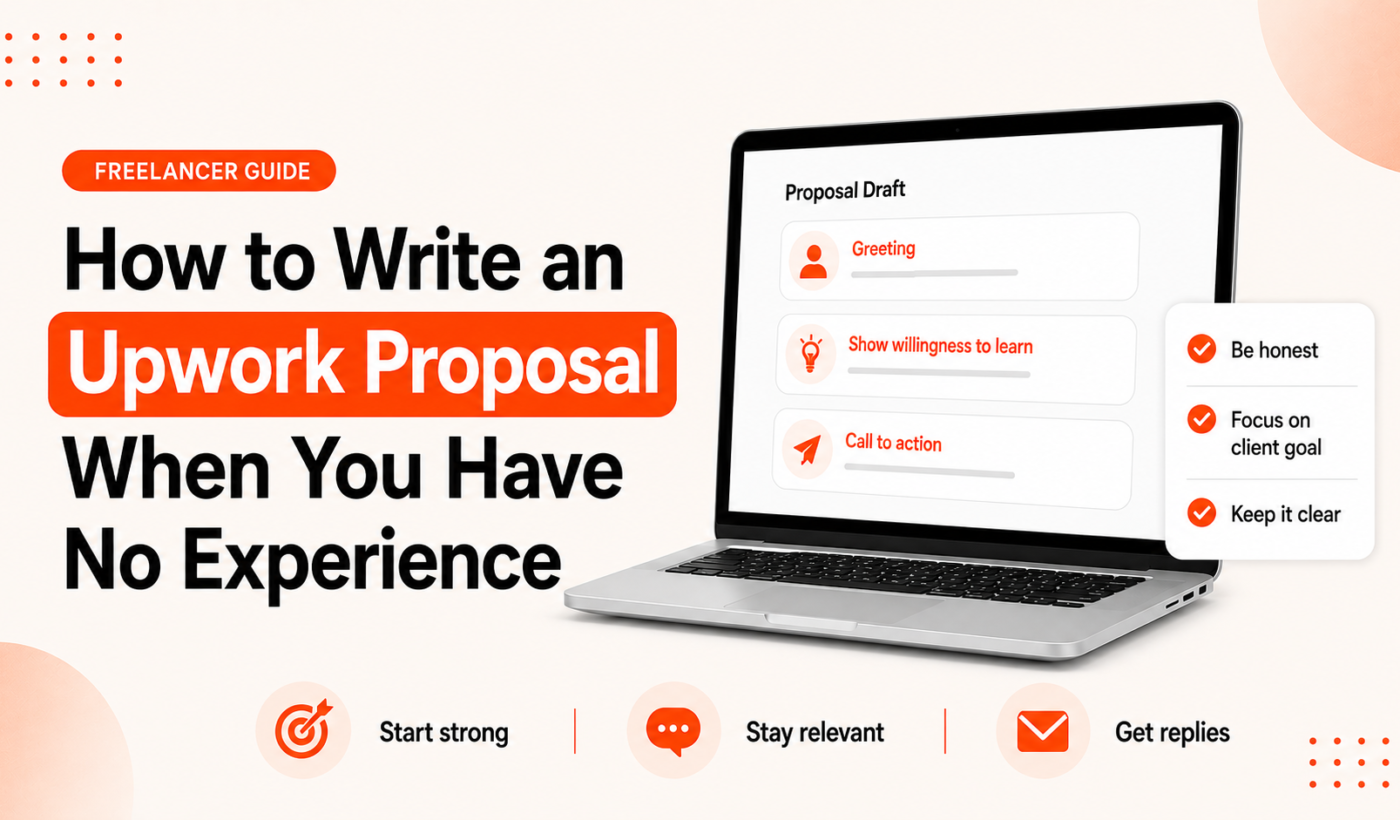
Use this repeatable structure for every application: grab attention, show you read the brief, explain your plan, add proof, state pricing, and finish with a clear next step.
The first two lines: grab attention fast
Clients see the first two lines in their inbox. Start with one line that names the client’s need, then a one-line benefit. For detailed examples, see Upwork proposal first two lines: what to write.
Show you read the job: reference the brief and client goal
Paraphrase one specific requirement from the job post so the client knows you read it. Avoid repeating the whole description—be concise and specific.
Explain how you’ll solve it (brief plan and timeline)
Give a 2–4 step plan and an estimated delivery time. Short plans reduce risk for the client and show you think through the work.
Share relevant proof (portfolio, mini case, or transferable experience)
Include a 1–2 sentence mini-case or link to a relevant sample. If you need a quick reminder on where to place a portfolio link, read Where to place your portfolio link in Upwork proposals.
Clear next step: proposal close and call-to-action
End with one clear CTA: propose a short paid trial, ask to confirm a start date, or offer a 15-minute chat. That reduces client effort to respond.
Short proposal examples and templates for beginners
Below are concise templates you can copy and adapt. Keep edits small and client-specific.
Template A: Quick data-entry job (30–60 words)
First two lines: I can finish your spreadsheet cleanup and matching task in 24 hours. I’ll ensure consistent formatting and data validation.
Plan: 1) Review file, 2) Clean and normalize fields, 3) Deliver with notes.
Rate: $25 fixed. Ready to start—shall I begin now?
Template B: Short content writing task (60–90 words)
First two lines: I’ll write a 500-word blog post that targets small-business owners and matches your tone.
Plan: I’ll submit an outline in 24 hours, deliver the draft in 48 hours, and include one round of edits.
Proof: I’ve written posts for local businesses and can share a short sample on request.
Price: $40 fixed. Would you like the outline first?
Template C: Basic design or formatting task (60–90 words)
First two lines: I’ll format your 10-page PDF and deliver print-ready files in 48 hours.
Plan: I’ll apply consistent styles, adjust margins, and send a PDF proof.
Proof: Sample formatting attached; happy to do a 10-minute paid sample page.
Price: $60 fixed. Shall I start with page 1 as a sample?
How to adapt templates for hourly vs. fixed-price jobs
For hourly work, estimate hours and give a top-end estimate. For fixed-price, define exactly what’s included and one revision round to avoid scope creep.
Ways to prove credibility without Upwork history
Include short portfolio snippets and context
Turn each portfolio item into a one-line result: the task, tool, and outcome. Use the Summarize text for free tool to turn long project notes into short bullets you can paste into proposals.
Offer a low-risk paid trial or milestone
Suggest a small paid sample or a first milestone—clients prefer paying a little to confirm fit rather than hiring blind.
Use external proofs: LinkedIn, GitHub, personal site
Link to a public profile where the client can verify your background quickly. A live sample beats long explanations.
How to summarize unrelated work so it matters to the client
Extract the transferable skills (tools, outcome, process) and present them as relevant to the client’s brief.
Polish, proofread and humanize your proposal
Quick edit checklist before hitting send
- Read the proposal aloud once.
- Confirm the first two lines directly reference the job.
- Attach or link to samples mentioned.
- State one clear next step.
Tone and clarity checks: sounding human and confident
Avoid robotic phrases and long paragraphs. Short sentences and one personal sentence (brief availability or approach) are enough. You can Humanize AI text for free if you used an AI draft to remove robotic wording.
Formatting tips: scannable, short paragraphs and bullets
Use bullets for the plan or deliverables. Keep paragraphs to 1–3 lines so clients scanning the proposal see the structure quickly.
Need to tweak wording to match a client’s voice? Try our Paraphrase text for free tool. For grammar checks, run your draft through Check grammar for free. If one paragraph reads long, use the Rewrite a paragraph for free tool to tighten it.
Common mistakes beginners make (and how to fix them)
Sending generic copy-paste proposals
Fix: Reference one specific sentence from the job and adapt your opening to it. If you get no replies, read Why Upwork proposals get no response — fixes that actually work for deeper troubleshooting.
Overpricing or underpricing without rationale
Fix: Explain your rate with one line of value or offer a smaller test milestone.
Too much irrelevant background or personal biography
Fix: Replace biography with relevant tasks and outcomes—clients want to know what you will do for them now.
Forgetting to include a clear next step
Fix: End every proposal with a single CTA, for example: “If that sounds good, I can start today and deliver the first milestone in 48 hours—shall I begin?”
Final checklist: send-ready proposal
- Profile quick-check: photo, title, key skills, portfolio link.
- Proposal structure: first two lines, plan, proof, CTA.
- Proofread, humanize and format: run grammar and tone checks with our Check grammar for free and Humanize AI text for free tools.
- Follow-up schedule: plan one polite follow-up 3–5 days after sending if there’s no reply.
FAQ
Can I get my first Upwork job with zero Upwork reviews?
Yes. Win small, low-risk projects, show relevant proof from outside Upwork, and offer a paid trial or milestone to reduce client risk.
How long should my first proposals be?
Short and focused: 60–150 words is a good target for small jobs. Use bullets for the plan and one short proof sentence.
What should I write in the first two lines of a proposal?
State the client’s need and your immediate benefit or timeline. See examples at Upwork proposal first two lines: what to write.
Is it okay to offer a low introductory price for my first job?
Yes, if you explain it’s an introductory or trial rate and limit it to one small task. Don’t permanently underprice your services—use the trial to collect feedback and raise rates later.
How soon should I follow up if I don’t get a reply?
Wait 3–5 business days, then send a short, polite follow-up referencing the original proposal and offering to answer any questions.
Next steps and recommended Typing Engine tools
If you want to speed up writing, Generate a free personalized Upwork proposal. After you draft, humanize AI text with Humanize AI text for free, paraphrase to match tone using Paraphrase text for free, and run a final grammar pass with Check grammar for free. Use the Summarize text for free tool to create short portfolio snippets and the Rewrite a paragraph for free tool to tighten any long sections.
Write one tailored proposal per job, keep your first projects small, and iterate your templates as you collect feedback. When you’re ready, Generate a free personalized Upwork proposal to get a polished draft fast.