
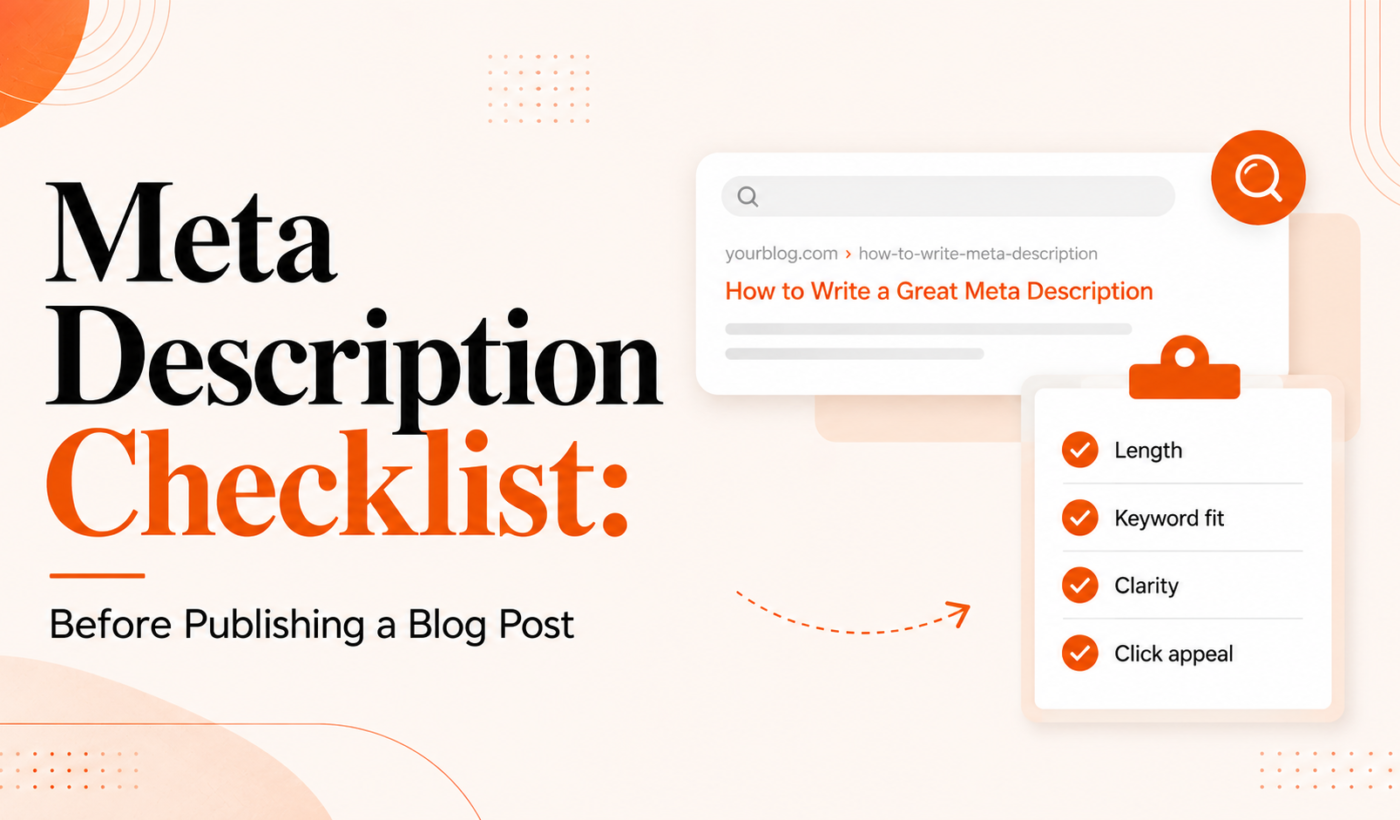
A meta description is a short summary that appears under your page title in search results and social previews. This meta description checklist walks freelancers and bloggers through every pre-publish step to improve click-through rate and set accurate expectations—without promising rankings.
What is a meta description and why it matters
Quick definition: meta description
A meta description is an HTML attribute that summarizes a page’s content. Search engines often use it to build the snippet shown under your title in search results and when social platforms generate previews.
What meta descriptions influence (CTR and user expectations)
Meta descriptions don’t directly change your Google ranking, but they shape whether people click. A clear, relevant snippet helps users know the page will answer their query. That increases the chance of a visit and reduces mismatched clicks.
What they usually don’t change (direct ranking signals)
Google says meta descriptions are not a ranking factor. Use them to improve user experience and clicks, not as a hidden SEO lever. Focus on relevance and clarity instead of keyword stuffing.
Meta Description Checklist: Quick pre-publish checklist (at-a-glance)
One-line checklist to copy into a CMS
Copy this short checklist into your CMS or publishing template before you hit publish:
- Include target keyword and match intent.
- Keep visible length under ~155 characters (desktop) / ~120 (mobile).
- Lead with a benefit or clear action.
- Make it unique for this page.
- Use correct tone and no misleading CTAs.
- Check grammar, punctuation and readability.
- Preview SERP and social snippets.
How to use this checklist in your publish workflow
Paste the one-line checklist into your publishing SOP or CMS checklist. Run it after final edits and before scheduling the post so the snippet reflects the published content exactly.
Detailed checks (step-by-step)
Target keyword and intent: does the meta match the article’s focus?
Start by confirming the meta description reflects the page’s target query and intent. If the page answers a how-to question, the meta should promise a clear outcome. If it’s informational, highlight the main takeaway. If you need a quick headline tweak, use the Blog Title Generator to test alternative angles that align with the meta.
Length and truncation: preview examples and recommended visible length
Visible length depends on device and search display. Aim for roughly 140–155 characters for desktop, and keep the most important information in the first 120 characters for mobile. Avoid cutting off the key benefit or call-to-action.
Compelling lead and call-to-action: writing for clicks without clickbait
Open with a concise benefit or the problem you solve. Follow with a clear action or result, but avoid deceptive claims. Example lead: “Learn 7 quick steps to fix your invoice process.” That sets expectation without overselling.
Clarity and relevance: remove ambiguity and set expectations
Say what the reader will get. Replace vague phrases like “helpful tips” with specifics: “step-by-step checklist” or “examples and templates.” A clearer snippet attracts the right visitors and reduces pogo-sticking.
Avoid duplication: unique descriptions for each page
Duplicate meta descriptions across multiple posts dilute their value. Make each meta unique, especially for similar topics. If you run many similar pages, generate variants and keep the main differentiator up front.
Tone and voice: match your brand and audience
Match tone to the audience—professional and practical for clients, more casual for community posts. If you use AI to draft meta text, polish the voice to sound human. See our examples of humanizing copy in the article about AI humanizer for LinkedIn posts: before-and-after examples for practical edits you can apply to meta text.
Grammar and readability: short checklist items for copy polish
Run a quick proof: correct punctuation, consistent capitalization, and remove unnecessary words. For a reusable grammar checklist, adapt items from our Checklist: How to Check Grammar Before Sending a Client Email to meta copy. Final polish with the Grammar Checker saves tiny errors that reduce credibility.
Special characters, emojis and symbols: when to use or avoid them
Emojis can increase attention in some niches, but they may look unprofessional for B2B audiences. Use symbols sparingly and test how they render in search previews and social cards. Avoid characters that might be stripped or cause encoding issues.
Tracking and UTM parameters: when (and when not) to include links
Do not add UTM parameters to your meta description. The meta field is plain text and should not contain URLs; tracking belongs in the link you control (e.g., campaign links on social posts). Keep the meta focused on the message, not analytics.
Schema and rich snippets: confirm how meta interacts with structured data
Structured data can produce different search results (rich snippets, FAQs). Make sure your meta description complements any visible structured content. For example, if you have FAQ schema, the meta should still summarize the page rather than repeat the questions verbatim.
Good vs. bad examples
Example 1: informational blog post
Bad: “Great tips for SEO and blogging. Read now!”
Good: “10 practical SEO checks to improve blog traffic—step-by-step items you can run in 15 minutes.”
Example 2: how-to article
Bad: “How to build a website. Learn everything here.”
Good: “Follow this 7-step checklist to build a simple WordPress site, including hosting, themes, and launch tasks.”
Example 3: product or service page (blog-adjacent)
Bad: “We offer great services. Contact us.”
Good: “Affordable freelance copywriting for startups—case studies, pricing tiers, and a 2-week turnaround option.”
How to preview and test your snippet
Using a SERP snippet previewer
Use a SERP preview tool to see how your meta looks on desktop and mobile. Adjust wording and length until the key message appears in the visible area. Several free snippet preview tools exist; also preview within your CMS SEO box when available.
Checking mobile truncation and desktop differences
Always scan the first 120 characters to ensure the value proposition is visible on mobile. Then check the full desktop view for readability and punctuation.
Testing social previews (Open Graph and Twitter Card checks)
Confirm your Open Graph and Twitter Card tags produce the correct title, description and image. If your meta description will double as a social preview, make sure it reads well in that context. For short social-friendly summaries, see our guide on how to Summarize a Blog Post for Social Media.
Tools and quick workflows
Use a simple tool chain to create and finalize meta descriptions fast.
- Generate a starting meta: Use the Meta Description Generator to create a draft you can refine.
- Refine headline and angle: If the title needs work to match intent, try the Blog Title Generator.
- Humanize or paraphrase drafts: Polish tone with the AI Text Humanizer and experiment with variants using the Paraphrasing Tool.
- Final polish: Run a last grammar check with the Grammar Checker.
Final pre-publish checklist (copy-and-paste)
Paste this 10-point checklist into your CMS or publish SOP:
- Meta matches page intent and target keyword.
- Lead shows the main benefit in first 120 characters.
- Length: ~140–155 characters desktop; key info first 120 for mobile.
- Unique meta for this page (no duplicates).
- Clear, non-misleading CTA or outcome.
- Tone matches audience and brand voice.
- No unnecessary emojis; special characters tested.
- No URLs or UTMs in the meta field.
- Previewed in SERP and social preview tools.
- Grammar and punctuation verified.
Need a starting description? Generate meta descriptions for free.
Common mistakes and how to avoid them
Top 5 mistakes
- Duplicate descriptions across many pages.
- Keyword stuffing that reads awkwardly.
- Misleading CTAs that the page doesn’t deliver.
- Overly long copy that truncates the main point.
- Ignoring social preview formatting and images.
Fast fixes you can make in under 5 minutes
- Shorten the first sentence to prioritize the main benefit.
- Swap a vague phrase for a specific result or number.
- Run a quick grammar check and remove extra adjectives.
Next steps and recommended CTA for freelancers
Slot meta writing after your final content edit and headline lock. If you’re drafting multiple meta descriptions, generate a base with the Meta Description Generator, then humanize and iterate using the AI Text Humanizer and Paraphrasing Tool.
When you’re ready to move from content to client work or pitches, generate a free personalized Upwork proposal with Typing Engine to fast-track your outreach and win projects faster.
FAQ
How long should a meta description be to avoid truncation?
Aim for about 140–155 characters for desktop; make sure the first 120 characters contain the most important information for mobile users.
Can meta descriptions improve my search rankings?
Meta descriptions do not directly change Google rankings. They can improve click-through rates, which may indirectly affect performance by bringing more qualified visitors.
Should every page have a unique meta description?
Yes. Unique meta descriptions help searchers understand the difference between pages and improve the chance of relevant clicks.
Is it okay to use emojis or special characters in meta descriptions?
Use them cautiously. Emojis can increase attention in some niches but may look unprofessional or render inconsistently. Test before using them widely.
How can I A/B test meta descriptions to improve CTR?
A/B testing meta descriptions typically requires an experimental setup—either by running paid ads with different descriptions or using search console experiments where available. For small sites, create variants and track impressions and CTR over time in Google Search Console.
Ready to simplify your workflow? Start by generating a draft with the Meta Description Generator, then finalize your title and angles with the Blog Title Generator. When you’re balancing client work and content, Try Typing Engine’s free Upwork Proposal Generator to speed proposal writing and win more gigs.