
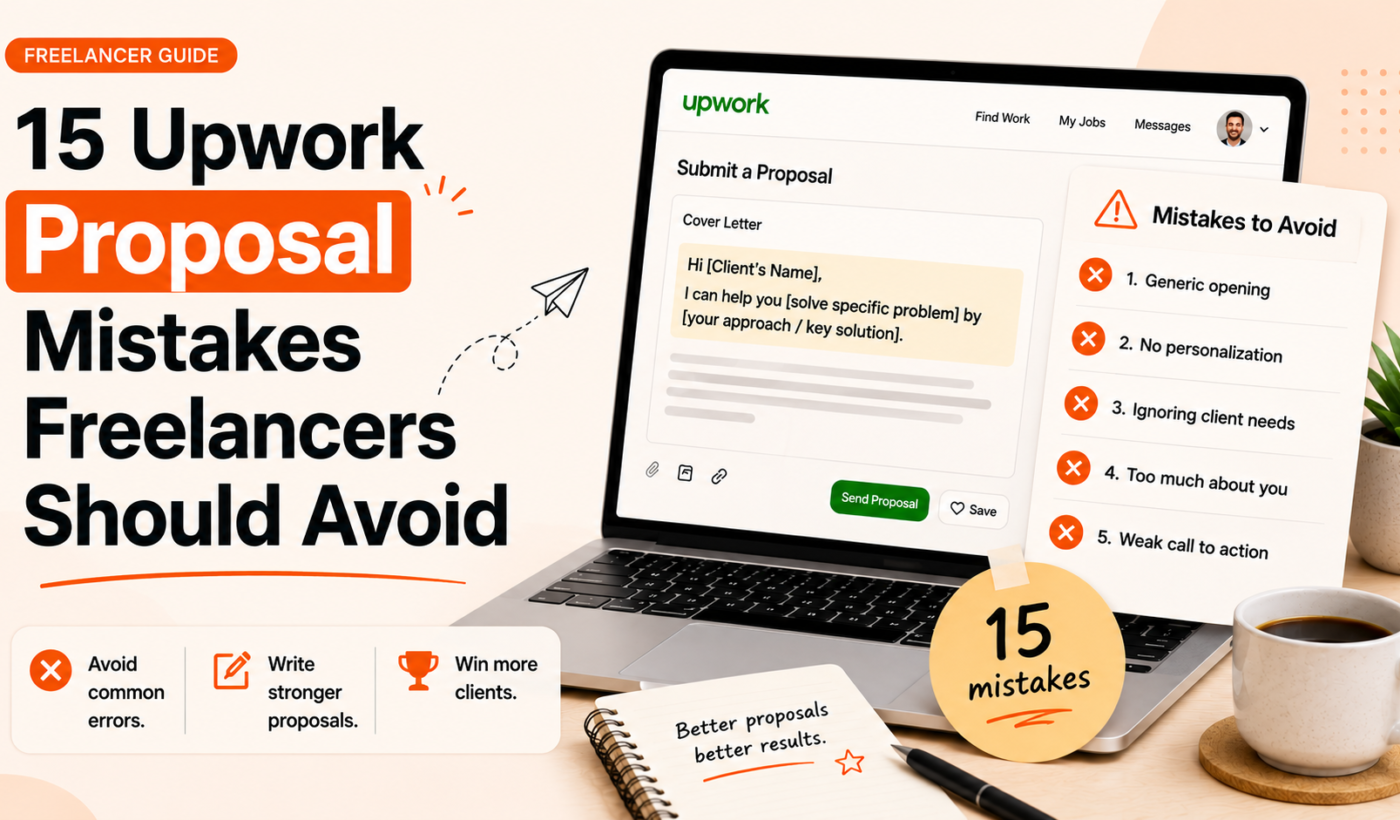
Submitting proposals that look, read, and behave like every other applicant’s is the fastest way to get ignored. This guide covers the 15 most common Upwork proposal mistakes and, more importantly, shows specific fixes you can apply immediately. You’ll get quick examples, a copyable checklist, and a 7‑day plan to improve results without wasting hours per application.
Why avoiding Upwork proposal mistakes matters
How small mistakes cost interviews and time
On Upwork, clients scan dozens of proposals. Small errors — a generic opening, missing samples, or unclear pricing — create friction and reduce your interview rate. Fewer replies mean more time chasing low‑quality leads and less time doing billable work.
What this article will (and won’t) promise
This article gives practical fixes you can use today. It won’t promise guaranteed jobs or invented statistics. Use these recommendations to improve response rates and save time when applying.
Top 15 Upwork proposal mistakes (and how to fix each one)
1. Using a generic, copy‑and‑paste proposal — fix: personalize the opening two lines
Problem: A generic intro tells the client you didn’t read their posting. Impact: instant deprioritization. Fix: reference one specific detail from the job and state a relevant outcome in the first two lines.
2. Ignoring the client brief — fix: answer their exact questions first
Problem: Proposals that stray into unrelated skills. Impact: clients must hunt for answers. Fix: start by directly answering any requirements or questions in the brief, then add supporting info.
3. Weak first two lines — fix: lead with a value statement or relevant example
Problem: Boring openings lose attention. Impact: low interview invites. Fix: open with a short value statement or a one‑sentence example of similar work. For more ideas on strong openings, see Upwork proposal first two lines: what to write (with examples).
4. Failing to show relevant work or portfolio links — fix: include 1–2 targeted samples
Problem: Attaching a vast portfolio with irrelevant projects. Impact: client confusion. Fix: include 1–2 targeted samples that match the job and label them clearly (e.g., “E-commerce checkout redesign — 10% conversion lift”).
5. Too long or unfocused — fix: shorter, scannable paragraphs and bullets
Problem: Walls of text. Impact: clients skip details. Fix: use 3–4 short paragraphs and 2–4 bullets summarizing approach and deliverables.
6. Typos, grammar errors or sloppy formatting — fix: proofreading checklist
Problem: Mistakes that suggest carelessness. Impact: loss of trust. Fix: run a one‑minute proofreading checklist (read aloud, check names, confirm links) and consider a second pair of eyes.
7. Overloading technical detail too early — fix: match detail to job stage
Problem: Long technical explanations before the client has agreed to talk. Impact: confusion and wasted effort. Fix: give a high‑level approach and save detailed technical specs for follow‑up or an interview.
8. Not asking clarifying questions — fix: include 1–2 smart questions
Problem: Silence where curiosity would help. Impact: clients don’t see you thinking. Fix: add 1–2 targeted questions that show you understand the brief and expose unknowns.
9. Quoting price without context — fix: explain scope, milestones, or range
Problem: Price alone raises red flags. Impact: clients hesitate to engage. Fix: give a clear range or a short scope + milestone breakdown so the client understands what the price includes.
10. Failing to propose next steps or a call to action — fix: suggest a clear next step
Problem: Leaving the client to make the next move. Impact: stalled conversations. Fix: propose one clear next step: a 15‑minute call, a one‑week milestone, or a sample deliverable.
11. Making false claims about results or experience — fix: stick to verifiable facts
Problem: Inflated claims or unclear metrics. Impact: damage to credibility if checked. Fix: present verifiable facts, outcomes, or a short case result with context.
12. Misusing Upwork features (attachments, files, milestones) — fix: correctly attach and label work samples
Problem: Uploading large irrelevant files or mislabeling attachments. Impact: client irritation or ignored attachments. Fix: use descriptive filenames, compress large files, and set milestone proposals only when appropriate.
13. Relying solely on long resumes instead of outcomes — fix: show one short case result
Problem: A resume that lists duties, not results. Impact: clients want outcomes, not tasks. Fix: add a one‑sentence case study: the challenge, your action, and the measurable result.
14. Ignoring timezone, availability or communication preferences — fix: state availability and tools
Problem: Ongoing scheduling confusion. Impact: missed meetings and slower onboarding. Fix: state your timezone, typical working hours, and preferred communication tools upfront.
15. Sending proposals with no customization for the client or industry — fix: add a 1–2 sentence industry hook
Problem: Generic skills that don’t match industry specifics. Impact: clients question fit. Fix: add a short industry insight or reference a competitor/market detail showing relevant expertise.
Examples: bad Upwork proposal examples and improved versions
Bad example 1: generic intro — improved version with personalization
Bad: “Hi, I’m an expert designer. I can do this project.”
Improved: “Hi Maria — I built a Shopify cart redesign that cut checkout drop‑off by 12% for a similar store. I can apply the same A/B approach to your product bundles. Quick question: are your bundles already grouped in Liquid or via an app?”
Bad example 2: weak first two lines — stronger opening with value
Bad: “I have 5 years of experience in SEO.”
Improved: “I grew organic traffic 35% in 6 months for a SaaS landing page. For your site, I’d start with a three‑step content audit and quick wins list to capture immediate traffic.”
Bad example 3: missing portfolio — improved version with targeted sample links
Bad: “See my profile for work.”
Improved: “Relevant samples: 1) Checkout redesign (link), 2) Product page SEO case (link). Both included A/B tests and measured lifts.”
For more before/after examples and templates, see How to Write an Upwork Proposal That Wins Jobs (With Examples).
Quick pre‑send checklist (use this every time)
Checklist items (15 quick checks: brief, tailored, samples attached, price context, proofread, call to action)
- Did I mention one specific job detail in the first two lines?
- Did I answer any client questions directly?
- Is my opening value statement clear?
- Are 1–2 targeted samples attached or linked?
- Is scope or price context provided (range or milestones)?
- Have I proposed a clear next step?
- Are there 3–4 short, scannable paragraphs?
- Did I proofread for typos and grammar?
- Are filenames and attachments labeled clearly?
- Did I include availability/timezone?
- Does the proposal focus on outcomes, not duties?
- Is there at least one clarifying question?
- Did I avoid overloading technical detail?
- Is my tone professional and not salesy?
- Have I kept the proposal under a recommended length for the job complexity?
How to use this checklist with saved templates
Keep a short template but run this checklist each time you paste it. You can speed drafting with tools — for quick, customizable drafts try the Upwork Proposal Generator as part of your pre‑send routine.
When to use templates — and how to make them sound personal
Template anatomy: opener, proof, approach, CTA
Good templates follow a simple outline: 1) tailored opener (1–2 lines), 2) brief proof or relevant sample (1 sentence), 3) short approach or deliverables (2–4 bullets), 4) clear next step. Use this base and always swap tokens before sending.
Quick customization tokens to always replace
- [Client name]
- [Specific product, page or requirement mentioned]
- [Relevant sample link and 1‑line result]
- [Timezone/availability]
For faster workflows that still create personalized proposals, read How To Generate Winning Upwork Proposals in Minutes (Not Hours).
Formatting, length and rate guidance (practical rules)
Recommended structure and length by job complexity
Small tasks: 3–4 short paragraphs and 1 sample link. Mid complexity: 4–6 short paragraphs, 2 targeted samples, and a brief milestone outline. Complex projects: keep the proposal focused (high level) and offer a discovery call before a full plan.
How to present fixed vs hourly pricing clearly
For fixed bids, show what’s included and one milestone example. For hourly, give an estimated hours range and a suggested first milestone or deliverable to align expectations.
How to test and iterate your proposals
What to track (response rate, interview invites, time to hire)
Track a few simple metrics: responses per 10 proposals, interviews per 10, and time from proposal to hire. Compare variations in openers, call to action, and sample use.
Small experiments you can run in a week
- Test two different first‑line approaches for similar jobs (value vs. question).
- Swap one targeted sample for a different sample and measure responses.
- Test adding a clarifying question vs. not adding one.
Use the Generate a free personalized Upwork proposal tool to quickly create consistent variants for split testing and to streamline your experiments.
Tools and resources to write better proposals
Use the Upwork Proposal Generator to create personalized drafts that avoid common proposal errors and save time. To align proposal messaging with your profile, try the Improve your LinkedIn headline and bio tool to keep a consistent professional brand.
Closing: a 7‑day plan to improve your Upwork proposals
Day 1–2: Audit recent proposals and fix the top 3 mistakes
- Review your last 20 proposals and mark recurring issues (generic openings, missing samples, unclear pricing).
- Update two saved templates to correct those issues.
Day 3–5: Use generator + test two improved proposals per day
- Create personalized drafts with the Upwork Proposal Generator and send two improved proposals per day to similar jobs.
- Track responses and note which openings and samples work best.
Day 6–7: Review responses and iterate
- Compare response rates and refine your opener and CTA.
- Keep the best variant and repeat the cycle the next week.
FAQ
What are the most common Upwork proposal mistakes and which ones hurt response rates the most?
The top offenders are generic openings, missing relevant samples, weak first two lines, and unclear pricing. Those tend to reduce replies most because they stop a client from quickly assessing fit.
How do I personalize proposals quickly without spending hours on each application?
Use a short template and replace 3–4 tokens: client name, one job detail, one targeted sample, and availability. Tools like the Upwork Proposal Generator can speed this while keeping personalization.
Can I use a proposal template on Upwork and still get good responses?
Yes. Keep a concise template and always customize the opener and the sample section. Running the quick checklist before sending prevents generic proposals.
How long should an Upwork proposal be for small vs. complex projects?
Small projects: 3–4 short paragraphs. Mid projects: up to 6 short paragraphs with 2 samples. For complex projects, keep the proposal high level and offer a discovery call or a paid audit to define scope.
Will fixing these proposal mistakes guarantee interviews?
No. Improved proposals increase your chances but can’t guarantee interviews. They reduce friction and make it easier for clients to invite you to talk.
Try Typing Engine’s free Upwork Proposal Generator to create personalized proposals, test variants, and save time: Try the Upwork Proposal Generator.