
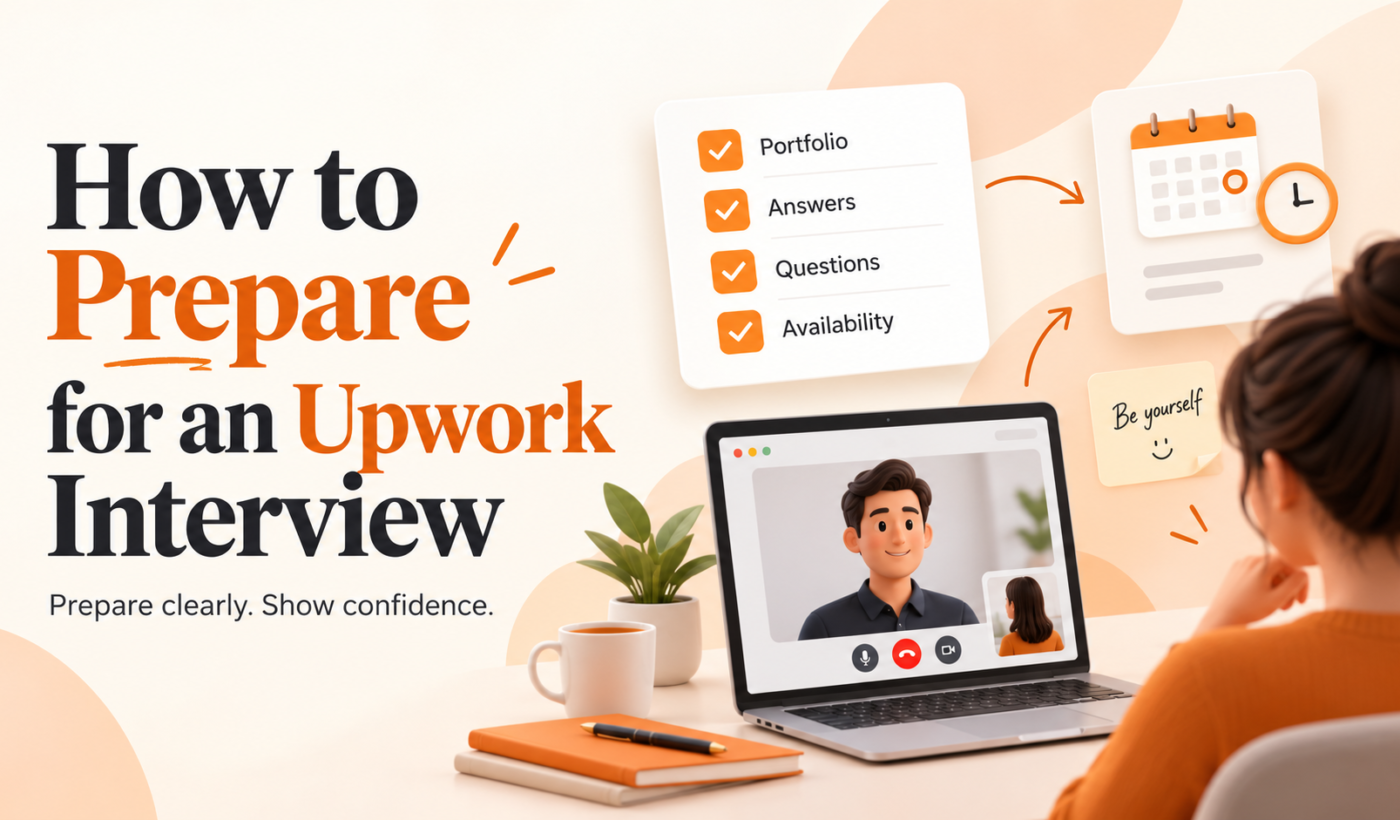
This guide gives clear, usable Upwork interview tips so you arrive prepared, answer common questions confidently, spot red flags and convert interviews into client wins. Read the quick 24-hour checklist, learn common interview formats, practice answers, set up your tech, and use copy-paste templates for follow-up.
Quick 60-second checklist (what to do in the 24 hours before an interview)
- Confirm interview time and time zone with the client.
- Re-read the job post and summarize key requirements using the Summarizer Tool.
- Open your Upwork profile and refresh your portfolio examples.
- Practice two short stories (past result + what you did) that match the role.
- Test camera, mic and internet speed in the same spot you’ll use for the call.
How this article is organized
Start with formats and expectations, then follow the step-by-step prep: profile and proposal checks, common questions with sample answers, practice methods, technical setup, in-call communication, post-interview follow-up, and ready-to-use templates.
Understand how Upwork interviews work
Interview formats: messages, voice calls, video calls, and Workroom chats
Upwork interviews range from a short message exchange to a scheduled video call. Many clients start with Upwork messages or the Workroom chat for quick clarifications. Voice or video calls are common when the project needs real-time discussion or a demo. Know the format ahead of time so you can prepare appropriately.
Scheduling, time zones and confirming start times
Always state your time zone when confirming a time and repeat the scheduled time in the client’s time zone. Example: “Yes, I can meet Thursday at 2:00 PM EDT (11:00 AM PDT).” This avoids confusion and shows professionalism.
What clients usually judge in short Upwork interviews
- Clarity: can you explain your process in plain terms?
- Relevance: do you have direct examples that match their needs?
- Availability and communication style: will you be responsive and reliable?
- Trust and fit: can you work with their budget, timeline and expectations?
Before the interview: profile, proposal and pre-interview prep
Quick profile audit: title, overview, portfolio and recent feedback
- Title: keep it specific and searchable (role + specialty).
- Overview: the first 2–3 lines must immediately answer “Why hire you for this job?”
- Portfolio: choose 2–3 recent samples that map to the job—have them ready to screen-share.
- Feedback: be ready to summarize relevant client reviews as proof points.
Run short text checks before messaging: use the Grammar Checker to proofread proposals and profile copy.
Tailor your proposal and highlight the 2–3 things the client cares about
Before the call, rework your proposal to make those two or three priorities obvious. If you want a fast way to turn interview notes into an updated proposal, try the Upwork Proposal Generator to create a concise, role-specific proposal you can send after the interview.
Prepare targeted questions to ask the client (scope, timeline, success criteria)
Good questions prove you understand the job and help you control scope. Use the checklist in our guide Questions to Ask in an Upwork Proposal: A Checklist for Freelancers to build these questions into your interview script.
Common Upwork interview questions and sample answers
Skill and experience questions (examples + 2 short answer templates)
Clients often ask about your background and relevant projects. Keep answers short, outcome-focused and specific.
- Question: “Tell me about a similar project you’ve done.”
- Short template: “I worked on [project] for [client/industry]. I handled [specific tasks], which led to [measurable outcome or concrete deliverable]. For this project I’d take the same approach: [one-line process].”
- Question: “Why are you the right fit?”
- Short template: “I combine [skill 1] and [skill 2]. My recent example is [one-sentence proof]. I’ll prioritize [client priority] and deliver [what success looks like].”
Project-scope and process questions (planning, milestones, deliverables)
Explain your typical process in three steps: discovery, execution, and review. Example: “First I map goals and deliverables, then I build milestones with checkpoints every 1–2 weeks, and I deliver final files plus a checklist for handoff.” Offer to write a short scope after the call.
Logistics: rates, availability, timeline and revisions (how to answer concisely)
Be direct and polite. If asked about rates, respond with a range or project-based estimate and follow with what is included. Example: “My rate for this scope starts at $X; that includes Y rounds of revision and Z deliverables. I can give an exact number after we confirm scope.”
How to practice answers and role-play
Record and time your answers (3-minute rule for explanations)
Record short answers and keep explanations under three minutes. Timeboxing keeps you concise and helps when clients want quick calls.
Use tools to refine phrasing and humanize responses
Polish scripted answers so they sound conversational. Use the AI Text Humanizer to make practice answers sound natural, and the Paraphrasing Tool to create multiple versions so you don’t sound memorized.
Role-play checklist and a short practice script
- Write 3 likely client questions and your bullet answers.
- Practice with a friend or record yourself answering once per question.
- Run a full mock interview for 10–15 minutes, including your opening lines and closing next steps.
Practice script (30–60 seconds): “Thanks for meeting — I’m [name]. I specialize in [skill]. For this job I’d start by [one-step plan]. My availability is [hours/days]. After this call I’ll send a short scope with milestones and price options. What’s most important for you on this project?”
Technical setup for video or audio interviews
Recommended hardware and internet checks (camera, mic, bandwidth)
- Use a laptop or desktop camera if possible; test audio and camera 10–15 minutes before the call.
- Use a dedicated headset or USB mic for clearer audio.
- Run a quick speed test; 5–10 Mbps up/down is usually enough for stable calls.
Lighting, background and framing tips
- Face natural or soft light; avoid backlighting.
- Use a clean, uncluttered background or a simple virtual background if needed.
- Frame so your head and shoulders are visible; keep the camera at eye level.
Screen-sharing, portfolio demos and file access during the call
Open any demo files in advance and close unrelated tabs. If you plan to screen-share, practice switching windows and have one clear demo file per deliverable.
Communication tips during the interview
Opening lines that set the right tone
Start with a brief gratitude and a one-sentence summary of what you’ll deliver in the call. Example: “Thanks for the invite — I read the brief and I think I can help by doing X. Can I ask a couple quick questions to confirm?”
Active listening and clarifying ambiguous requirements
Use short clarifying phrases: “Do you mean X or Y?” “Can you give an example of a successful result for you?” Restate key points to confirm understanding: “So what matters most is [priority], correct?”
How to recognize and respond to common red flags
Watch for vague scope, pressure to start unpaid work, or unrealistic deadlines. For help identifying risky clients, review our guide Upwork Job Red Flags: How Freelancers Can Spot Risky Job Posts. If you see concerns, ask direct questions and protect yourself with a clear contract or milestone-based payments.
After the interview: follow-up, proposal updates and negotiation
Follow-up message template and timing (what to include)
Send a thank-you and a short scope within 24 hours. Include three things: summary of agreed scope, proposed milestones/deliverables, and next steps.
Follow-up template: “Thanks for your time today — I enjoyed learning about [project]. Based on our call, here’s a short scope: [one-paragraph scope]. Proposed milestones: [list]. If this looks right, I’ll update the Upwork contract and can start on [start date].”
You can use the Upwork Proposal Generator to update your proposal quickly and send a clean contract-ready scope.
How to update your proposal or contract based on the interview
Adjust deliverables, timeline and price to reflect what you learned. Be explicit about what’s included and what would be extra. This prevents scope creep and makes negotiations simpler.
Negotiation tips that protect your rate and set clear deliverables
- Offer two pricing options (baseline and premium) to keep flexibility.
- Confirm revision limits and what counts as a scope change.
- If the client asks for a lower rate, reduce scope rather than reduce quality.
Interview checklist and ready-to-use templates
24-hour preparation checklist
- Confirm scheduled time and time zone.
- Summarize job post with the Summarizer Tool.
- Pick 2 portfolio pieces to show and load them locally.
- Practice answers and record a mock call.
- Check tech: camera, mic, internet.
Day-of interview checklist
- Arrive online 5 minutes early.
- Keep notes handy and a pen to capture action items.
- Use clear opening and closing lines; confirm next steps on the call.
Copy-paste templates: intro, follow-up, scope-confirmation
Intro (message before call): “Thanks for scheduling. I’ve reviewed your brief and prepared a short plan to discuss. Looking forward to our call at [time].”
Scope-confirmation (post-call): “Confirming our discussion: deliverables are [list], timeline is [dates], price is [amount], and next step is [action]. Please let me know if anything needs adjusting.”
Adapt these templates quickly with the Paraphrasing Tool so they match your voice.
Further resources and next steps
Use Typing Engine tools to polish messages and proposals: Upwork Proposal Generator, AI Text Humanizer, and the Paraphrasing Tool. For ongoing reading, visit the Typing Engine Blog.
If you want to find higher-quality leads that lead to better interviews, check our guide How to Find Good Upwork Jobs: A Practical Checklist for Freelancers.
FAQ
How long do typical Upwork interviews last and how should I manage time?
Most Upwork interviews are 10–30 minutes. Start with a short intro, spend the middle clarifying scope and timeline, and reserve the last 3–5 minutes for next steps and pricing. Timebox answers to 1–3 minutes each.
Should I use Upwork’s call feature or suggest Zoom/Google Meet for interviews?
Either is fine. Use Upwork calls when you want everything tracked in-platform. Suggest Zoom or Google Meet if you need advanced screen-sharing or recording—confirm with the client and respect any privacy expectations.
What is the best way to talk about rates during an Upwork interview?
Be clear and offer a range or two packaged options. Focus on what each option includes and be ready to adjust scope rather than reduce quality if price is an issue.
How soon should I follow up after an Upwork interview and what should I include?
Follow up within 24 hours with a short thank-you, a one-paragraph scope summary, proposed milestones, and next steps. This reduces confusion and speeds hiring decisions.
Can I ask for a short paid test or trial during the interview?
Yes — if it’s scoped and paid. Phrase it as a small milestone: “If you’d like, I can do a short paid trial of X deliverable for $Y to demonstrate fit.” This protects your time and shows professionalism.
Final tips: small habits like confirming time zones, practicing two short success stories, and sending a clear follow-up will noticeably increase interview-to-hire conversion. Try Typing Engine’s free Upwork Proposal Generator to turn interview notes into a tailored proposal quickly.