
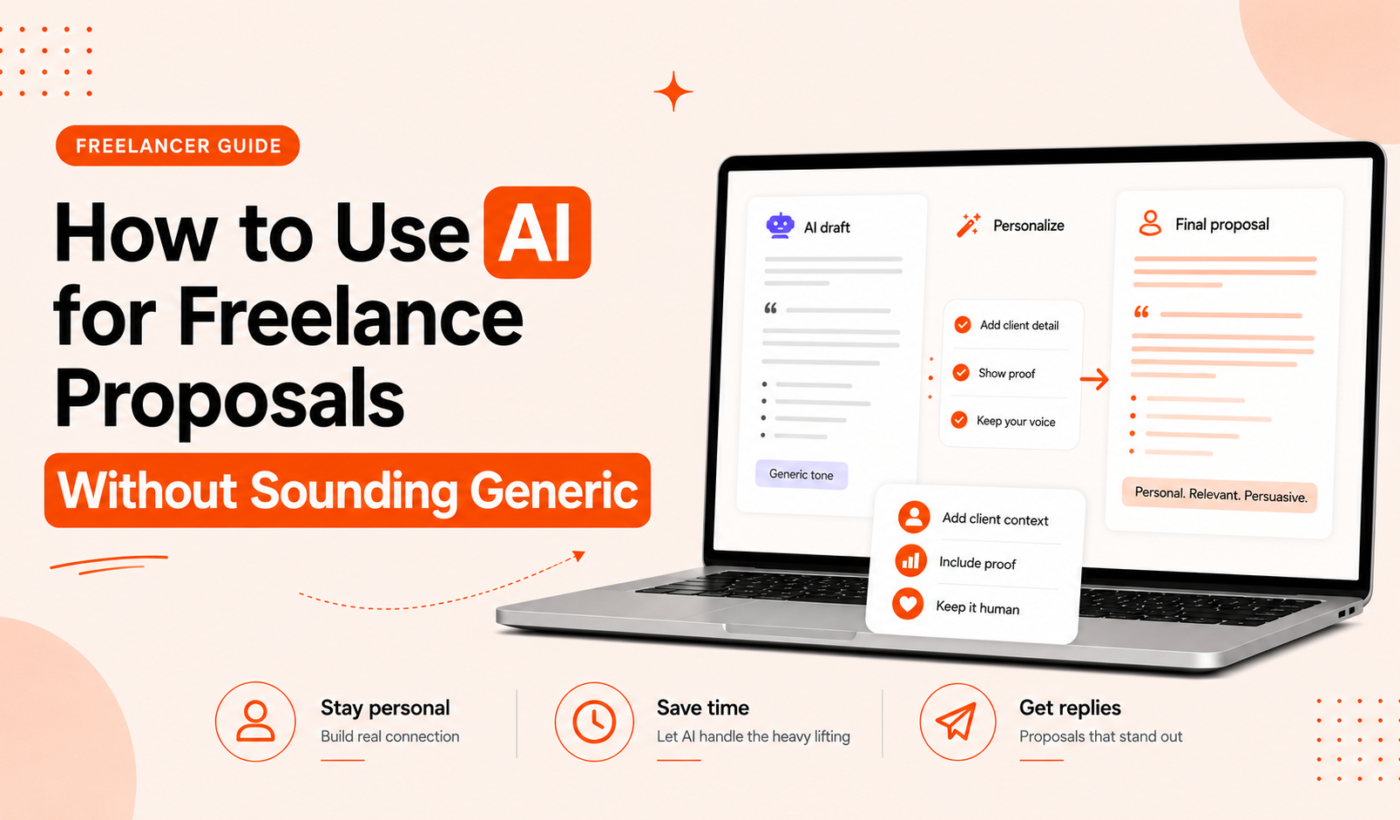
AI for freelance proposals can save you time and help overcome writer’s block — if you use it selectively. This guide shows practical, step-by-step ways to use AI while keeping proposals personalized, relevant, and client-focused (not generic). If you want to try a fast starting draft, Generate a free personalized Upwork proposal and follow the editing steps below.
AI for freelance proposals: When to use it (and when not to)
Quick wins: subject lines, opening hooks, and project summaries
Use AI to produce short, alternate options you can pick from or adapt. Good candidates:
- Subject lines and one-line openers to test tone and clarity.
- Two-sentence project summaries you can paste into the top of a proposal.
- Concise versions of your approach for different client skill levels (technical vs. non-technical).
When to avoid AI-first drafts (sensitive, expert or niche work)
Don’t rely on AI to write full proposals for work that requires domain authority, credential verification, legal nuance, or highly confidential details. Examples: legal drafting, medical consulting, highly specialized engineering plans, or any proposal that must reflect proprietary methods.
Balancing speed and authenticity: what to auto-generate vs. customize
A practical split: let AI handle short, structural text (subject line, intro options, executive summary), then always customize the client-facing pieces: exact deliverables, timeline, examples of past work, pricing nuances, and the final call-to-action.
How to prompt AI so proposals are specific, not generic
Prompt formula: client context + job details + proposed approach + tone and length
Use a single-line formula to get focused results. Fill in these parts when you prompt an AI or an AI proposal writer tool:
- Client context: industry, company size, role of the person hiring.
- Job details: what the post asks for, deliverables, constraints.
- Proposed approach: one-sentence method or tool you’ll use.
- Tone and length: friendly and concise, 100–150 words, or formal and detailed, 250–350 words.
Example prompt template: “Write a 150-word Upwork proposal opener for a small SaaS company hiring a React developer. The project is to build a settings page and integrate it with existing APIs. Mention a similar past project (admin panel UI) and suggest a 2-week timeline. Tone: confident and conversational.”
Example prompts for an Upwork developer job and a LinkedIn outreach pitch
Upwork developer prompt:
Write a 120–160 word proposal opener for a React developer role. Client: small SaaS startup. Job: build a responsive settings page and connect to two REST endpoints. Mention I’ve built admin UIs and list a 2-week timeline. Tone: concise, helpful, and technical enough for an engineering manager.
LinkedIn outreach prompt:
Write a 3-sentence LinkedIn pitch for a freelance copywriter to a head of marketing at a mid-size e-commerce brand. Job need: product description rewrite and A/B test copy. Include one short proof point and invite a 15-minute call. Tone: warm and non-salesy.
What to include from the job post (and what to ignore)
Include: explicit deliverables, required skills, deadlines, and client budget if listed. Ignore: vague praise phrases like “experience preferred” without specifics, and long background stories that don’t affect scope.
Humanizing techniques: make AI text sound like you
Replace generic phrases with real examples and short stories
AI often uses placeholders like “extensive experience” or “proven track record.” Replace these with specifics: a short project name, platform, or measurable outcome (e.g., “built an admin panel for AcmeCRM that reduced support tickets by improving settings discoverability”). Keep it short and verifiable.
Inject voice: three quick edits for tone and rhythm
- Shorten sentences: break long AI sentences into two for punch and clarity.
- Use first-person specifics: swap “we can” for “I will” if you’re freelance, or add your company name when relevant.
- Add a small personal line: one sentence that shows you’re human (e.g., “I enjoy simplifying complex UIs so customers can move faster”).
Add client-specific details: deliverables, timeline, and relevant past work
Avoid vague scopes. Replace “I will create the page” with “I will deliver a responsive settings page, built in React, with unit tests, integrated with the /settings and /preferences APIs, and deployed to your staging environment within 10 business days.” That level of specificity converts generic tone into professional clarity.
Practical workflow: combine Typing Engine tools for faster, authentic proposals
Step 1: generate a draft (Upwork Proposal Generator) — what to feed it
Start with the Upwork Proposal Generator. Paste the job post, add the client context and a short note about your relevant work. Use the prompt formula above to steer the draft. Generate a free personalized Upwork proposal to get a structured draft you can edit.
Step 2: humanize the draft (AI Text Humanizer) — what to check
Run the draft through the AI Text Humanizer to soften robotic phrases and improve flow. After that, manually:
- Insert one or two concrete proof points.
- Match terminology from the job post (helps show you read it).
- Remove overconfident or unverifiable claims.
Step 3: paraphrase and tighten (Paraphrasing Tool + Summarizer Tool)
Use the paraphrasing tool to create alternate phrasings when you want to avoid repetitive templates. Use the summarizer tool to reduce long project descriptions into a concise scope paragraph you can paste near the top of the proposal.
Step 4: final polish (Grammar Checker) and send
Run the cleaned draft through the grammar checker for clarity, consistency, and tone. Read the proposal aloud once. If it still sounds canned, add a short question about the client’s priorities to show engagement.
Examples: before-and-after AI proposal snippets
Opening paragraph: generic vs. tailored
Generic: “I have extensive experience building web applications and can help with your project.”
Humanized: “I built a settings panel for a SaaS admin console last year that improved user task completion by simplifying toggles. I can build your responsive settings page and connect it to your /settings API in two weeks.”
Commentary: the humanized version replaces vague claims with a short, relevant example and a clear timeline.
Scope paragraph: vague vs. specific deliverables
Vague: “I will deliver the features you requested and ensure quality.”
Specific: “Deliverables: (1) responsive React settings page, (2) API integration with /settings and /preferences, (3) unit tests, and (4) deployment to staging. Timeline: 10 business days.”
Commentary: listing deliverables prevents scope creep and sounds professional.
Closing paragraph: generic CTA vs. conversational next step
Generic: “Let me know if you want to work together.”
Conversational: “If that timeline works, I can start with a 1-hour discovery call to map the endpoints and confirm acceptance criteria. Are you available for a call on Tuesday or Thursday morning?”
Commentary: asking specific next steps makes it easier for the client to respond.
Proposal checklist before hitting send
- Include the client name or company and reference the job title.
- One-sentence value proposition tailored to the client’s pain.
- Clear deliverables and timeline (bullet list).
- One relevant proof point or short example of past work.
- One specific next step or scheduling question.
- Run grammar and clarity checks.
For suggested client questions to include, see the practical list in Questions to Ask in an Upwork Proposal: A Checklist for Freelancers.
Quick final tests
- Read the proposal aloud — does it sound like you?
- Replace canned words such as “extensive” or “proven” with specifics.
- Confirm any technical claims are accurate and verifiable.
Common mistakes and how to avoid them
Over-reliance on boilerplate and repetitive templates
Templates are a good starting point. But sending the same intro or proofs to every client signals low effort. Use the AI draft to save time, then make at least three custom edits: client name, a job-specific sentence, and a tailored next step.
Using vague quantifiers instead of specifics
Swap broad words like “improved” or “helped” for short, verifiable details that indicate what you delivered and the client context.
Ignoring platform rules or appearing deceptive
Do not claim certifications or client relationships you don’t have. Also review platform guidance before including content that could violate rules. For common language and grammar fixes, see Common Grammar Mistakes Freelancers Make in Proposals (with examples and fixes).
Tools and resources
Recommended Typing Engine tools for each step:
- Draft: Generate a free personalized Upwork proposal
- Humanize: AI Text Humanizer
- Paraphrase: paraphrasing tool
- Summarize long descriptions: summarizer tool
- Final polish: grammar checker
Explore all Typing Engine utilities from the free AI tools directory, or compare with other options in our article on the best AI tools for freelancers.
How to practice: daily micro-tasks to improve proposal quality
- Rewrite one AI-generated sentence per day to sound more like you.
- Collect two short proof points from past work and keep them in a swipe file.
- Practice prompting: write three different prompts for the same job and compare outputs.
FAQ
Can I use AI to write my freelance proposal and still sound personal?
Yes. Use AI for structure and options, then add two or three personal edits: a proof point, a timeline, and a question that references the job post. That makes the proposal feel written for the client.
How do I write a prompt that makes AI produce a tailored proposal for an Upwork job?
Use the formula: client context + job details + proposed approach + tone and length. Include specific deliverables and a desired word count to keep the output focused.
What quick edits make AI-generated proposals sound more human?
Shorten long sentences, replace vague phrases with specific examples, and add a one-line personal sentence that shows you read the job post.
Are there platform rules or ethical risks when using AI in proposals?
Yes. Avoid misrepresenting credentials or client relationships. Check platform guidance and be transparent if a client asks for methodology or proprietary details.
How much should I customize an AI-generated proposal before sending it?
At minimum: add the client name, one specific deliverable or timeline, and a tailored next step or question. More customization is needed for specialized work.
Try this now: open the Upwork Proposal Generator, create a draft, then run it through the AI Text Humanizer and paraphrasing tools to practice one quick edit. Generate a free personalized Upwork proposal to get started.
Good proposals combine speed and sincerity. Use AI to accelerate the draft, then make three human edits that show you read the post and understand the client’s needs.