
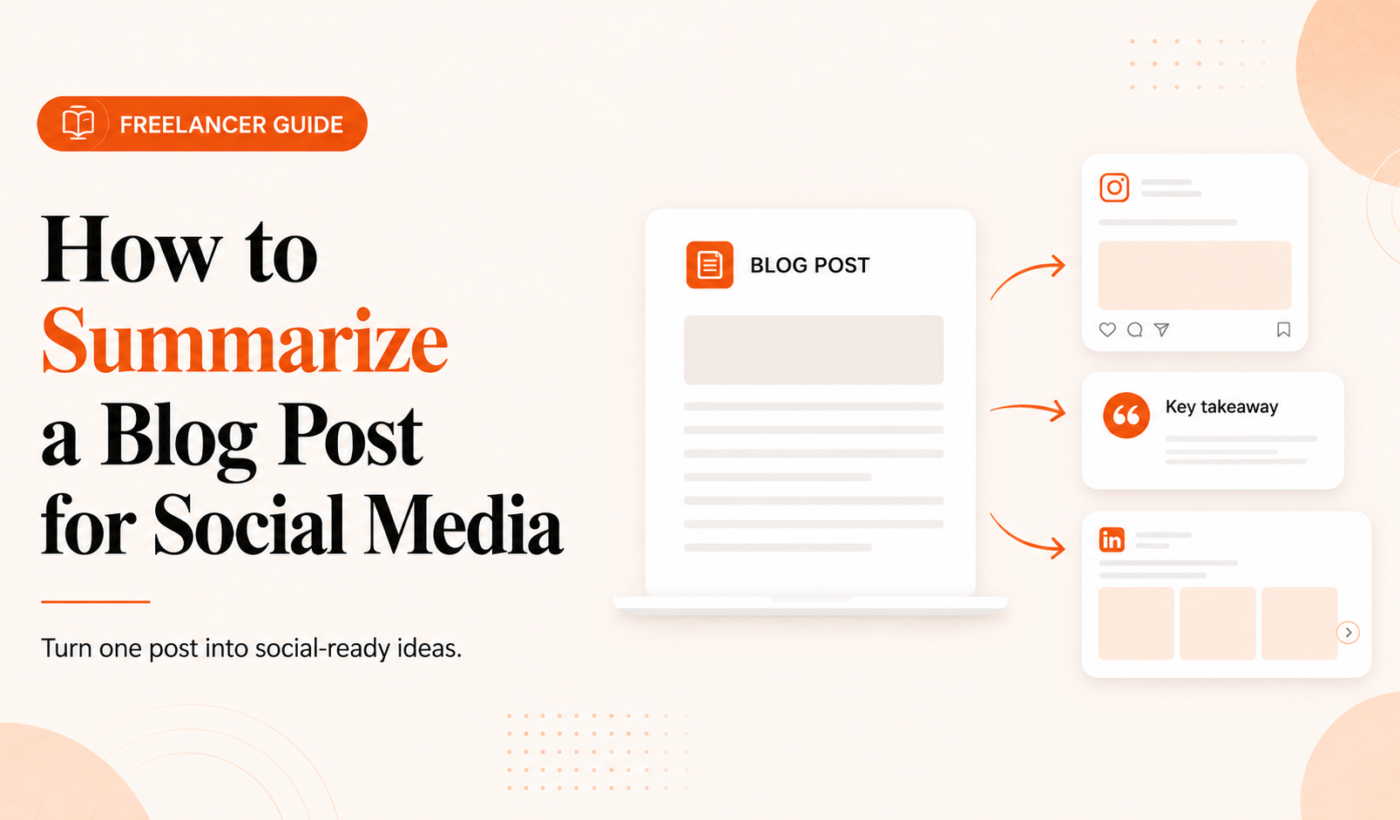
If you want to efficiently summarize blog post for social media and get more mileage from each long-form piece, this article gives a repeatable 5-step workflow you can use today. Freelancers, creators, and small agencies can save time, increase reach and drive the right actions from readers by turning one blog into multiple short, platform-ready posts.
Why summarize a blog post for social media?
Before you rewrite anything, decide what you want the social posts to do: reach, engage, drive clicks, or collect leads. Each objective changes the angle and CTA.
Reach more readers with shorter formats
Most people won’t read a full blog on social. Short summaries and hooks help your content surface in feeds and attract attention quickly.
Turn blog traffic into engagement and leads
A clear CTA—read, save, comment, or sign up—turns passive readers into measurable outcomes.
Build authority with consistent micro-content
Repurposing parts of a single blog into multiple posts keeps your voice in front of your audience without extra research.
How to summarize a blog post for social media: a quick 5-step workflow
Step 1 — Identify the single core idea and CTA
Read the blog and pick one concise takeaway. Ask: what’s the clearest sentence that captures the piece? Use that as your core idea. Then pick one CTA—what do you want people to do next?
If you struggle to extract concise takeaways from long text, this tutorial on How to Turn Long Notes Into Key Takeaways (practical tutorial) is a useful companion for narrowing down points into social-sized ideas.
Step 2 — Pick the angle and desired outcome for each platform
Decide how the core idea maps to each platform. Example angles:
- LinkedIn: professional insight + short how-to
- X (Twitter): quick thread that expands the idea
- Instagram: visual hook + carousel steps or a short caption
- Facebook: conversational summary with link preview
Step 3 — Craft a punchy hook and headline
The hook decides whether someone stops scrolling. Write 3–5 hook options and pick the strongest. Use short sentences, questions, or surprising facts from the blog.
To speed this step, try the Hook Generator to create attention-grabbing opening lines you can test across platforms.
Step 4 — Write the platform-specific summary (formats & length)
Follow platform-friendly lengths and formats. Below are practical examples and templates to copy.
Step 5 — Edit for clarity, add visuals and schedule
Shorten long sentences, remove jargon, and keep one idea per post. If a sentence from the blog is too long, use the Paraphrasing Tool to reword and shorten variations for different posts.
Add a visual—an image, branded slide, or carousel card—and schedule posts across a two-week window to avoid flooding followers.
Platform-specific formats and examples
LinkedIn: blog summary for LinkedIn (example + short checklist)
LinkedIn posts should be clear, slightly longer, and actionable. Start with a hook, add 3–5 short bullets or steps, then a single CTA.
Example:
Hook: Want 3 quick ways to double the reach of one blog post?
- Turn key subheadings into LinkedIn posts.
- Create a 5-tweet thread that expands one example.
- Design a carousel summarizing the how-to steps.
CTA: Read the full post or save this for your next content day.
For structure and examples you can adapt to your summary, see How to Write a LinkedIn Post That Goes Viral (With Examples).
X (Twitter): turn a blog into a thread (structure + sample first 3 tweets)
Structure a thread to tease, deliver value, and end with a CTA. Each tweet should be a single idea or step.
Sample first 3 tweets:
- Hook tweet: “One blog post = 5 mini-posts. Here’s how to get 10x more reach from one article.”
- Bridge: “Step 1: Pick the single idea your audience needs right now.”
- Value: “Step 2: Turn each subheading into a standalone tweet with an example.”
Keep tweets short, use emojis sparingly, and end the thread with a link to the blog or a signup CTA.
Instagram: caption + carousel ideas and a caption example
Instagram favors visuals. Use carousels to break a blog into 4–10 cards. Each card should hold one takeaway or step.
Caption example:
Hook: “Turn one long blog into 5 scroll-stopping posts—here’s a simple plan. ⬇️”
Use the Instagram Caption Generator to draft multiple caption versions and find the one that matches your tone.
Facebook / Meta: short post vs link preview
Short posts that prompt a reaction work well. Use the link preview for traffic: write a one-line hook above the link and a question to invite comments.
Repurposing for email and newsletters
Turn the blog’s key takeaway into a short newsletter with 1–2 actionable steps and a clear link to read more. Keep subject lines benefit-led and specific.
Templates and exact copy you can reuse
LinkedIn short summary template (with CTA)
Hook + 3 bullets + CTA
“Hook sentence that promises a benefit.”
- Bullet 1: Key point or stat.
- Bullet 2: Quick how-to or example.
- Bullet 3: One line takeaway.
CTA: Read the full post here: [link] or save for later.
X thread opener + bridge tweets template
Tweet 1: Hook. Tweet 2: Why it matters. Tweet 3–n: Steps or examples. Final tweet: CTA + link.
Instagram caption + carousel card copy
Card 1: Big promise. Cards 2–n: Steps or images. Caption: 1–2 short paragraphs + 2 hashtags and one CTA.
Three CTA options: read, save, message
- Read: link to blog for more detail.
- Save: encourage saves for future reference.
- Message: invite DMs for questions or collaborations.
When testing hooks, use the Hook Generator again to create 3–5 variations quickly.
Editing checklist and tone guidelines
Run this short checklist before you publish.
- Length & scannability: Keep LinkedIn posts under 300 words, Instagram captions under 125 words for best readability.
- Voice: Use active verbs and specific examples.
- Readability: Remove jargon and split long sentences.
- Humanize: If copy feels robotic, use the AI Text Humanizer to make it sound natural.
For LinkedIn-specific tone edits and before/after examples, see AI humanizer for LinkedIn posts: before-and-after examples.
Tools & resources to speed the process
- Hook Generator — create hooks and opening lines.
- Instagram Caption Generator — draft captions and carousel text.
- Instagram Hashtag Generator — pick tags for discovery.
- Paraphrasing Tool — shorten or reword sentences for different posts.
- AI Text Humanizer — make repurposed copy feel authentic.
- Upwork Proposal Generator — explore Typing Engine’s primary toolset and other writing helpers.
Measuring performance and iterating
Track platform-specific metrics: clicks and CTR for link posts, saves and shares for Instagram, engagement rate for LinkedIn, and replies/retweets for X. Run a simple A/B test: two hooks, same image and CTA, measure engagement over 48 hours and repeat with the winning hook.
Repurposing schedule: turn one blog into 5–10 social posts
Suggested 2-week posting plan:
- Day 1: LinkedIn long summary + blog link.
- Day 3: X thread expanding one example.
- Day 5: Instagram carousel with 6 cards.
- Day 8: Facebook short post + link preview.
- Day 12: Repost a different LinkedIn angle or a short video clip.
Stagger content so each platform gets its own moment, then recycle the best-performing post after 6–8 weeks with a fresh hook.
Conclusion and next steps
Summarizing a blog post for social media becomes fast and repeatable when you follow a clear workflow: pick one core idea, choose angles by platform, write strong hooks, create platform-specific copy, and edit for clarity. Use the checklist to publish one hour after reading this piece.
Quick action checklist to publish in one hour:
- Extract the core idea and CTA.
- Write 3 hooks and choose one per platform.
- Create 3 short posts (LinkedIn, X thread opener, Instagram caption + first carousel card).
- Edit for clarity and add visuals.
- Schedule across two weeks.
Try Typing Engine’s free Upwork Proposal Generator to explore our tools and speed up your writing workflow.
FAQ
How long should a LinkedIn summary of a blog post be?
Keep it concise: 150–300 words is a practical range. Lead with a hook, add 3 short bullets or steps, then one CTA.
Can I use the same summary across multiple social platforms?
You can reuse the same core idea, but adapt tone, length and format for each platform. Shorten and humanize sentences for X and Instagram; expand slightly for LinkedIn.
What is the fastest way to turn a blog into an X thread?
Identify 6–8 subpoints or steps from the blog, craft a hook tweet, and write each subpoint as its own tweet. Keep tweets short and end with a CTA and link to the post.
Which Typing Engine tools help speed up repurposing a blog post?
Use the Hook Generator, the Instagram Caption Generator, the Instagram Hashtag Generator, the Paraphrasing Tool, and the AI Text Humanizer to speed drafting and editing.
How should I choose the CTA when summarizing a blog for social?
Pick the CTA based on your goal: clicks (read the post), saves (keep for later), or messages (start a conversation). Keep CTAs short and action-oriented.
Next step: Use the checklist above and try Typing Engine’s free Upwork Proposal Generator to access our suite of writing tools and speed up repurposing your content.